
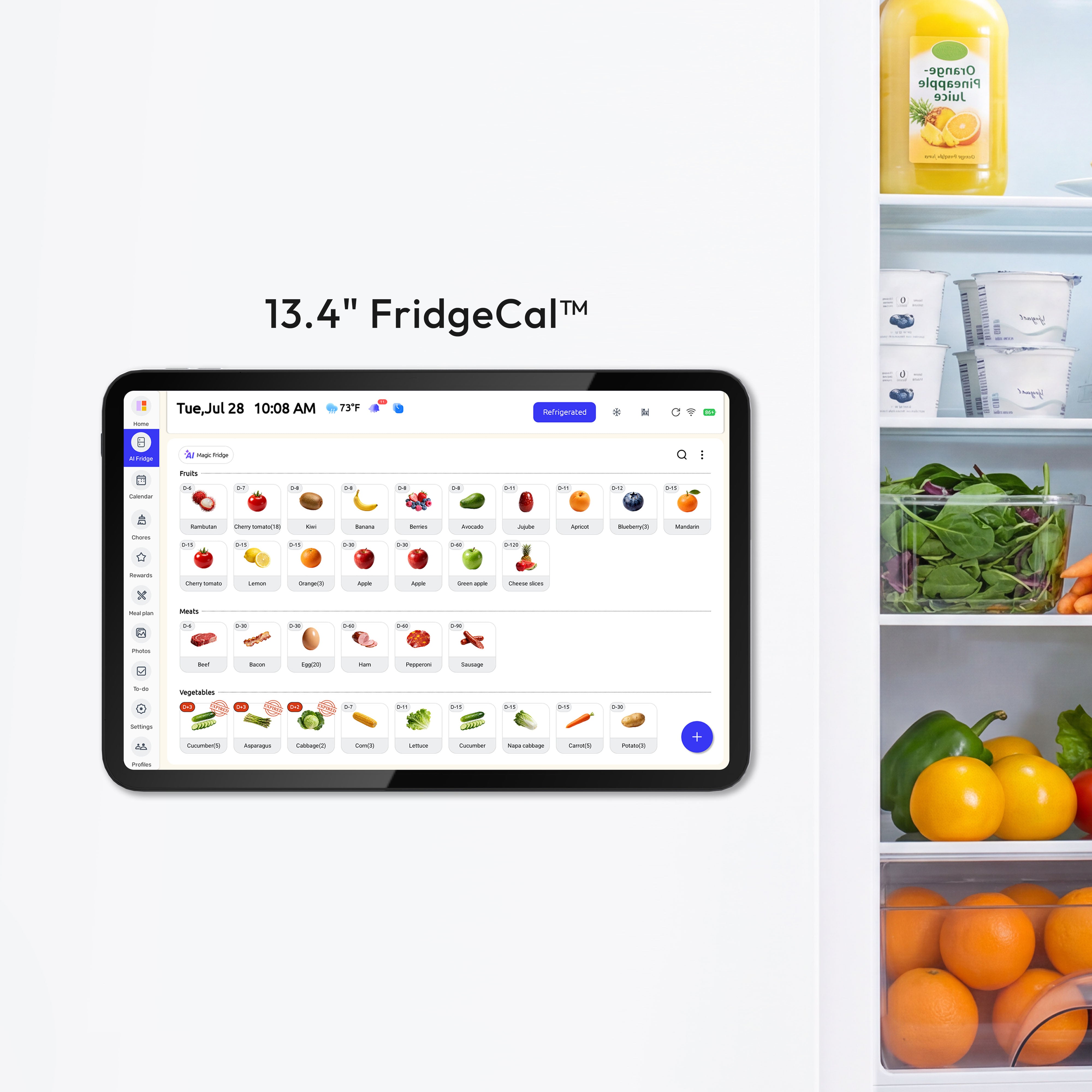
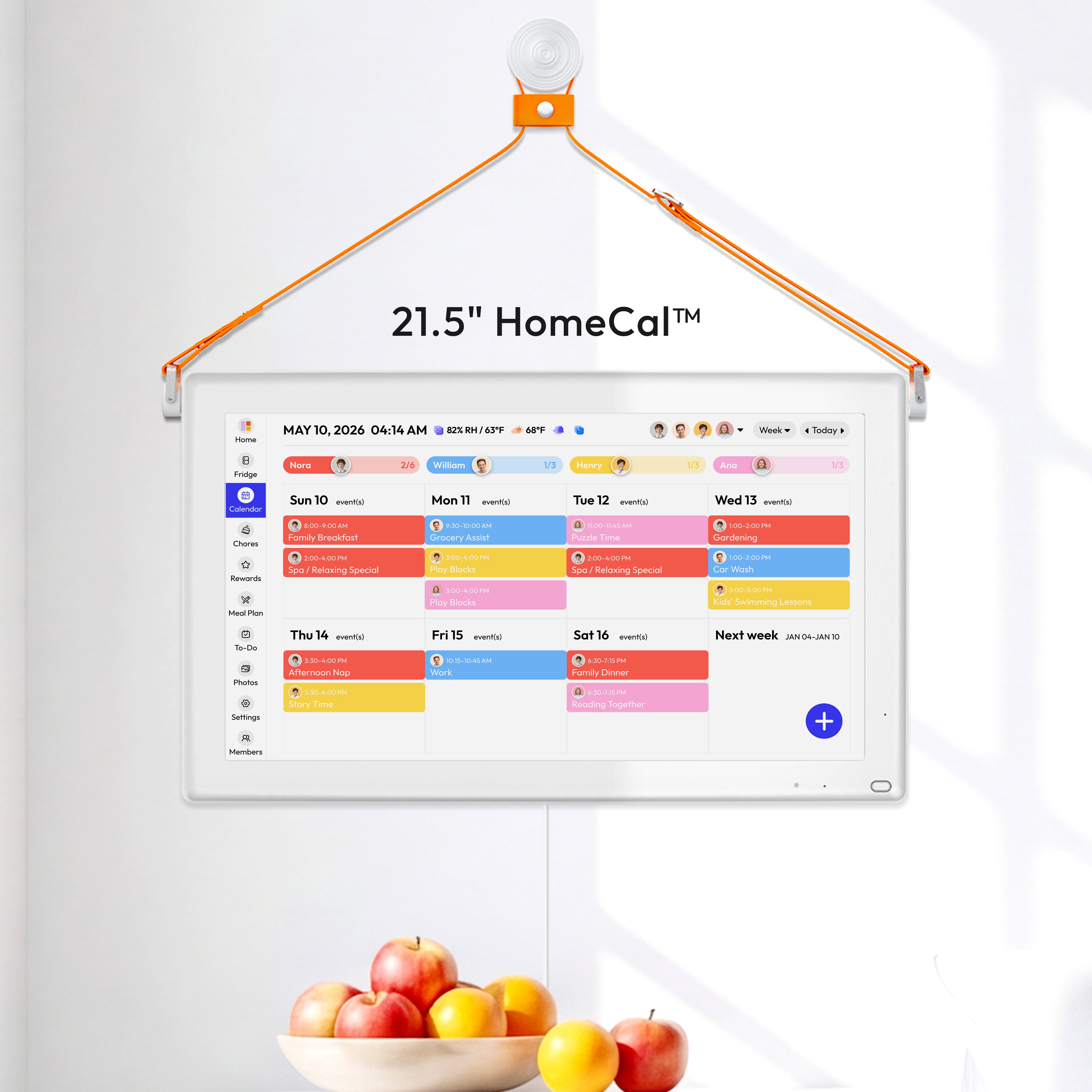

Everblog Calendar Accessories are made for the small details that affect how a digital family calendar fits into daily life. From writing quick reminders to placing the calendar on a countertop or keeping it powered in view, the right accessory can make the calendar easier to use in the places where family planning actually happens.
This collection supports two main setup types: kitchen and magnetic setups for FridgeCal™, and dedicated countertop setups for specific calendar models. The Everblog Stylus and Magnetic Plate are designed for FridgeCal™, the Digital Calendar Stand is designed exclusively for the 21.5" HomeCal™, and the Charging Dock is designed for the 13.4" FridgeCal™.
Built around daily family organization
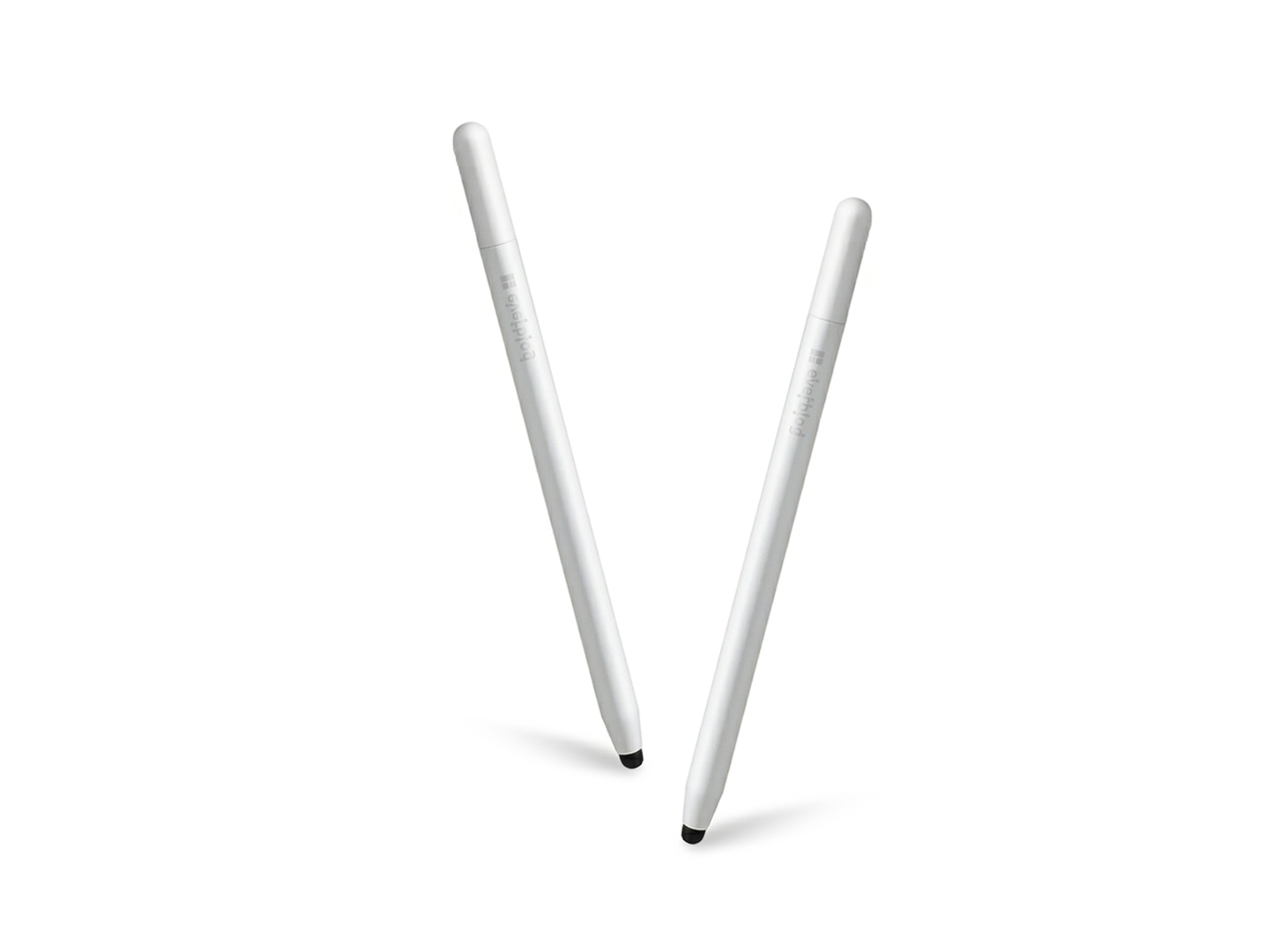
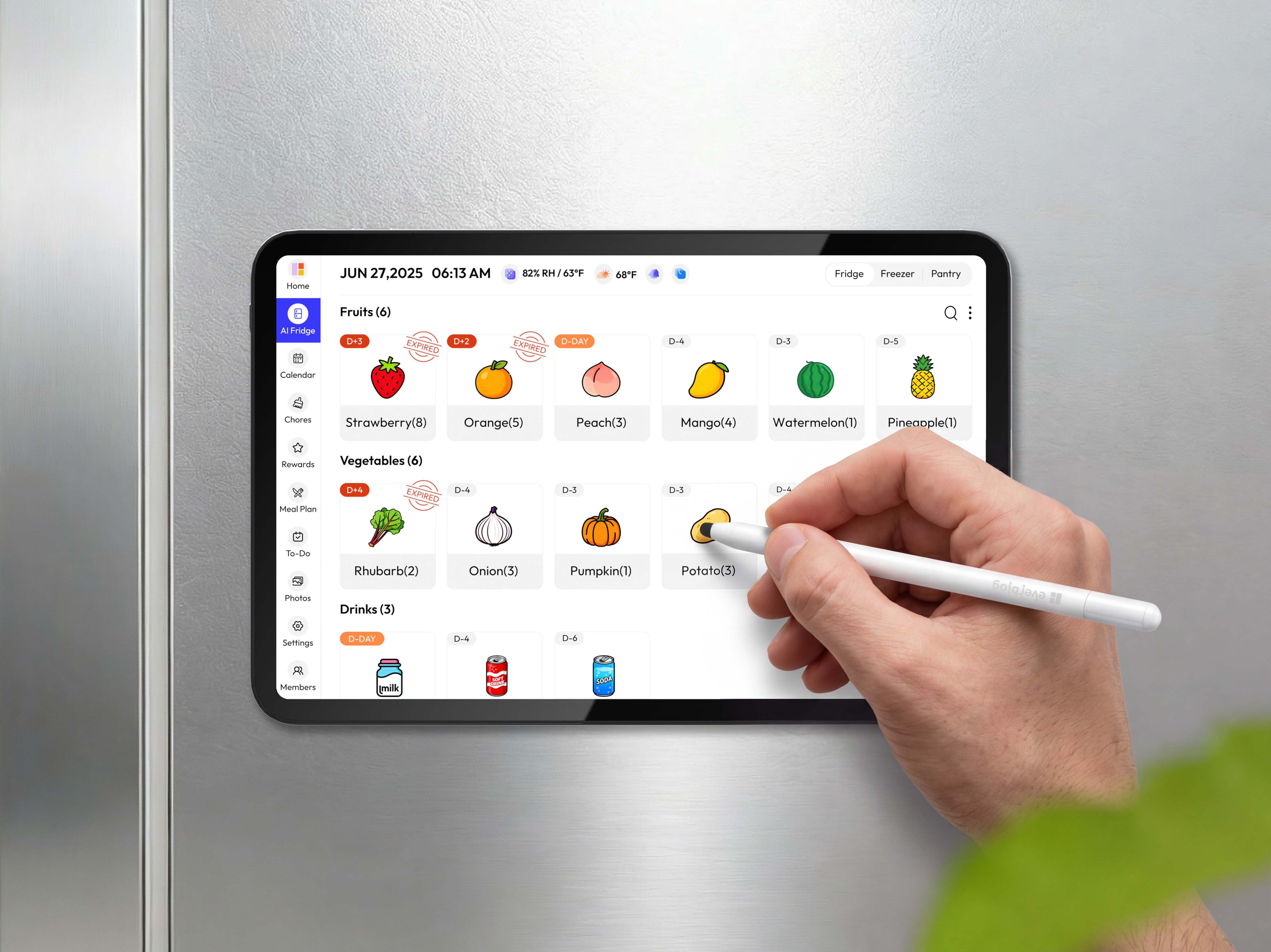
A family calendar is most useful when updates are easy to add and easy to see. For households that frequently note grocery lists, reminders, schedules, or quick changes, a stylus can make the calendar feel more natural for daily input. The Everblog Stylus supports quick writing and annotation for FridgeCal™, with magnetic placement that helps keep it close to the calendar or fridge area.
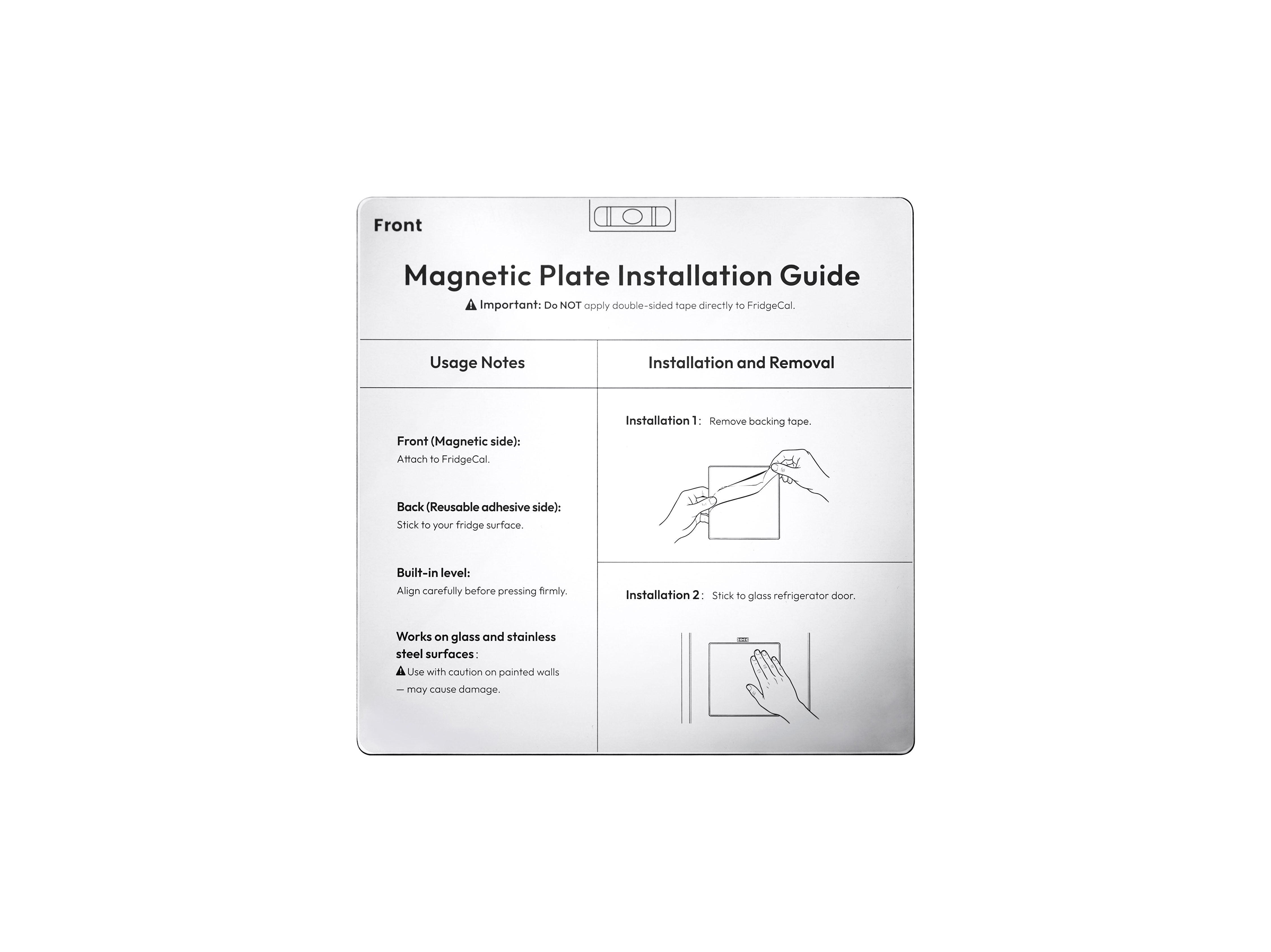
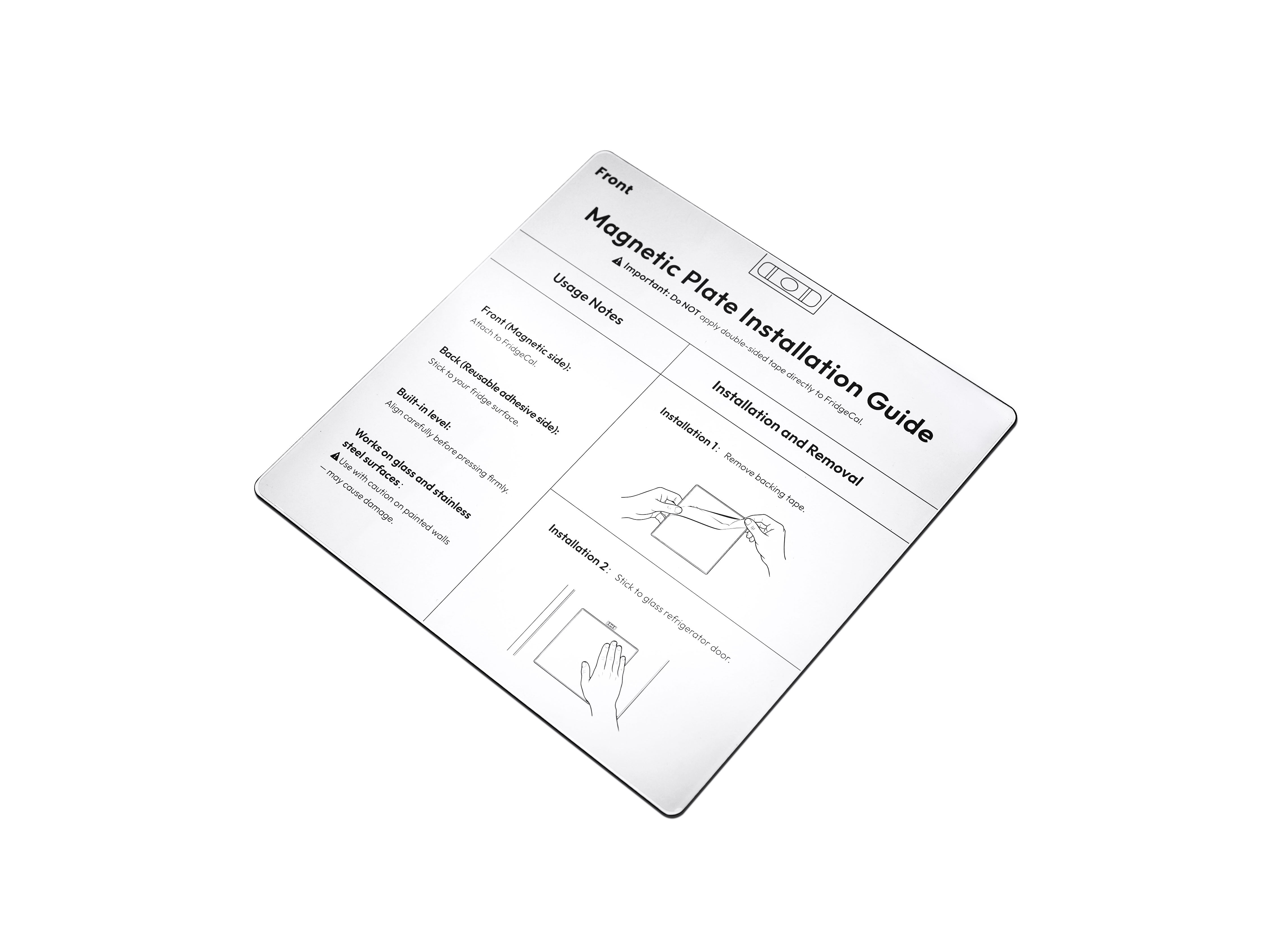
Placement also affects how often the calendar gets used. If the calendar is not in a visible or convenient location, reminders and schedules can be easier to miss. For FridgeCal™ users with non-magnetic surfaces such as glass, wood, or plastic, the Everblog Magnetic Plate can help create a stable mounting point without drilling.
More ways to place and power your calendar
Not every home uses a calendar in the same spot. Some families prefer FridgeCal™ in the kitchen because it is already part of the daily routine. For a table, counter, or shared family station, the Everblog Digital Calendar Stand is designed exclusively for the 21.5" HomeCal™, allowing it to be placed on a flat surface without wall mounting.
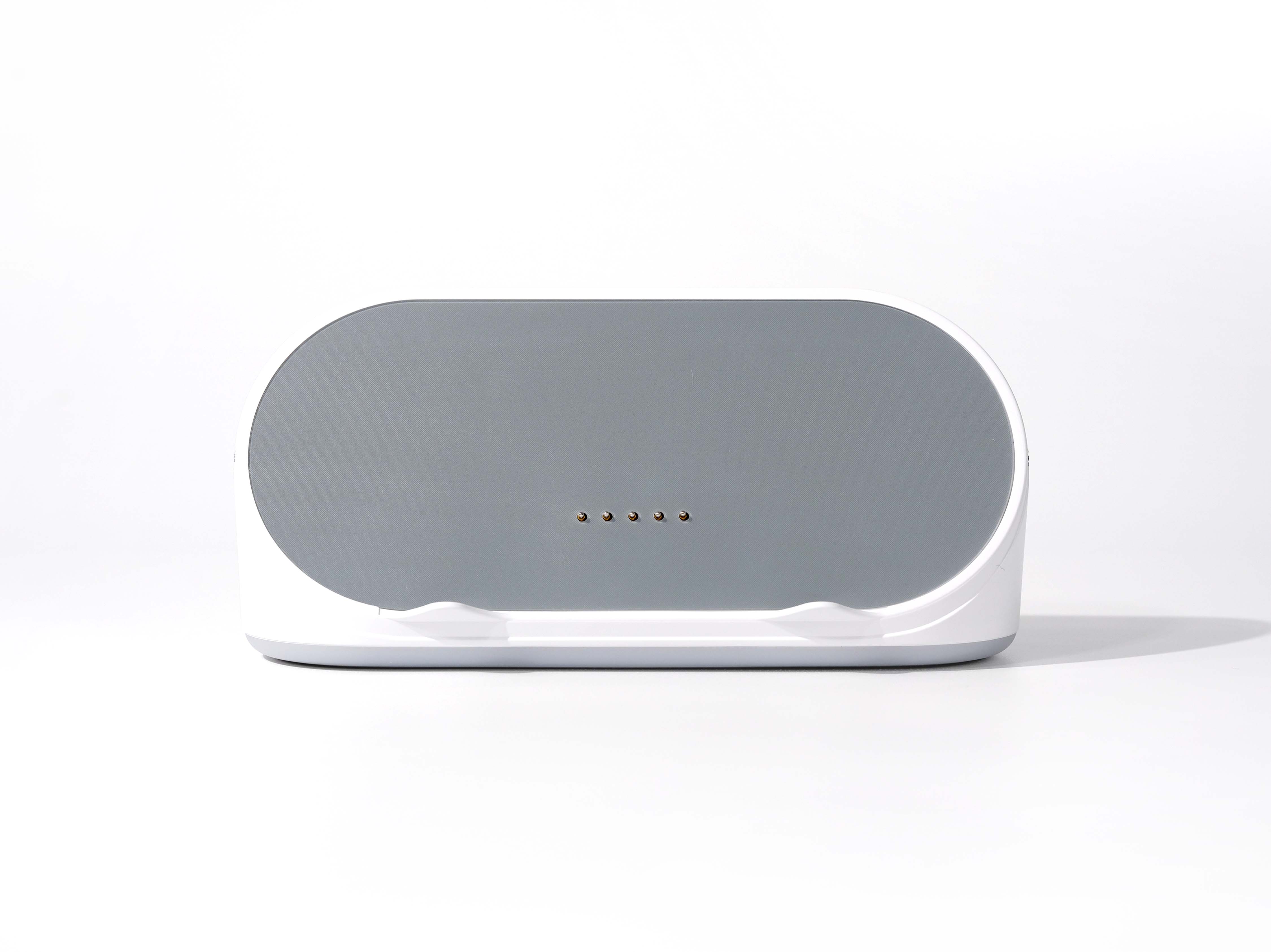
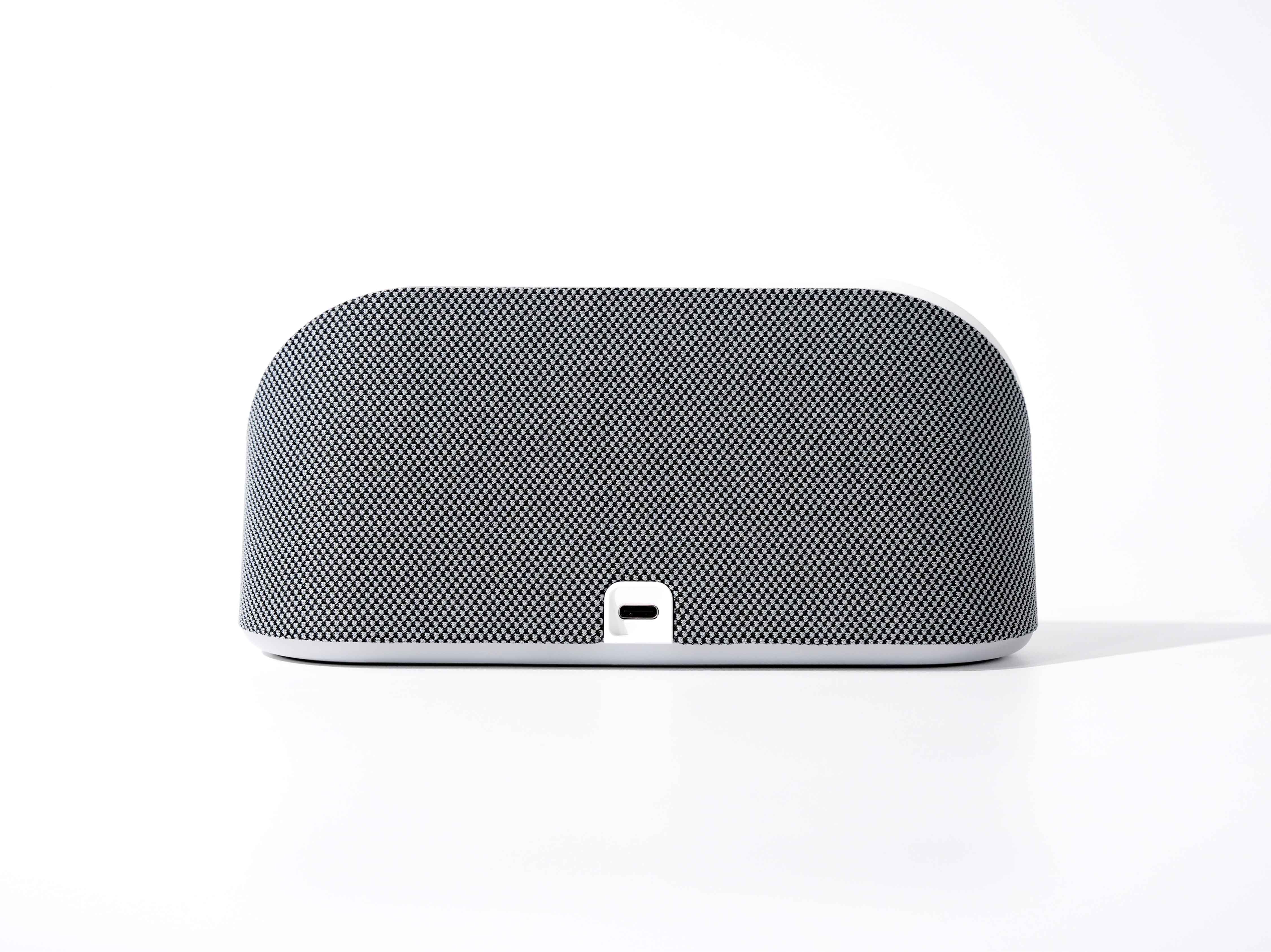
For 13.4" FridgeCal™ users, the Everblog 13.4" FridgeCal™ Charging Dock adds a more stationary countertop option. It combines a magnetic dock, wireless charging, and Bluetooth speaker use, but it is not a universal accessory. The docking and charging features require a 13.4" FridgeCal™ device, and when purchased on its own, the dock works as a Bluetooth speaker only.
Accessory roles by setup need
Setup need | Accessory direction | Useful for |
Quick notes and reminders | Stylus | Writing grocery lists, marking schedules, and adding everyday reminders |
Non-magnetic mounting surface | Magnetic Plate | Placing FridgeCal™ on glass, wood, plastic, or other non-magnetic surfaces |
21.5" HomeCal™ countertop or table setup | Digital Calendar Stand | Placing the 21.5" HomeCal™ on a flat surface without wall mounting |
Powered FridgeCal™ display | Charging Dock | Supporting a more fixed 13.4" FridgeCal™ setup with charging and audio use |
Compatibility and setup details
Compatibility is the most important detail with these accessories. The Everblog Stylus and Everblog Magnetic Plate are designed for FridgeCal™ only. The Everblog Digital Calendar Stand supports the 21.5" HomeCal™. The Everblog 13.4" FridgeCal™ Charging Dock is made for the 13.4" FridgeCal™.
This means the best accessory depends less on adding every extra item and more on matching the accessory to both the calendar model and the setup. A kitchen-based FridgeCal™ setup may benefit from the Stylus or Magnetic Plate, while countertop use requires the Digital Calendar Stand for the 21.5" HomeCal™ or the Charging Dock for the 13.4" FridgeCal™.
