
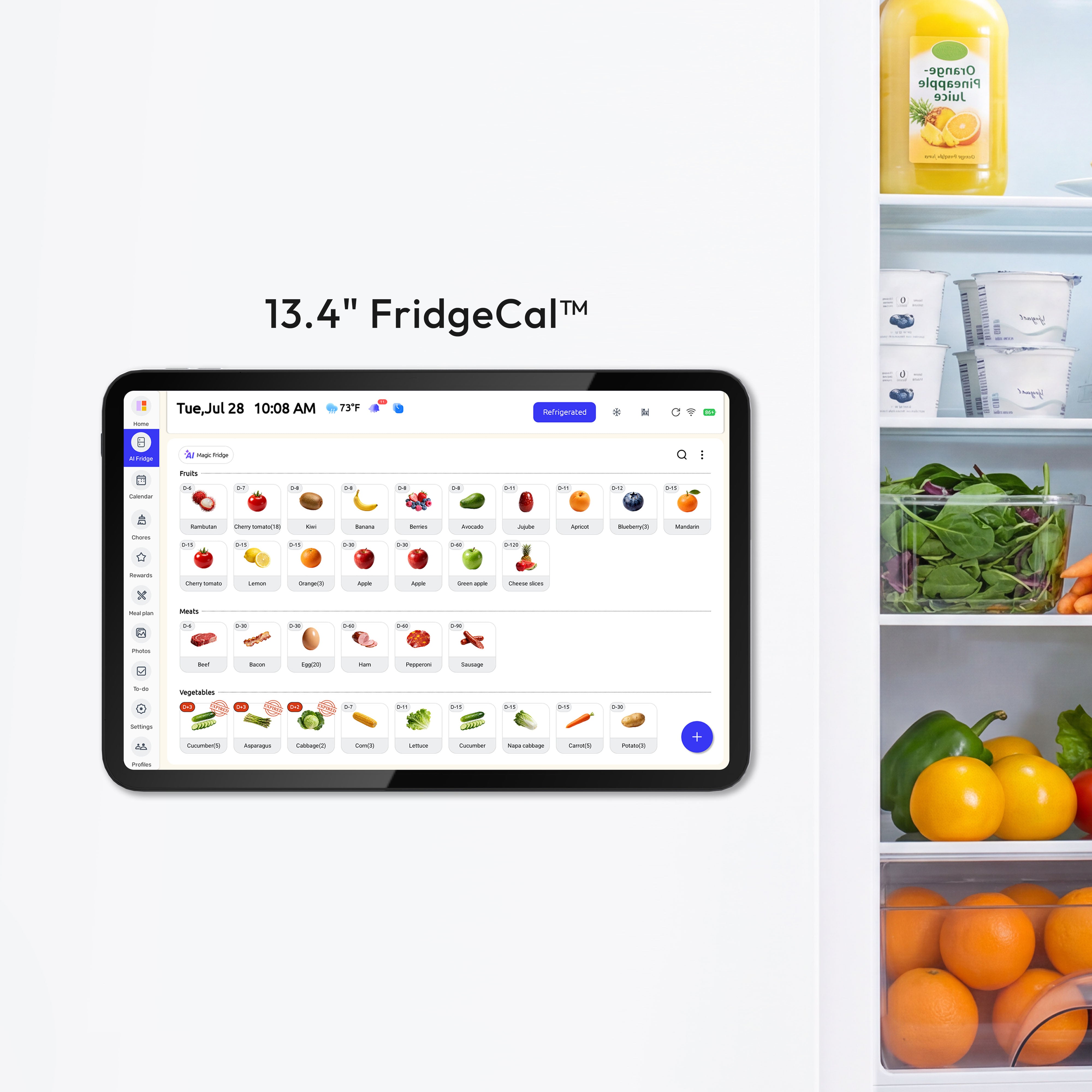
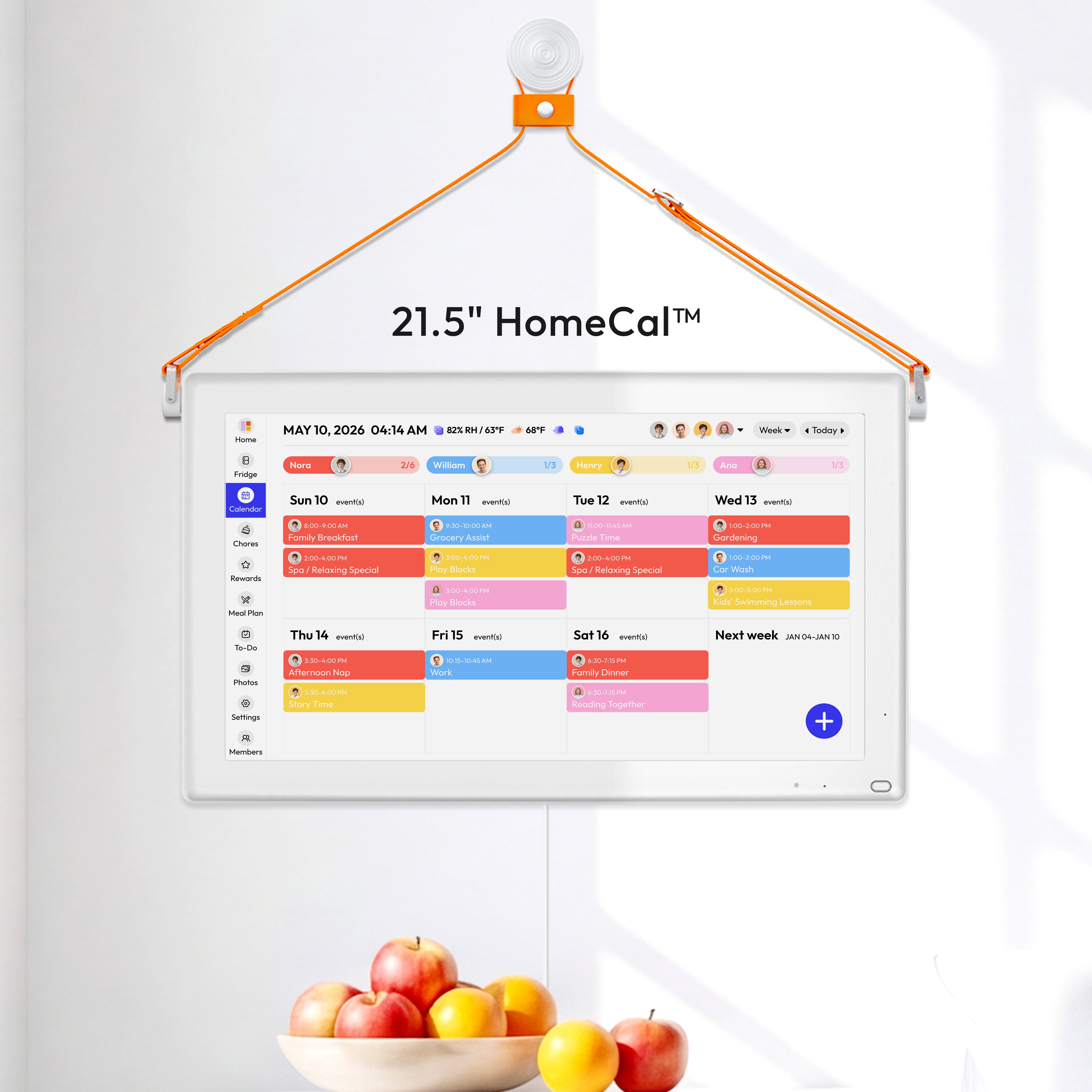
Update Summary
This update adds low-battery phone notifications, scheduled power controls, Calendar notes, and more event customization options.
What’s New
01. Low-Battery Phone Notifications
Your connected phone can now receive notifications when the FridgeCal™ battery falls below 20% and 10%.
To receive notifications, make sure your FridgeCal™ and the Everblog app use the same Everblog account. Your device must be connected to Wi-Fi, and Everblog app notifications must be enabled on your phone.
02. Scheduled Power On and Off
Set times for your FridgeCal™ to turn on and off automatically. This feature is disabled by default.
Path: Settings → Display → Scheduled Power On/Off → Set Times → Save
Leave this feature disabled if you do not want your FridgeCal™ to turn off automatically.

03. Notes for Calendar Events
Add addresses, instructions, or other useful information to Calendar events.
Additional New Feature
- Added more customization options when creating and editing Calendar events.
Improvement
- When Energy Saving Mode is enabled, screen brightness now defaults to 20%.


