
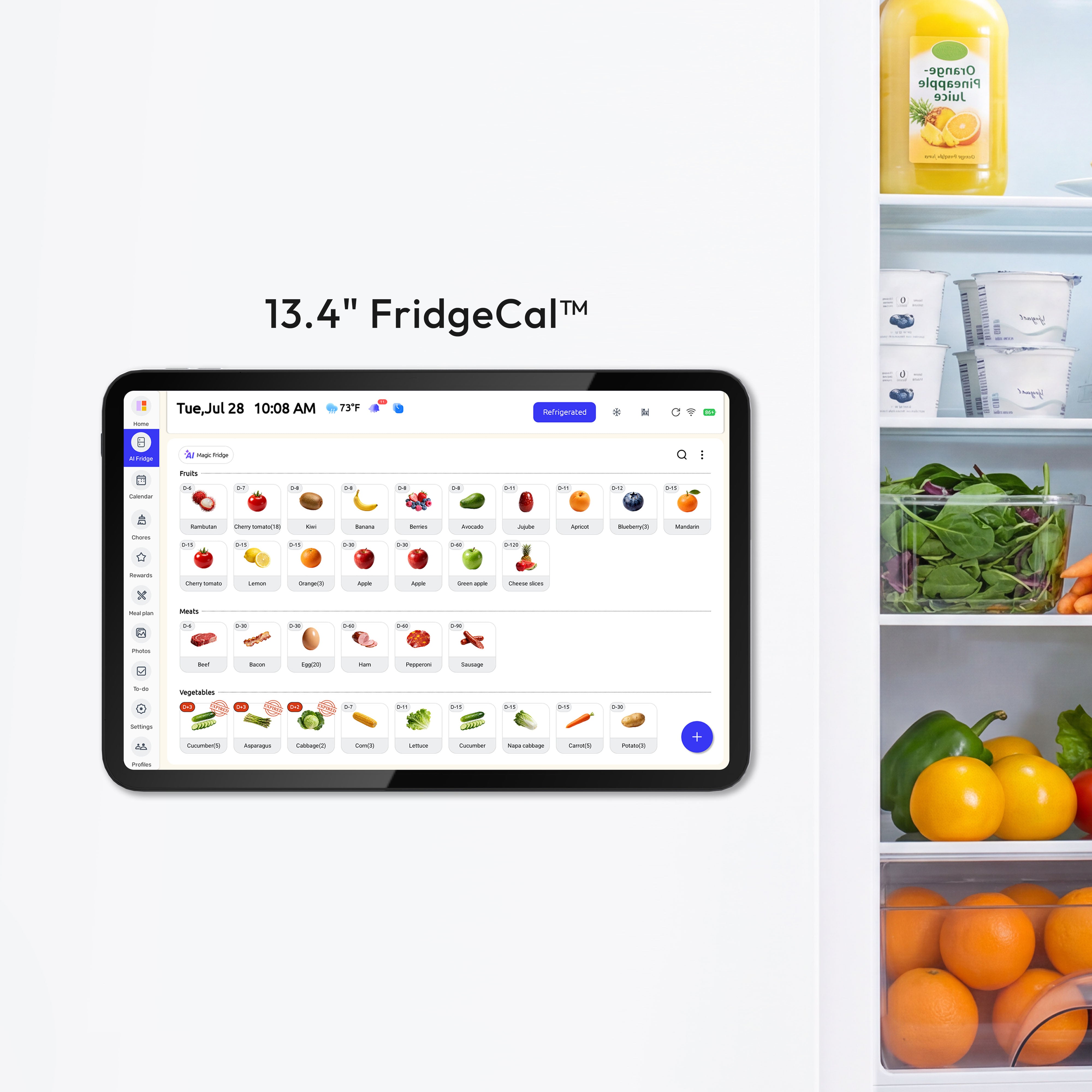
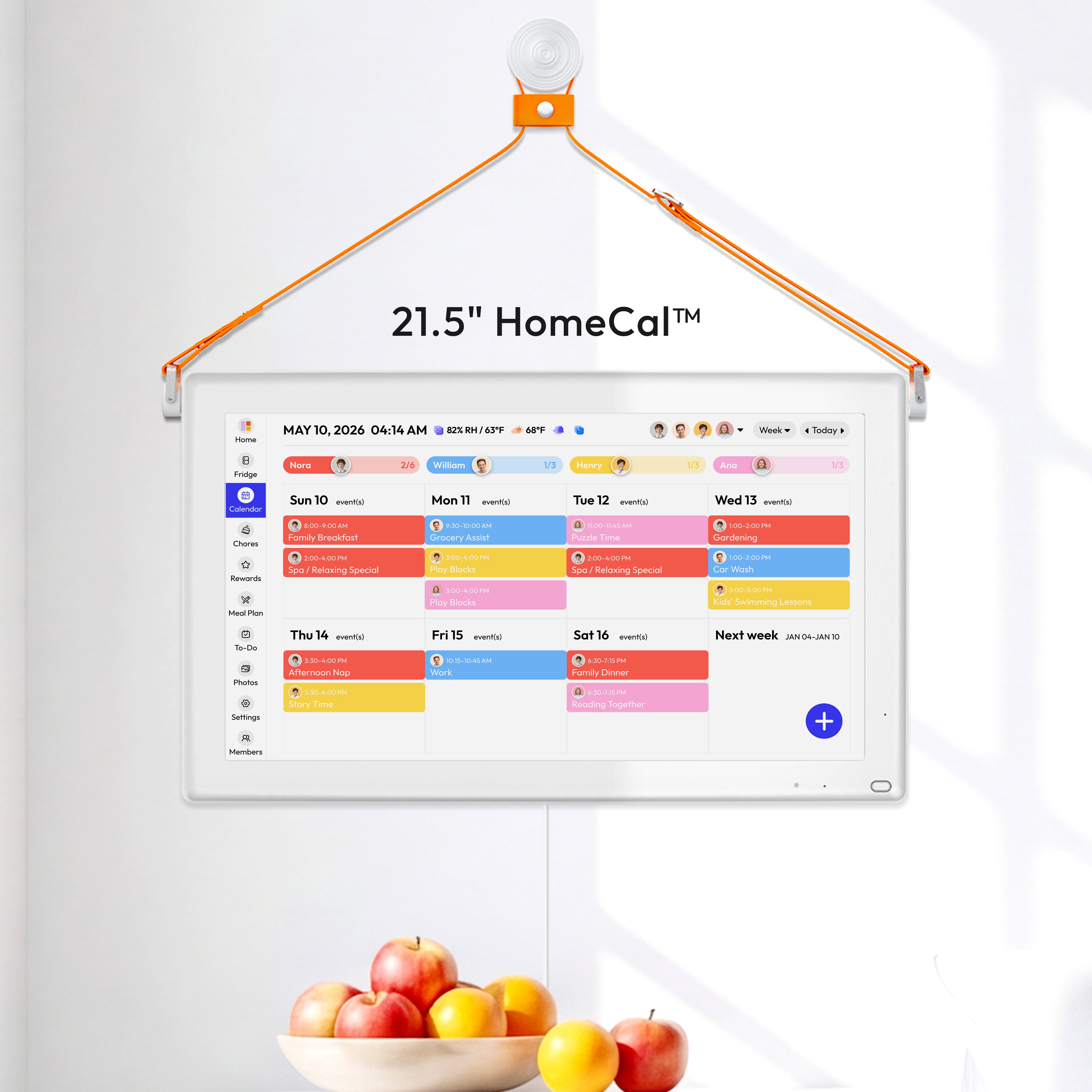
Update Summary
This update introduces AI Dock Mode, new screen-wake controls, and a clock screen saver. It also includes further power improvements.
What’s New
01. AI Dock Mode
AI Dock Mode provides a dedicated setup and feature experience for a compatible Everblog Dock.
02. New Display Controls
You now have more ways to wake and manage the screen.
Refrigerator Door Wake
Automatically wake the screen when the refrigerator door opens.
Path: Settings → Display → Refrigerator Door Wake → On/Off
Screen-On Duration
Choose how long the screen remains active after it is awakened.
Path: Settings → Display → Screen-On Duration → Select a Duration
Double-Tap to Wake:Double-tap the screen to wake your FridgeCal.
Improvements
-
Further optimized device power consumption.
-
The Calendar now opens in Week View by default.
-
Added guidance to help users discover Energy Saving Mode.
Bug Fix
-
Fixed an issue preventing synced AI recipes from being deleted.


