
Update Summary
This update adds two-way Google Calendar synchronization, more Home screen controls, a Calendar refresh button, and a new Chore completion animation.
What’s New
01. Two-Way Google Calendar Synchronization
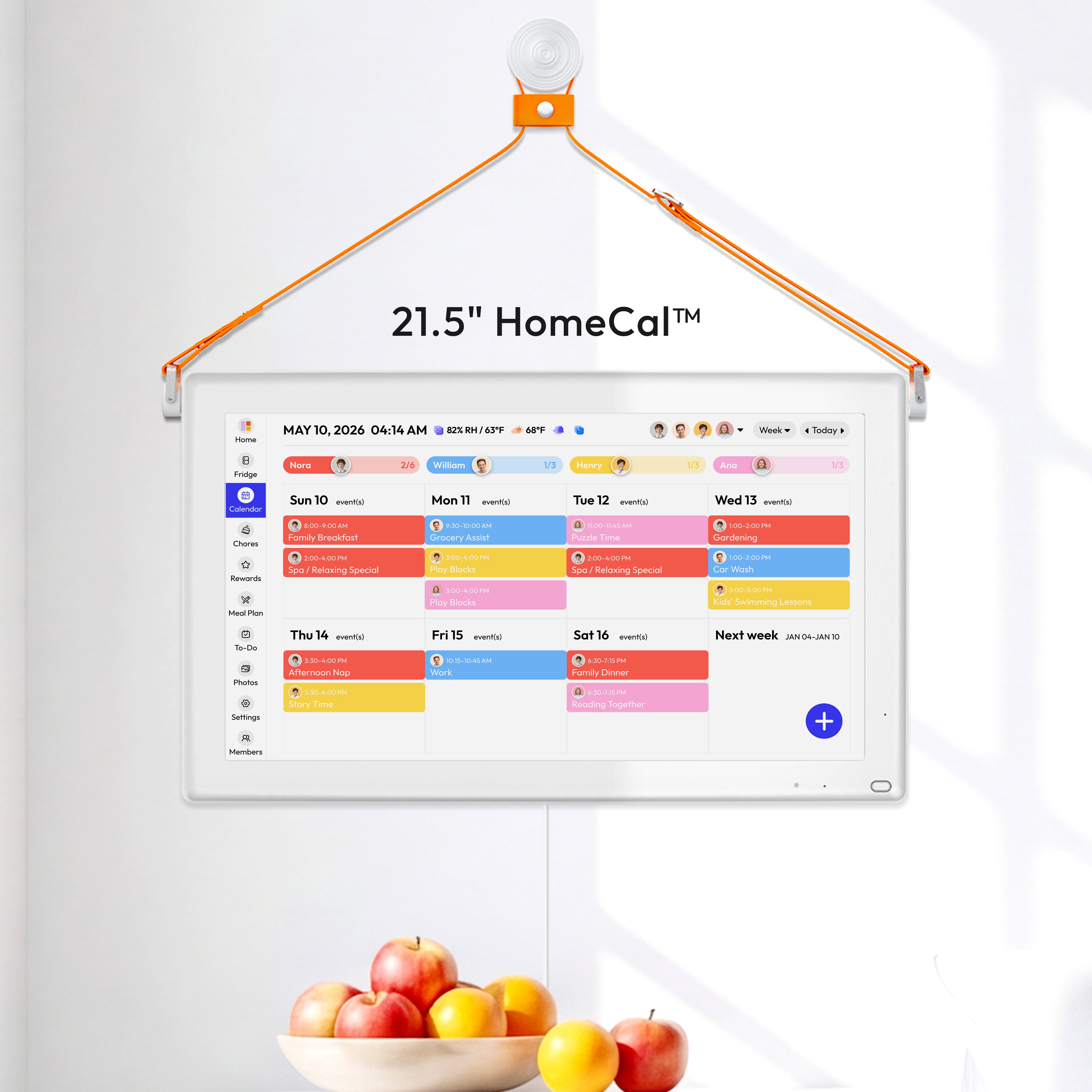
Events can now sync between HomeCal™ and connected Google Calendar in both directions.
Changes made on HomeCal™ can appear in Google Calendar, while supported changes made in Google Calendar can sync back to HomeCal™.
02. Sidebar Customization
Touch and hold the sidebar to enter edit mode. You can then add items, remove items you no longer need, or drag them to a new position.
Path: Touch and Hold the Sidebar → Add, Remove, or Rearrange Items → Save

03. Calendar Refresh Button
Manually check for the latest Calendar changes whenever needed.
Path: Calendar → Tap the Refresh Button

04. Chore Completion Animation
A new animation now plays automatically when a family member completes a Chore.

Improvement
- New Calendar events now default to a one-hour duration.
Bug Fixes
- Fixed the keyboard covering the Save button when creating a Chore.
- Fixed incorrect birthday and anniversary information.
- Fixed Stars awarded through the iOS app not syncing with HomeCal™.
- Fixed reported Calendar synchronization issues.
- Fixed events not appearing in Month View.
Known Issue
Chore alarm notifications may not play a sound in some situations.


