
Update Summary
This update introduces custom photo folder access, AI recipe ingredients, improved member filters, calendar filters, event colors, chore emojis, AI receipt scanning, and AI meal creation from photos.
What’s New
01. Custom Photo Folder Access
Select photos from specific folders or albums when adding content through the Everblog app.
This makes it easier to organize which family photos are displayed on your Everblog device.
02. AI Recipe Ingredients
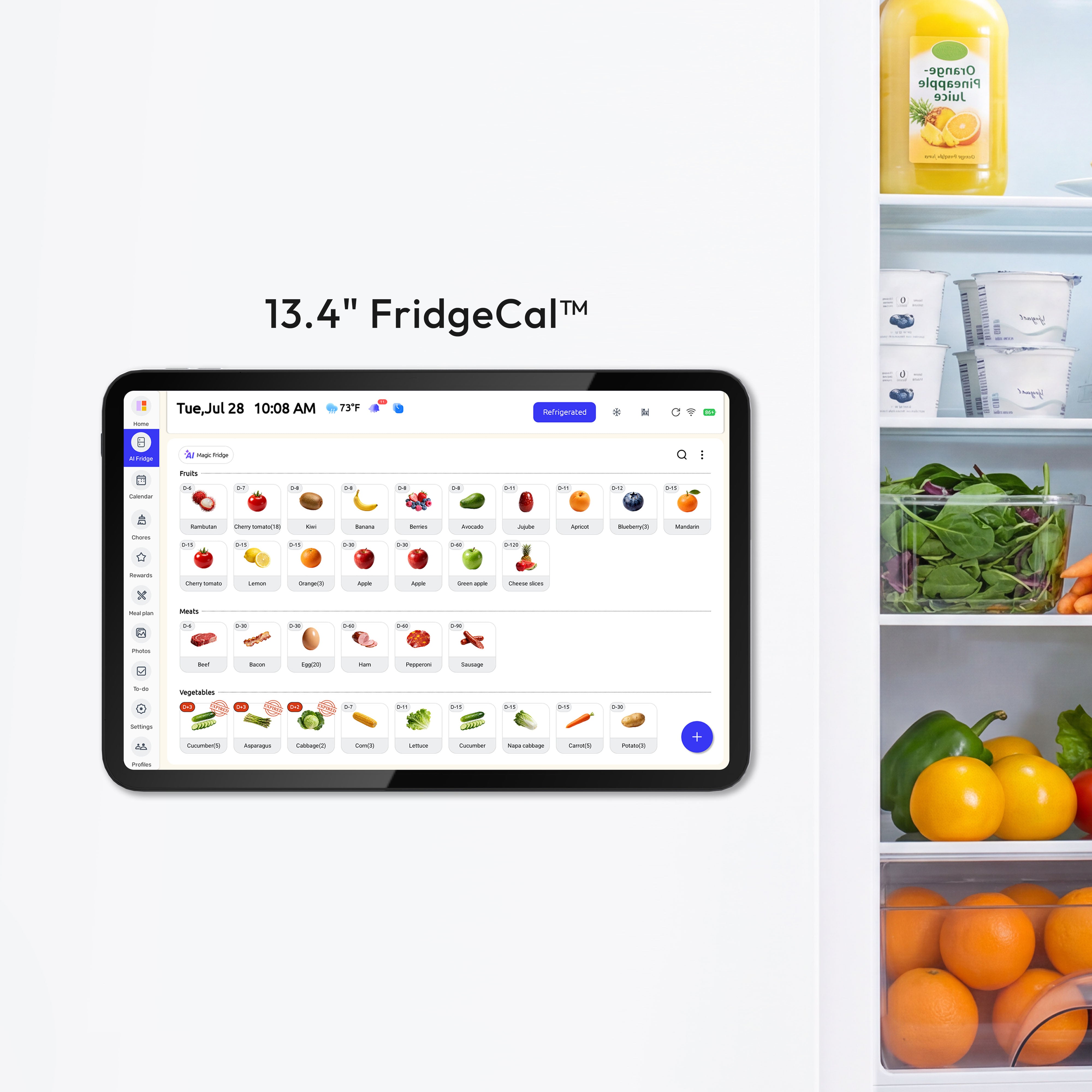
AI-generated recipes can now provide ingredient suggestions based on food stored in your fridge inventory.
03. Member Filters Enabled by Default
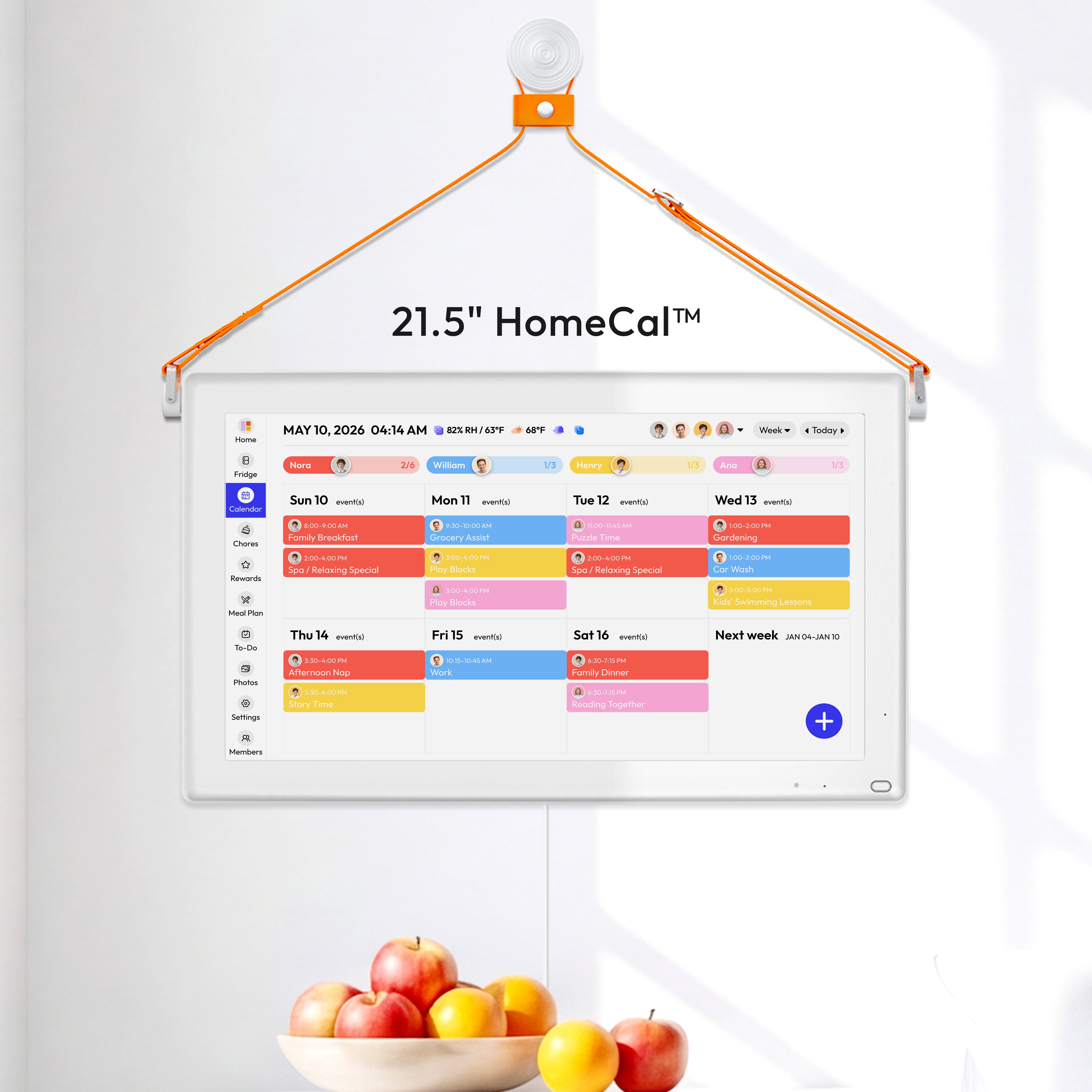
Member filtering is now enabled by default, making it easier to focus on the schedules of selected family members.
04. Calendar Filters
Filter events by calendar or family member to focus on the schedules you want to see.
05. Custom Event Colors
Choose different colors for calendar events to make schedules easier to organize and identify.

06. Chore Emoji Icons
Add emoji icons to chores to make household tasks easier to recognize.

07. AI Receipt Scanning
Take a photo of a shopping receipt to quickly add purchased food items to your fridge inventory.
Path: Fridge → Add Food → Scan Receipt
Review the detected items before adding them to your fridge.

08. AI Meal Creation from Photos
Take a photo of ingredients and let AI generate meal ideas directly from the image.
Review the generated meal before adding it to your meal plan.

Improvements
- Improved the default member-filtering experience.
- Expanded calendar organization and customization options.
- Improved the connection between fridge inventory and AI-generated recipes.
- Made it easier to add food and create meals using photos.


