




Two people can buy the same Christmas gift even when both are trying to help. Use one Christmas gift tracker, assign a buyer before anyone orders, and record each purchase in the same place.
Download the printable gift tracker PDF, or use the editable Excel gift tracker. The Excel file also imports into Google Sheets. Keep the detailed tracker among the people buying the gifts; use a household calendar for dates that everyone can see. That way, shoppers can coordinate without putting surprises on the kitchen screen.

Start with one record for every gift
A useful tracker answers five questions: who is receiving the gift, what is it, who is buying it, what has happened, and what needs to happen next. Add a due date so an unfinished task has a clear deadline.
Use one row per gift, even when several people contribute money. The buyer is the person placing the order, not everyone paying toward it. Budget, actual cost, retailer, order number, receipt location, and return deadline can live in additional columns in a private digital copy.
Here is a fictional example of how three gifts might look before Christmas. The dates illustrate the workflow; they are not retailer delivery guarantees.
|
Recipient and gift
|
Buyer
|
Status
|
Next action and due date
|
|
Grandma — blue cardigan, size M
|
Jamie
|
Ordered
|
Check tracking on December 15
|
|
Grandpa — coffee sampler
|
Alex
|
Claimed
|
Place order by December 12
|
|
Teacher — bookshop gift card
|
Jamie
|
Arrived
|
Write card by December 18
|
Print your Christmas gift tracker
The PDF contains a blank tracker with twelve gift rows and a status key. Print it on US Letter; for A4, fit it to the printable area. The Excel file uses these same fields, with additional columns for planned and actual costs.
If several people shop from different locations, open the Excel template in Excel or import it into Google Sheets and share it only with the relevant buyers. Keep that spreadsheet as the current record. A paper copy is a shopping aid: transfer handwritten changes back before another person places an order.
Set a Christmas gift budget that includes delivery
Set a spending limit for each recipient before choosing gifts. Include shipping, gift wrap, and any tax shown at checkout in the actual cost. A gift listed at $35 can cost more than $35 to get ready for giving.
In the Excel template, enter planned and actual costs in the same currency. Its totals show the amount planned, the amount spent, and the difference. Leave an undecided cost blank rather than guessing. Keep this budget copy restricted to the buyers.
For example, a $50 limit covers a $38 gift and $7 delivery, leaving $5 for any tax or wrapping. If the actual total exceeds the limit, agree on the change before another person contributes money.
7 tips to avoid buying Christmas gifts twice
Claiming a gift before checkout prevents more confusion than adding it after the package arrives. Use the following rules with the printable tracker or a shared spreadsheet.
1.Assign one buyer before anyone orders
Enter the recipient, the specific gift, and the buyer as soon as a purchase is agreed. Use “Claimed” while the buyer compares prices or waits for a sale. Another person can contribute money without creating a second purchase row.
Make descriptions specific enough to recognize a duplicate. “Blue wool cardigan, size M” is more useful than “clothes.” Check similar gifts too: two different coffee samplers may still duplicate the same idea.
2.Check the recipient before checking out
Search or scan every row for that recipient immediately before paying. If a gift is already claimed, ask the named buyer whether the plan is still active. Do not treat silence as a cancellation.
For a replacement gift, update the original row and explain the change. If Grandma's cardigan is sold out, change its status to “On hold” and add “Jamie to confirm alternative.” Only release the claim when the other shoppers have been told.
3.Give every status one meaning
Choose a short status list and use it consistently. “Done” is too vague when one person means ordered and another means handed over.
|
Status
|
What does it means
|
Typical next action
|
|
Idea
|
Suggested, with no buyer committed
|
Choose a buyer
|
|
Claimed
|
A named buyer has taken responsibility
|
Order or confirm availability
|
|
Ordered
|
The purchase has been placed
|
Check arrival estimate
|
|
Arrived
|
The buyer has received the gift
|
Check item and receipt
|
|
Wrapped
|
Ready for the planned handoff
|
Pack, deliver, or mail
|
|
Given or Sent
|
Handed over or dispatched
|
Confirm receipt if mailed
|
Use “On hold,” “Canceled,” or “Return pending” for exceptions. Keep the reason in the next-action field so another shopper does not repeat a canceled purchase.
4.Record what needs to happen next
Every unfinished gift needs a next action and an owner. “Ordered” alone does not tell anyone whether a delayed package has been checked. “Alex to contact retailer by December 16” does.
Update the row after ordering, arrival, wrapping, and handoff. For a digital gift, record whether it has been sent, is scheduled to send, or still needs a printed card. Do not assume a purchased gift card has reached its recipient.
5.Share details with buyers while protecting surprises
The detailed tracker should be private from recipients, but shared with the people coordinating their gifts. A separate private file that nobody else can see cannot prevent duplicate purchases across the family.
When buyers are also recipients, use separate recipient groups or appoint one coordinator who can check for conflicts. For example, Jamie and Alex can share Grandma's gift list without seeing their own gifts. Hiding a spreadsheet column is not a substitute for controlling who can access the file.
Keep prices, receipts, and order numbers off the public household display. The calendar can simply say “Finish wrapping” or “Mail family gifts.”
6.Set deadlines from the actual celebration date
Work backward from the day the gift must be ready, whether that is Christmas Day, a school party, or an early family visit. Record the retailer's current delivery estimate separately from your own wrapping and travel deadlines.
A shipping estimate can change. Check the order confirmation and tracking updates instead of using one universal “last order date” for every store. If timing becomes uncertain, agree on a backup before placing a duplicate order.
7.Review gifts that have not reached their final destination
Before Christmas week, check every row that is still open. A wrapped gift can still be sitting in the wrong house, and a sent parcel can still be in transit.
If two people have already bought the same item, keep both orders visible until the return or reassignment is settled. Name one person to handle the return, record its deadline, and close the row after the agreed action is complete. Deleting it immediately makes the refund easier to forget.

A seven-day review before your celebration
Use this as a final check, not the start of your shopping schedule. Move mailing tasks earlier when carrier estimates or travel plans require it.
|
When
|
Check
|
Result to record
|
|
7 days before
|
Find every Idea, Claimed, and On hold row
|
Buyer and realistic next step
|
|
6 days before
|
Review outstanding deliveries
|
Tracking checked or backup agreed
|
|
5 days before
|
Inspect received items
|
Correct item, size, and receipt
|
|
4 days before
|
Coordinate wrapping
|
Wrapper and private storage location
|
|
3 days before
|
Check travel and handoffs
|
Who takes which gifts where
|
|
2 days before
|
Resolve returns and digital gifts
|
Owner, deadline, or send confirmation
|
|
1 day before
|
Count gifts for each destination
|
Packed or handed over; open tasks assigned
|
Keep shared reminders visible at home
Add the public deadlines to a shared family schedule so wrapping and handoffs sit alongside school events and holiday travel. The gift tracker remains the place for purchase details.
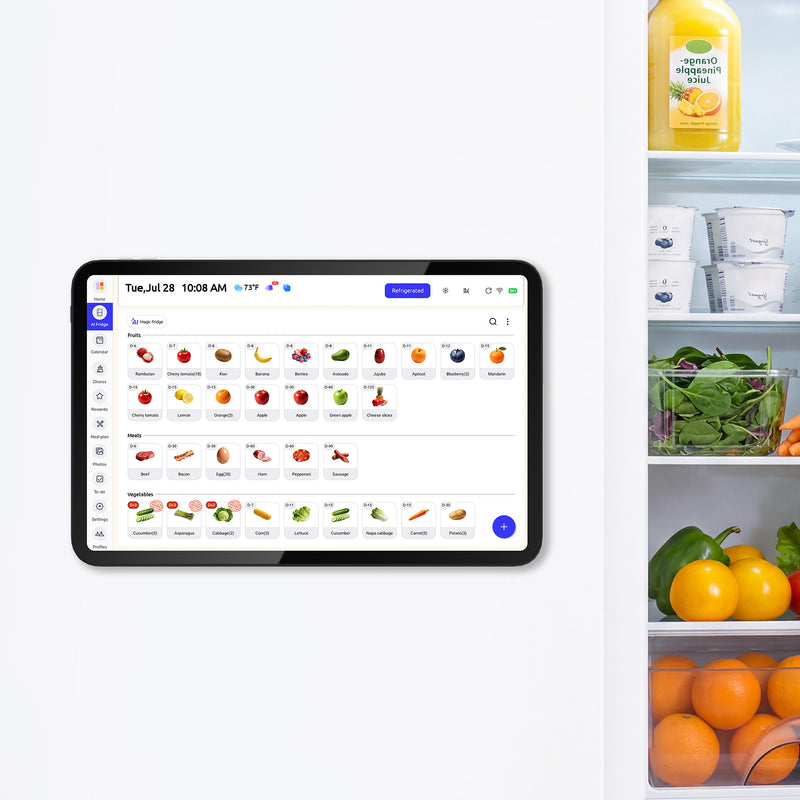
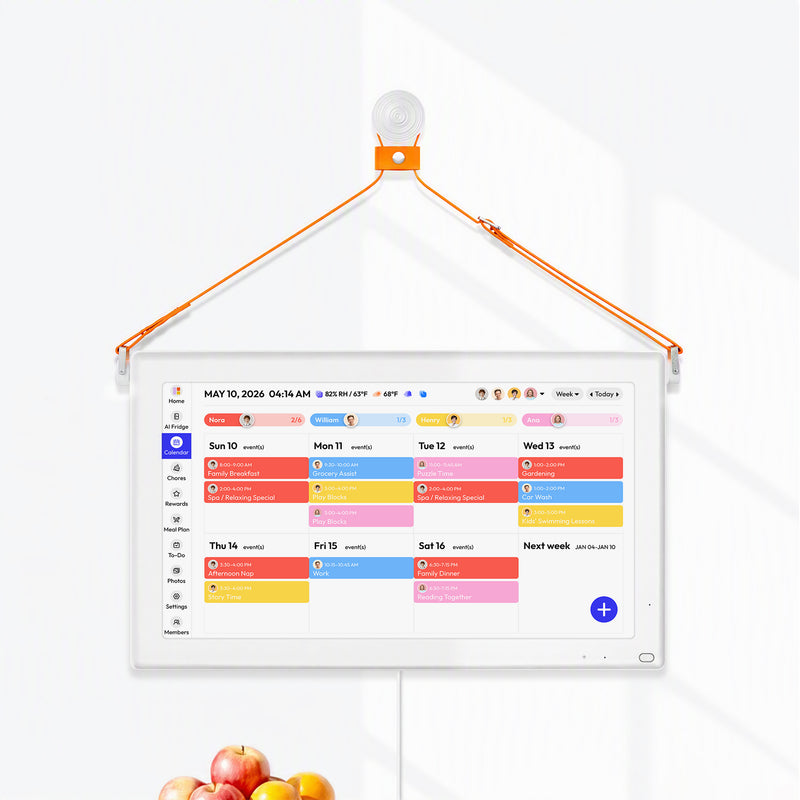
For families that want those household dates visible in the kitchen, Everblog's 13.4-inch FridgeCal provides a shared calendar, shopping lists, and chores alongside meal planning. You can use its calendar for a wrapping session or departure date while keeping surprise details in your private tracker.
If you are choosing where a shared screen should live, compare FridgeCal and HomeCal before opening the product details. The tracker still needs a named buyer and regular updates.
Christmas gift tracker questions
Can a printable tracker work for shoppers in different homes?
Yes, if one coordinator maintains the current record and confirms claims before anyone buys. A shared digital sheet is usually easier when several people need to update the list while shopping. Avoid circulating several independently edited copies.
How should you track a joint gift?
Use one purchase row with one buyer. Record contributors and payments in a private note or separate budget sheet. Several contributors should not appear as several gifts to buy.
Should you track gifts that are already wrapped?
Yes. Keep them open until the handoff or dispatch is recorded. For parcels, track the final delivery check separately so “sent” is not mistaken for “received.”
Can the same tracker be used next year?
Yes. Archive the old list as a reference for previous gifts, then start a new blank sheet. Reconfirm sizes, preferences, addresses, and budgets rather than assuming last year's details still apply.


