








So, what's the best digital calendar for your family? The honest answer is: it depends entirely on how your household runs. The top solutions really boil down to three main types: dedicated wall displays like Everblog that give you at-a-glance visibility, specialized mobile apps like Cozi for coordinating when you're out and about, and smart home hubs like the Amazon Echo Show for voice-activated ease. Each one solves the family chaos problem a little differently, but the goal is the same—to create a clear, central command center.
Why Your Family Needs a Central Command Center
Are you tired of juggling school events, doctor's appointments, and household chores scattered across a dozen different apps and sticky notes? You are definitely not alone. The endless "Who's picking up the kids?" texts and the "Did anyone add milk to the list?" questions are a classic sign that standard calendars just weren't built for the messiness of modern family life.
What most families are really searching for isn't just another app. It's a single, reliable hub for all the daily logistics.
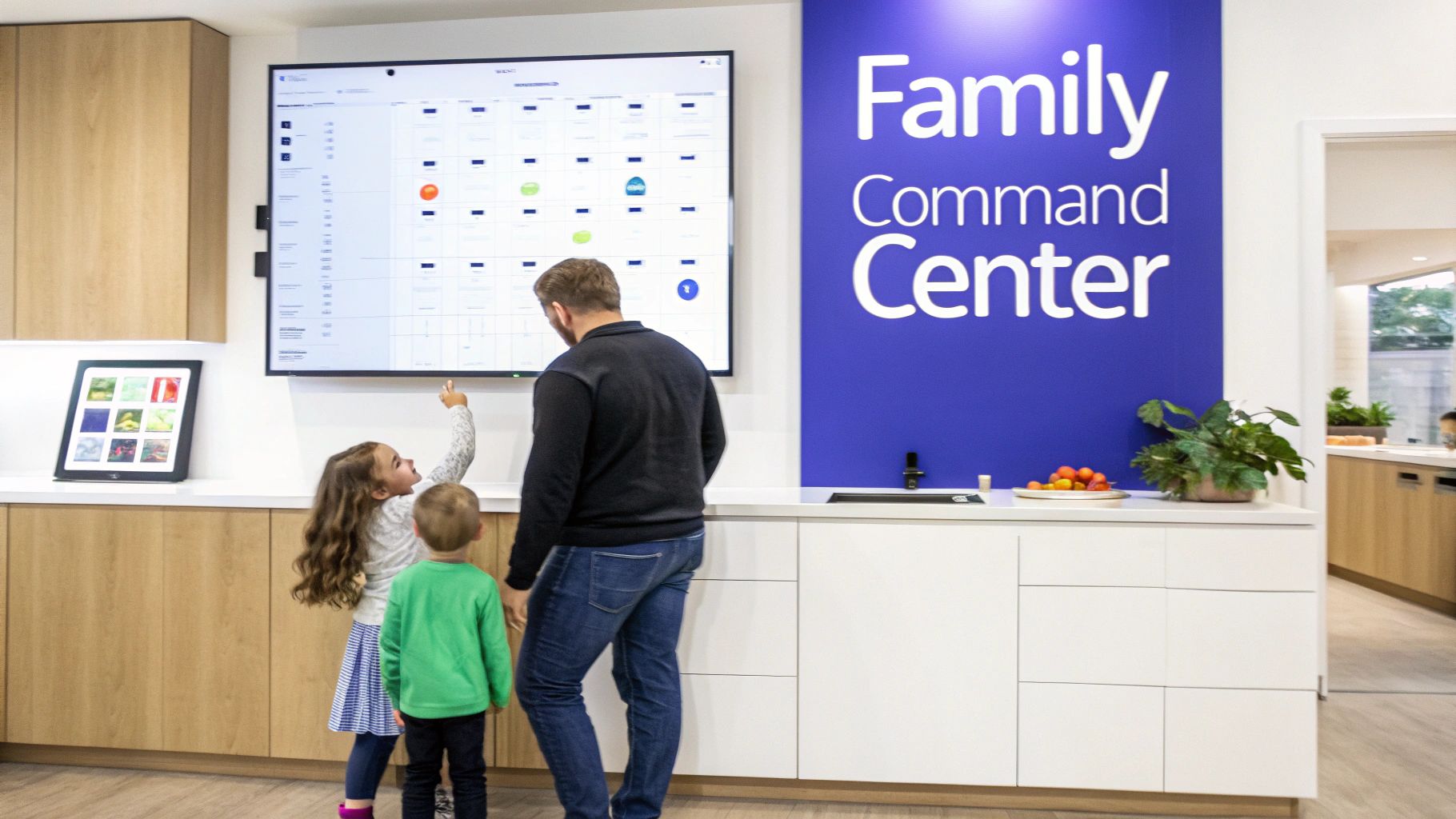
This switch from scattered notes to a unified system is already well underway. Recent data shows that 70% of people now use a digital calendar as their primary organizer. The trend is especially strong among the primary family coordinators, those aged 35-44, where adoption hits 75%. This isn't just about tech; it's about wanting a more connected, less stressful home life.
Defining Your Family's Core Needs
A true family command center does so much more than just show you what day it is. It should feel like the central nervous system for your home, bringing clarity and encouraging everyone to pitch in. The real goal is to reduce that constant mental load by making crucial information visible and accessible to everyone, from the youngest kid to the busiest parent.
In a similar way, a digital recipe organizer acts as a "personal command center for all things cooking," bringing order and ease to another key part of running a household.
This guide will walk you through the three main ways to build this hub, helping you figure out which digital calendar is the right fit for your family.
The Three Main Solutions at a Glance
Each type of digital calendar offers a unique way to tackle the family coordination puzzle. Getting a feel for their core differences is the first step in choosing the right one. For a deeper dive, check out our guide on creating a https://everblog.com/blogs/life-with-everblog/digital-family-command-center.
| Solution Type | Primary Strength | Ideal For | Key Limitation |
|---|---|---|---|
| Dedicated Wall Display | At-a-glance visibility in a central location | Families needing a single source of truth that's impossible to ignore | Higher initial cost and requires a fixed physical space |
| Specialized Mobile App | Portability and on-the-go schedule management | Families who need to coordinate schedules from different locations | Lacks a central, ambient display for passive awareness |
| Smart Home Hub | Voice-activated convenience and smart home integration | Households already invested in a smart home ecosystem (e.g., Alexa) | Calendar features are often basic and can be distracting |
What to Look For in a Family Calendar
When you're trying to pick the right digital calendar for your family, it’s about way more than just plugging in appointments. The best tool becomes a true command center for your home, built with features that actually cut through the chaos and get everyone on the same page. Knowing what to look for is the first step to finding something your family will stick with.
The absolute bedrock of any good family calendar is a shared, color-coded schedule. This isn’t just about knowing who has soccer practice; it’s about seeing the entire family's week at a single glance. When every person has their own color, you can instantly spot conflicts and overlaps.
Think about it: you can see Dad’s work trip (blue) clashes with a parent-teacher conference (green) and a piano recital (purple) all in the same week. That visual cue sparks a conversation about who’s handling what before it turns into a last-minute scramble.
The infographic below breaks down the three pillars of a system that really works: unified schedules, accountable chore management, and organized lists.
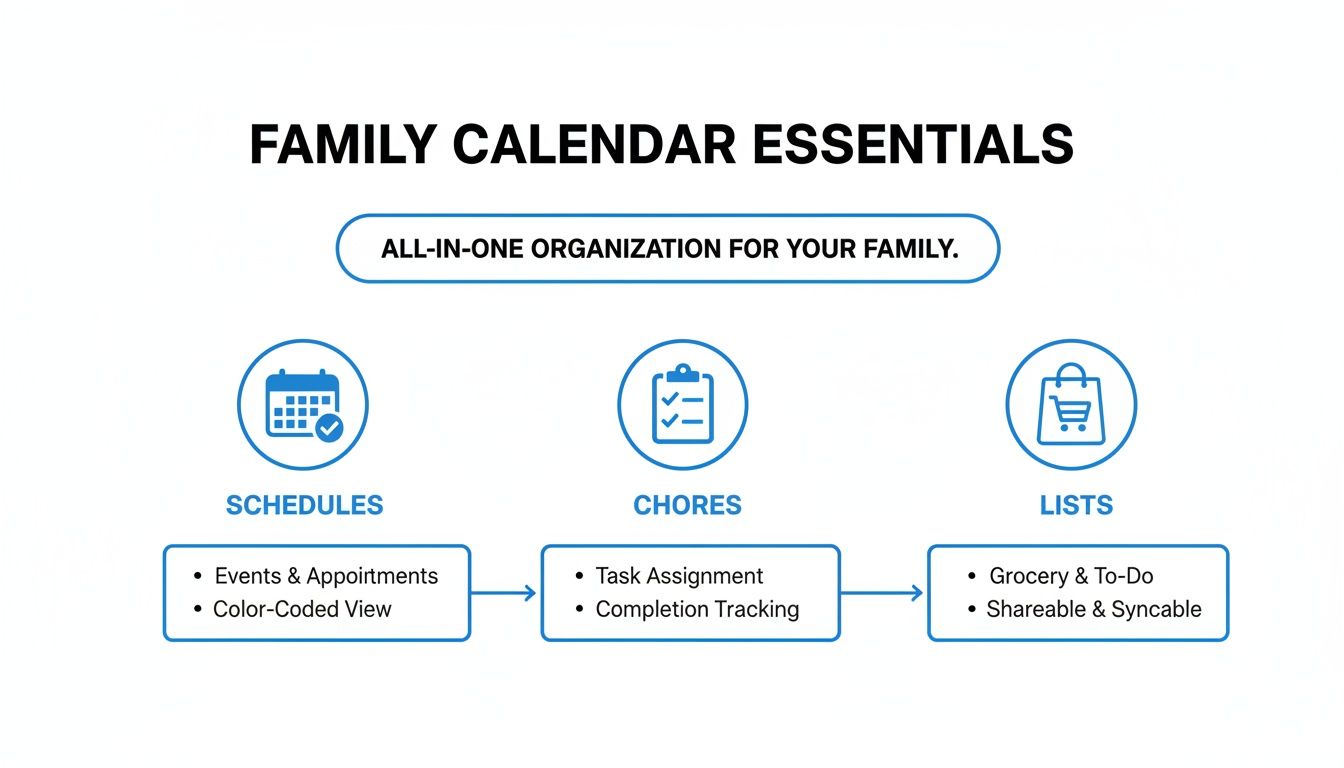
You can see how these pieces fit together to create a central hub that manages not just your time, but your household, too.
Beyond Scheduling: The Daily Logistics
A truly great digital calendar folds in the other messy parts of family life. An integrated chore chart is one of the most powerful features you can find. Forget paper charts that get ignored or shouting reminders down the hall. A digital system builds real accountability. You can assign recurring tasks, set deadlines, and even tie chores to rewards, which turns a boring to-do into something kids might actually want to complete.
A digital chore system transforms nagging into a structured process. When kids can see their responsibilities and track their own progress, it fosters a sense of ownership and independence that paper lists often fail to achieve.
In that same vein, synced grocery lists and meal planning tools are a must. When anyone in the family can add "milk" to a shared list from their phone, you stop buying duplicates or forgetting the one thing you actually needed. Tying this directly to a meal planner lets you build your grocery list from the week’s recipes, which saves a ton of time and money at the store.
Key Practical Features That Make or Break a System
The software is important, but the day-to-day practicalities are what determine if a calendar gets used or collects dust.
- Display Size and Visibility: A tiny phone screen is fine for your personal schedule, but a family hub needs to be seen from across the room. A large, dedicated wall display makes the schedule an ambient part of your home—no one has to ask what's happening today.
- Voice Entry and Ease of Use: The ability to add an event just by talking is a game-changer, especially for busy parents. When your hands are full, saying, "Add dentist appointment for Tuesday at 3 PM," is so much easier than fumbling with an app.
- Privacy and Data Security: You're putting your family's entire life into this device, so you need to trust it. It’s crucial to know how your data is stored and who has access to it. Look for companies that are transparent about their privacy policies and give you control over your family's information. To see what a secure, well-rounded system looks like, you can learn more about finding the best family calendar that nails these criteria.
- Pricing and Total Cost of Ownership: Don’t just look at the upfront price. Many digital calendars, especially apps and some wall displays, sneak in subscription fees to unlock the most useful features. A one-time purchase might seem like a bigger investment at first, but it can save you hundreds in the long run by getting rid of those recurring monthly or annual costs.
Comparing the Top Digital Calendar Solutions
Trying to find the right organization tool for your family can feel like a chore in itself. But when you boil it down, the best digital calendar for families usually falls into one of three buckets: a dedicated wall display, a do-it-all mobile app, or a smart home hub.
Each one has a totally different take on how to tame household chaos. The best fit really depends on your family's unique rhythm and what you’re trying to solve—is it getting kids to do chores, coordinating with a co-parent, or just remembering who has practice on Tuesday?
Instead of just listing pros and cons, let's look at how each of these actually performs in the real world. We'll see how they hold up to the daily grind, from last-minute schedule changes to getting the kids to actually look at their to-do lists. This way, you can see past the feature lists and figure out which one will genuinely click with your home.
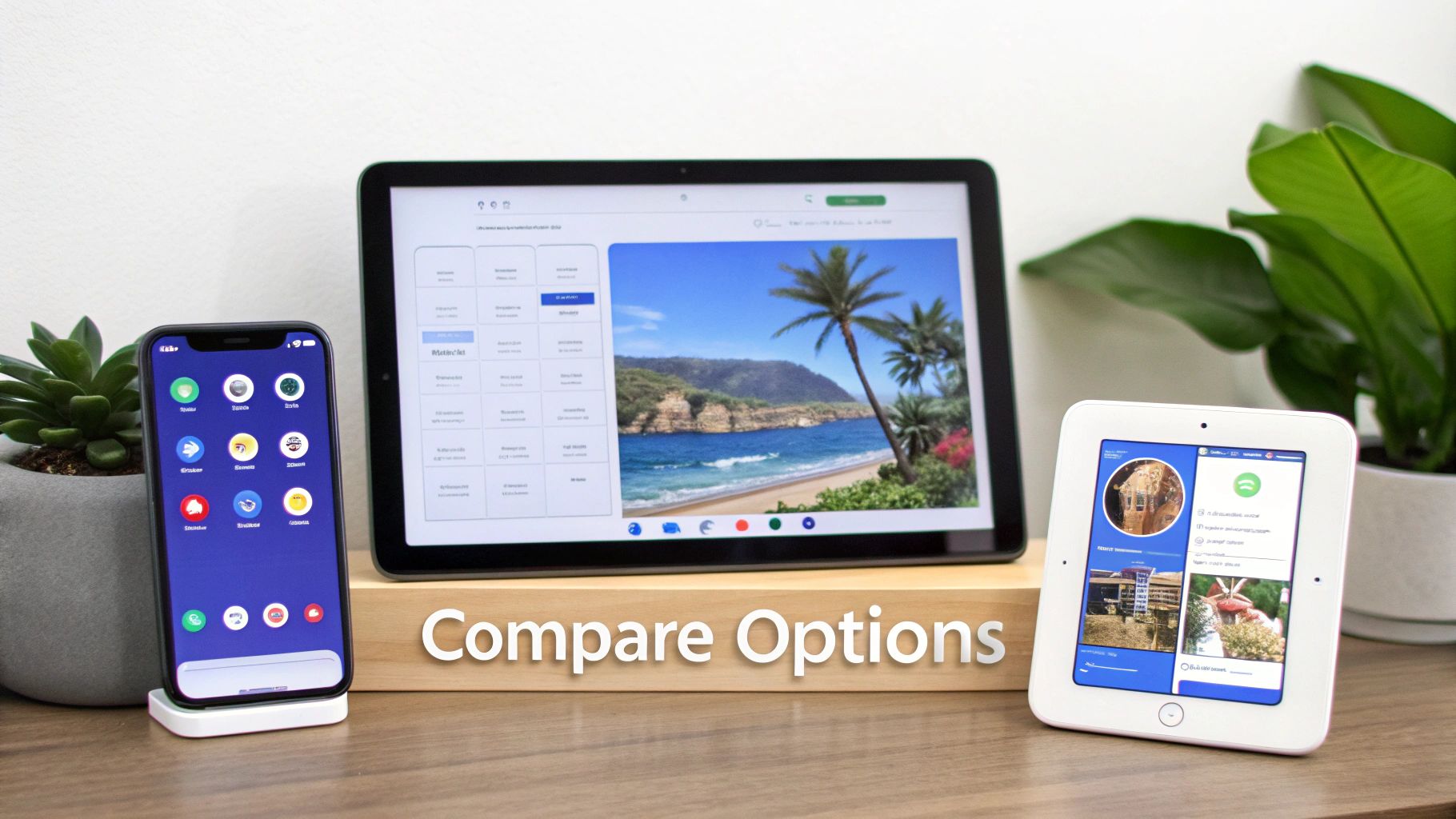
Dedicated Wall Displays: The Central Command Center
Dedicated wall displays, like our own Everblog, are built for one reason: to be the single, undeniable source of truth for your entire family. The magic is in their physical presence—that big, always-on screen becomes the backdrop of your daily life. It’s not just a giant phone app; it’s a whole new way for your family to see its schedule.
Picture a hectic Tuesday morning. With a wall display, one glance from across the kitchen tells you who has soccer practice and what's on the menu for dinner. No fumbling for a phone, unlocking it, and tapping through apps. That immediate, "at-a-glance" visibility cuts down on the mental load and makes the family schedule an ambient, easy part of your home.
These displays are also fantastic for getting kids on board. When a chore chart is right there for everyone to see, the classic "I forgot" excuse doesn't fly. Systems like Everblog even build in rewards, turning tasks into something tangible and motivating in a way a tiny phone screen just can't.
Key Differentiator: An always-on, high-visibility wall display is a proactive organizational tool, not a reactive one. It stops scheduling conflicts before they even start because the whole family’s agenda is impossible to miss.
Of course, their strength is also their limitation—they aren’t portable. They're designed to be the hub in the home, not a tool for when you're out and about (though companion apps usually solve that). The upfront cost can also be higher, but many, including Everblog, skip the recurring subscription fees that really add up over time.
Specialized Mobile Apps: Organization on the Go
Family organizer apps like Cozi take the opposite approach. They’re all about portability, making sure every family member has the schedule, shopping lists, and reminders on their own device, wherever they are. This is a game-changer for families with teens who are always out, or for co-parenting situations where you need to stay synced across two homes.
For example, a parent at the grocery store can see in real-time that their teenager just added "poster board for school project" to the shared list. That instant synchronization is where these apps shine. They are masters of logistics when the family is scattered.
These apps often pack a ton of features into one place, like shared calendars, to-do lists, and recipe boxes. Many have a free version, which makes them a low-risk way to dip your toes into digital organization.
The downside? There’s no central, physical hub. The "out of sight, out of mind" problem is very real here. If someone doesn't bother to open the app, they'll miss updates completely. This reliance on everyone taking initiative can sometimes defeat the whole purpose, creating the same digital disconnect you were trying to fix.
Smart Home Displays: The Voice-First Generalist
Smart home displays like the Amazon Echo Show or Google Nest Hub offer a middle ground. You get a physical screen in a central spot, but family organization isn't its main job. It's a voice assistant first—one that can also pull up a calendar, show you a recipe, or play a YouTube video.
The biggest plus here is convenience. Being able to shout, "Alexa, add a dentist appointment for Mia next Thursday," while your hands are full is a lifesaver for any busy parent. They also plug right into a bigger smart home system, letting you control everything from one spot.
This push for digital convenience is a growing trend. Research shows that 46.7% of users now prefer digital calendars over paper ones, a shift that's helping the market grow from an estimated $43,400.2 million in 2025 to $61,719.4 million by 2033. You can dig deeper into these numbers in the full calendar market research.
But their calendar functions often feel like an afterthought compared to dedicated tools. The screens are smaller, and the interface wasn’t designed to manage the nitty-gritty of family life, like chore charts or detailed meal plans. They're generalists, and for family-specific problems, a specialist usually does the job better. Plus, the constant notifications and other features can be distracting when all you want to do is see the day's schedule.
Digital Family Calendar Feature Scorecard
So, how do these options really stack up when it comes to the features a busy family actually needs? We broke it down in this simple scorecard.
| Feature | Dedicated Wall Display (e.g., Everblog) | Mobile App (e.g., Cozi) | Smart Home Hub (e.g., Echo Show) |
|---|---|---|---|
| At-a-Glance Visibility | Excellent: Large, always-on screen built for visibility. | Poor: Have to open an app on a small, personal screen. | Fair: Screen is there, but often small and cluttered. |
| Chore Management | Excellent: Visual charts and reward systems motivate kids. | Good: Functional lists, but lacks the visual punch. | Limited: Basic reminders, but no real chore tracking. |
| Family Engagement | Excellent: Creates a physical spot for daily planning. | Fair: Coordination is digital and done separately. | Good: Voice commands involve everyone, but it's not a true hub. |
| On-the-Go Access | Good: Companion apps keep you synced when you're out. | Excellent: Portability is its main strength. | Good: Mobile apps (like the Alexa app) offer remote control. |
| Ease of Use for All Ages | Excellent: Purpose-built UI is intuitive for kids and adults. | Good: Can feel cluttered with lots of nested menus. | Fair: Voice is easy, but on-screen controls can be clunky. |
As you can see, the right choice really depends on what you prioritize. If you want a central, visual hub that the whole family rallies around, a dedicated display is tough to beat. If your family is always on the move and needs remote coordination above all else, an app might be the way to go. And if you just want basic, voice-activated scheduling that fits into your existing smart home, a hub could be enough.
Choosing the Right Calendar for Your Family's Needs
The "best" digital calendar isn't about a long list of features. It's about finding a tool that actually fits into your family's unique rhythm. What works wonders for a family with teenagers might just be overkill for a household with toddlers. The key is to get honest about your biggest headaches first.
So, instead of a one-size-fits-all recommendation, let's look at a few common family scenarios. Figure out which one sounds most like your household, and you'll have a much easier time cutting through the noise to find a solution that genuinely helps.
For Large, Busy Families Needing a Central Hub
If your home feels more like Grand Central Station—with kids in different sports, overlapping appointments, and a constant chorus of "where am I supposed to be?"—your real problem is visibility. You need a single source of truth that no one can ignore. For this, a dedicated wall display like Everblog is the clear winner.
A large, always-on screen in a high-traffic spot like the kitchen makes the family schedule an unavoidable part of the environment. It completely solves the "out of sight, out of mind" issue you get with phone apps. A quick glance over breakfast is all it takes for everyone to see the day's plan, from soccer practice to dentist appointments, which means fewer verbal reminders from you.
The real magic of a wall display is its passive visibility. It stops scheduling conflicts before they even happen by making the whole family’s schedule impossible to miss. It turns reactive chaos into proactive calm.
This central hub approach is also fantastic for managing chores. With an integrated chore chart displayed right there on the wall, accountability becomes visual. Kids see their tasks and can track their own progress, fostering a sense of ownership that a tiny notification on a phone just can't match.
For Co-Parenting Households Needing Seamless Syncing
When you're co-parenting, the top priority is seamless, secure, and totally reliable information sharing between two homes. Consistency is everything. While a wall display in each home is great, the absolute core need is flawless digital sync. In this situation, a specialized family organizer app is often the most practical tool.
These apps are built from the ground up for remote coordination. A parent at one house can update a doctor's appointment, and the change instantly appears on the other parent's phone. Shared grocery lists make sure school snack preferences are met, and centralized contact lists for teachers and coaches keep everyone in the loop without endless back-and-forth texts.
The key is finding an app with solid sharing permissions and an interface that both parents actually find easy to use. It might lack a physical "hub," but its strength in on-the-go synchronization is what keeps the kids' lives stable and predictable across two locations.
For Tech-Averse Families Wanting Simplicity
Let's be real—introducing new tech can be a pain, especially if some family members get overwhelmed by complicated apps. If a gentle learning curve is your top priority, the goal is to find a tool that feels intuitive from the moment you plug it in. For this, a dedicated wall display with a purpose-built interface is far superior.
Unlike a do-it-all smart display that can be distracting and confusing, a device like Everblog is designed for one job: organizing your family.
- No Distractions: It doesn't have web browsers, streaming apps, or shopping features to clutter things up.
- Intuitive Design: The interface is usually built with big icons and clear navigation, making it accessible for everyone from young kids to grandparents.
- Physical Interaction: For many people, the simple act of touching a large screen to check off a chore is way more straightforward than digging through menus on a phone.
This focused approach removes the tech anxiety, making it way more likely that everyone in the family will actually use it.
For the All-in-One Home Manager
If you're the family's unofficial COO, you need more than just a calendar—you need a command center. You're juggling schedules, planning meals, assigning chores, and building grocery lists. For the highly-organized parent, a dedicated wall display offers the most comprehensive, all-in-one solution.
Sure, mobile apps have these features, but a wall display brings them all together into one cohesive dashboard. You can plan the week's meals on the big screen while the grocery list populates right next to it. You can see the weekly schedule alongside the chore chart, letting you assign tasks based on who has a lighter day. It gives you a bird's-eye view of all your household logistics in one place, something no other solution does quite as well.
How a Central Display Creates a More Connected Household
While calendar apps are great on the go and smart hubs are handy for voice commands, a dedicated digital wall display solves the core problem of family organization from a totally different angle. It’s not another app you have to open or a command you have to remember to shout. Instead, it becomes a central, always-on part of your home’s environment—a true command center.
The real magic is in the shift from reactive to proactive organization. With a phone, you have to actively pull up your schedule to see what's next. A large wall display like Everblog passively pushes that information to the entire family, all day long. This simple change is a game-changer for reducing the mental load on parents, who are no longer the sole gatekeepers of the family schedule.
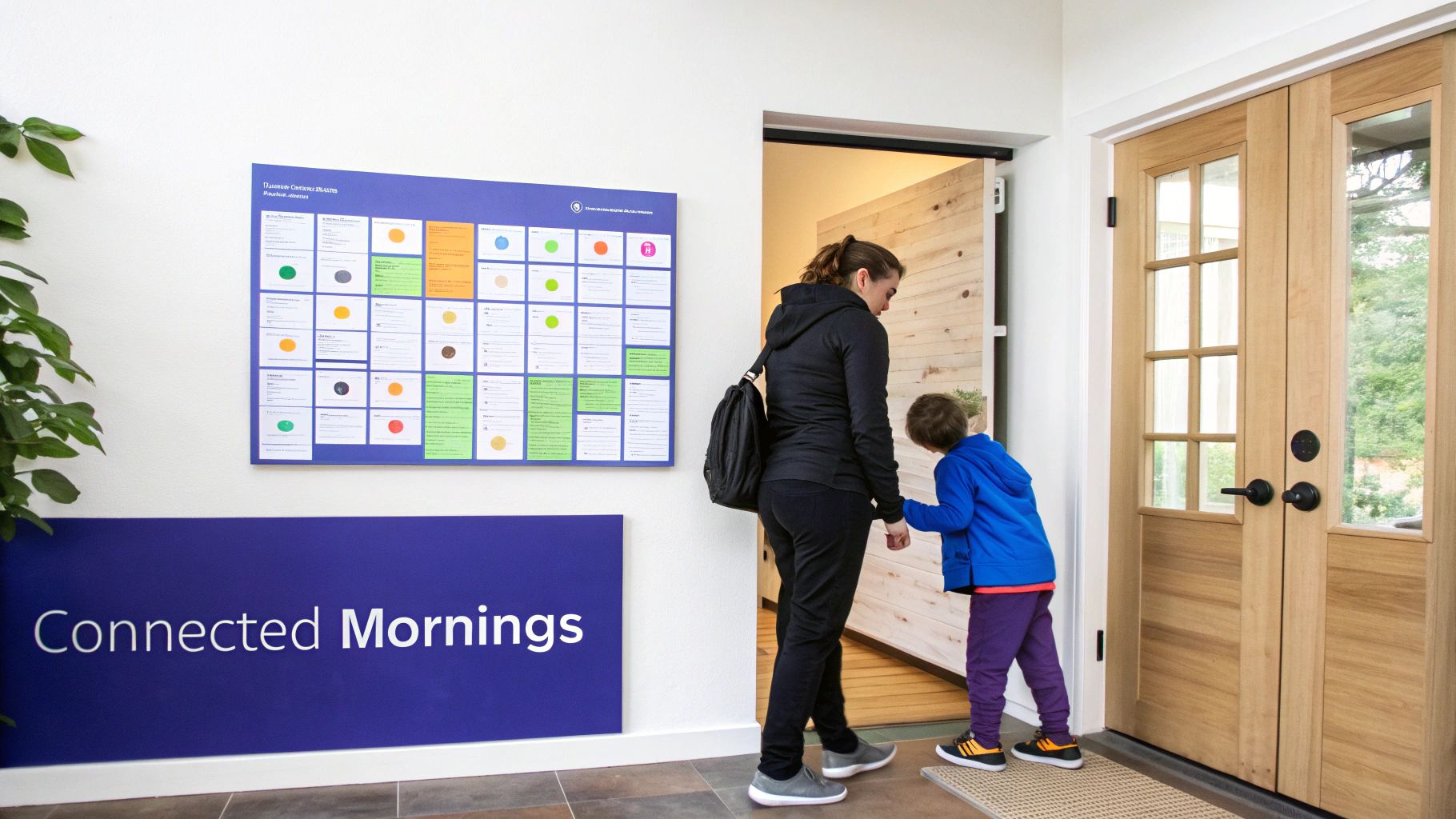
This kind of at-a-glance organization is exactly what the primary household coordinators need. Data shows that 75% of parents aged 35-44—the demographic right in the thick of managing busy family life—rely on calendars daily, more than any other age group. You can dig into more wall calendar market trends on intelmarketresearch.com. A central display is built for this need, giving them the instant clarity they’re looking for.
Transforming Mornings from Chaos to Calm
Let’s get real for a second. Think about a typical morning. It probably involves a lot of shouting reminders down the hall: “Don’t forget your soccer uniform!” or “Did you pack your lunch?” Each question just adds another layer of stress.
Now, picture this: your child walks into the kitchen for breakfast and immediately sees a visual reminder for "Soccer Practice at 4 PM" and a checklist item for "Pack Lunch." The display does the reminding for you. Suddenly, your kids are empowered to take ownership of their own day without you having to say a word.
A dedicated wall calendar acts as a neutral, third-party authority in the home. It’s not Mom or Dad nagging about chores; it’s simply what the schedule says. This shift depersonalizes reminders and reduces conflict, fostering a more cooperative family dynamic.
This is especially powerful for chores. When the chore chart is a public and interactive part of the kitchen, it stops being a source of arguments and becomes a tool for accountability.
Fostering Cooperation Without Conflict
A huge win for a central display is its ability to seamlessly integrate chore and rewards trackers where everyone can see them. With a system like Everblog, a child can physically check off a completed task like “Feed the Dog” and watch their progress toward a goal. It turns boring jobs into a fun, motivating challenge.
This approach gives you a few tangible benefits:
- Clear Expectations: Everyone sees what needs to be done, who’s supposed to do it, and when it’s due. No more excuses.
- Instant Gratification: Checking off a task provides that small but satisfying hit of accomplishment.
- Positive Reinforcement: When chores are tied to rewards, it creates a positive loop that encourages kids to stay on top of their responsibilities.
On top of all that, a one-time purchase for a device like Everblog offers much better long-term value than the endless subscriptions you find with many apps. Over a few years, avoiding those monthly or annual fees adds up to real savings, making it a smarter investment for the family budget. If you're thinking about this route, you can learn more about finding the perfect digital calendar display for your home.
Ultimately, a central display isn't just a calendar. It’s an investment in a calmer, more connected, and more collaborative household.
Your Top Digital Calendar Questions, Answered
Making the jump to a new family command center is a big move, and it's smart to have questions. You're not just buying a gadget; you're changing the way your household runs. We've gathered the most common questions we hear from families to give you clear, straight-up answers.
Our goal here is to cut through the confusion about setup, security, and day-to-day use so you can pick the right system with total confidence.
How Hard Is It to Ditch Our Paper Calendar?
Honestly, switching from paper to a digital wall display is a lot easier than you’d think. The trick is to choose a device with a simple, intuitive screen that everyone can understand at a glance. Unlike those jack-of-all-trades smart hubs with a million confusing apps, a dedicated calendar like Everblog does one thing, and it does it really, really well. That makes the learning curve practically non-existent.
Most families tell us the only real "challenge" is breaking the old habit of looking at the paper calendar on the fridge. But because a digital display is bright, big, and placed right in the heart of the home, it naturally becomes the new go-to. The transition really only takes a few days.
The secret to a smooth transition? Put the digital calendar where everyone can see it—the kitchen is perfect. When it's always in view, it becomes part of the home's background rhythm, and everyone starts using it without feeling like they're learning new tech.
What Happens If the Wi-Fi Goes Out?
This is a great question and a totally valid worry. While you need Wi-Fi to sync new events from your phone to the display, your schedule doesn't just vanish if the internet drops. Dedicated wall displays are smart enough to show the last synced version of your calendar.
This means all the appointments, reminders, and notes that were there before the outage are still visible. You won’t be able to add a new event from your phone and see it pop up on the screen until the connection is back, but the day's plan is safe. No more chaos if the Wi-Fi goes down.
How Secure Is Our Family's Private Information?
Your family's schedule is full of personal details, so security has to be a non-negotiable. Good companies know this and build their systems with serious protection. When you’re looking at different options, check to see if the brand is upfront and clear about its privacy policies.
Here are a few things that are must-haves:
- Data Encryption: This scrambles your family's information so it's unreadable to anyone else, both when it’s being stored and when it's syncing between devices.
- Secure Cloud Storage: Your calendar data should live on secure, reputable servers—not on a local device that could get lost or compromised.
- Parental Controls: Look for features like a PIN lock. It’s a lifesaver for stopping little hands from accidentally deleting your dentist appointment or changing the schedule.
Can We Have Separate Views for Different Family Members?
Of course. This is one of the best parts of a great digital calendar. Most systems use simple color-coding, assigning a different color to each person in the family. It lets you see what everyone has going on in a single glance, with each person's schedule clearly marked.
You can also filter the view to focus on just one person. Need to confirm your son's soccer practice time without all the other clutter? Just tap his name to see only his events for the week. This flexibility is perfect for getting that big-picture family overview and for drilling down into individual schedules.
Ready to create a calm, organized, and connected home? The Everblog digital wall calendar brings your family's entire schedule, chore list, and meal plan into one beautiful, easy-to-use hub. With no subscriptions and a simple setup, it’s the command center your family has been waiting for. Learn more and see how Everblog can transform your daily routine.


