








Let's get this straight: an electronic wall calendar that syncs with your iPhone is basically your old paper wall calendar brought to life. It’s a smart display that you hang up in a central spot—like the kitchen—and it becomes the command center for your entire family.
Its real magic is how it instantly updates. Someone adds an event to their iPhone calendar, no matter where they are, and it pops up on the wall at home for everyone to see. That seamless connection is what turns a chaotic schedule into a truly organized household.
What Is an Electronic Wall Calendar and Why Does iPhone Syncing Matter?
Think about that paper calendar hanging on your wall right now. It's static. You scribble in appointments, cross things out, and hope everyone remembers to look at it. It's a snapshot in time that's outdated almost as soon as you write on it.
An electronic wall calendar that syncs with your iPhone is the opposite. It’s a live, shared family hub.
You're at the doctor's office and you schedule a follow-up on your iPhone? Bam, it’s instantly on the calendar at home. Your partner adds a last-minute business trip from their phone? It's right there, so you don’t accidentally plan a family dinner for the same night. No more frantic texts or forgotten appointments.
The Power of a Centralized View
This constant, automatic updating is what makes an electronic wall calendar that syncs with iphone a game-changer for busy families. It completely kills that constant back-and-forth of, "What's the plan for today?" or "Did you remember to write down the soccer game?"
The benefits become obvious almost immediately:
- It clears your mental clutter. You're no longer the designated keeper of everyone's schedules. The calendar handles that heavy lifting.
- It prevents scheduling nightmares. With everyone's calendars layered and color-coded on one screen, you can spot a double-booking a mile away.
- It keeps the whole family in the loop. From your kids to visiting grandparents, everyone knows the day's agenda at a glance. This builds independence and makes everyone feel like part of the team.
To give you a clearer picture, let's break down the old vs. the new.
Traditional Paper Calendar vs Smart Wall Calendar
| Feature | Traditional Paper Calendar | Electronic Wall Calendar with iPhone Sync |
|---|---|---|
| Updating | Manual; requires a pen and a person. | Automatic; syncs in real-time. |
| Accessibility | Only visible at home. | Visible at home, updates from anywhere. |
| Collaboration | Messy; requires good handwriting. | Seamless; everyone adds from their own device. |
| Reminders | None; relies on memory. | Sends notifications to your phone. |
| Flexibility | Static; plans can't be easily changed. | Dynamic; easily reschedule or delete events. |
| Extra Features | Limited to what you can write. | Includes meal plans, chore charts, weather, etc. |
As you can see, it's not just about a digital display; it's about a fundamentally smarter way to manage your family's time.
This shift towards connected organization is why the wall calendar market, valued at USD 1.58 billion in 2023, is expected to jump to USD 2.67 billion by 2032. The driving force behind that growth is the demand for electronic calendars with exactly this kind of seamless iPhone integration. This trend fits right in with the broader push for smart home upgrades that make our homes more efficient and responsive.
By bridging the gap between the digital planner in your pocket and the physical hub of your home, a synced wall calendar turns scheduling from a chore into a simple, collaborative habit. If your family lives in the Apple ecosystem, this device is the missing link to finally getting everyone on the same page. For a deeper dive, check out our guide on the benefits of a https://everblog.com/blogs/life-with-everblog/digital-calendar-wall.
How Your iPhone and a Digital Wall Calendar Talk to Each Other
Ever add "Soccer practice at 4 PM" to your iPhone and see it pop up on the kitchen wall calendar moments later? It feels like magic, but it’s actually a clever bit of tech working behind the scenes. Your phone and the wall display are constantly talking, using the cloud as their go-between.
For most of us in the Apple world, this connection happens through iCloud. Think of iCloud as the central hub for your family's digital life. When you add an event to your Calendar app, you're essentially dropping a note into a shared digital folder. Your wall calendar has permission to peek into that same folder, grab the note, and display it for everyone to see.
The technical name for this "language" they speak is CalDAV (Calendar Distributed Authoring and Versioning), but you don't need to remember that. Just know it’s the universal translator that ensures when your phone says, "New event: Dentist, Tuesday at 10 AM," the wall display understands perfectly and puts it in the right spot.
The Different Roads to a Synced Calendar
While iCloud is the most direct route for iPhone users, it’s not the only one. Modern families often use a mix of different apps and devices, and a good smart calendar is built for that reality. The goal is always the same: get everyone's schedule into one unified, easy-to-read place.
Here are the most common ways an electronic wall calendar that syncs with iphone can pull everything together:
- Using Google Calendar as a Bridge: Many families already rely on a shared Google Calendar. It's easy to sync your iPhone's native calendar to Google, and then connect your wall display to that same Google account. In this setup, Google Calendar becomes the central meeting point for all your devices.
- Connecting Through Microsoft Exchange: If you use Outlook for work, you're not left out. Most digital wall displays can sync with Microsoft Exchange or Office 365 accounts. This lets you overlay your work schedule with your family’s calendar, giving you a complete picture of your day without having to jump between different apps.
This diagram shows how your iPhone acts as the command center, connecting the wall calendar with the rest of your family's digital world.
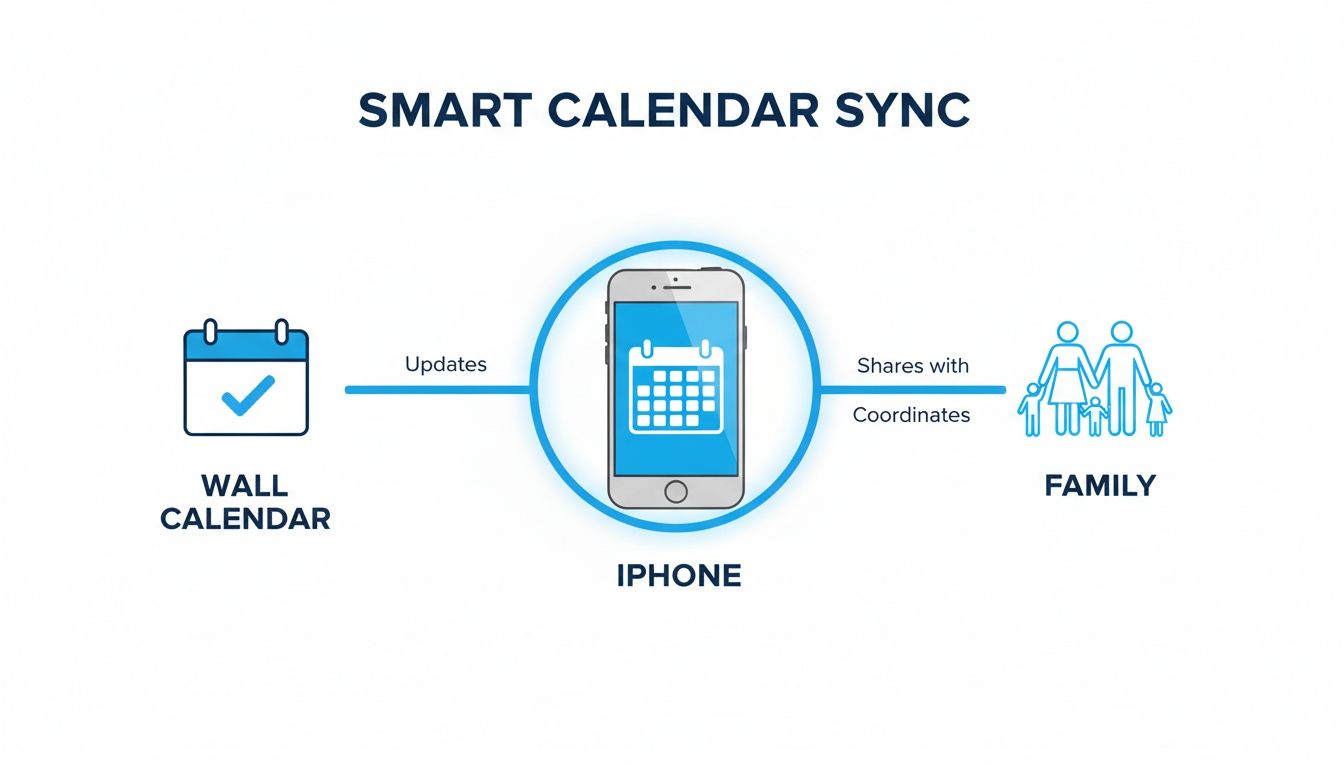
As you can see, the wall calendar isn't just a passive screen; it's an active hub that pulls information from your phone to keep the entire family coordinated.
The Companion App: Your Control Panel
The final piece of the puzzle is the companion app. Almost every smart wall calendar comes with its own app you download from the App Store. This app is the control panel—the friendly go-between that makes setup and management a breeze.
Your iPhone holds the raw data, the wall calendar is the beautiful display, but the companion app is the command center where you tell everything how to work together. It’s where you authorize calendar access, customize views, and manage user permissions.
During the initial setup, you'll use the app to log into your iCloud, Google, or Exchange account. This is a secure, one-time step that grants the calendar permission to read your events. From there, you can use the app to tweak settings, like assigning different colors to each family member or choosing which specific calendars you want to see. This kind of customization is simple with tools like the Everblog companion app, which is designed to make the whole process intuitive.
This whole system works so well because it taps into the massive iOS platform, where Apple's Calendar app alone has over 500 million active users. With studies showing shared family calendars can slash scheduling conflicts by up to 60%, the tech that connects your iPhone to a wall display does more than just show appointments. It turns a simple device into the organizational heart of your home.
Must-Have Features for Busy Families and Professionals
An electronic wall calendar that syncs with your iPhone stops being just a fancy screen and becomes the command center for your home when it has the right tools built in. The best ones go way beyond just showing appointments. They’re designed to solve the real-world organizational headaches that every busy family and professional knows all too well. They take that chaotic mess of schedules, to-do lists, and meal plans and turn it into one clear, coordinated flow.
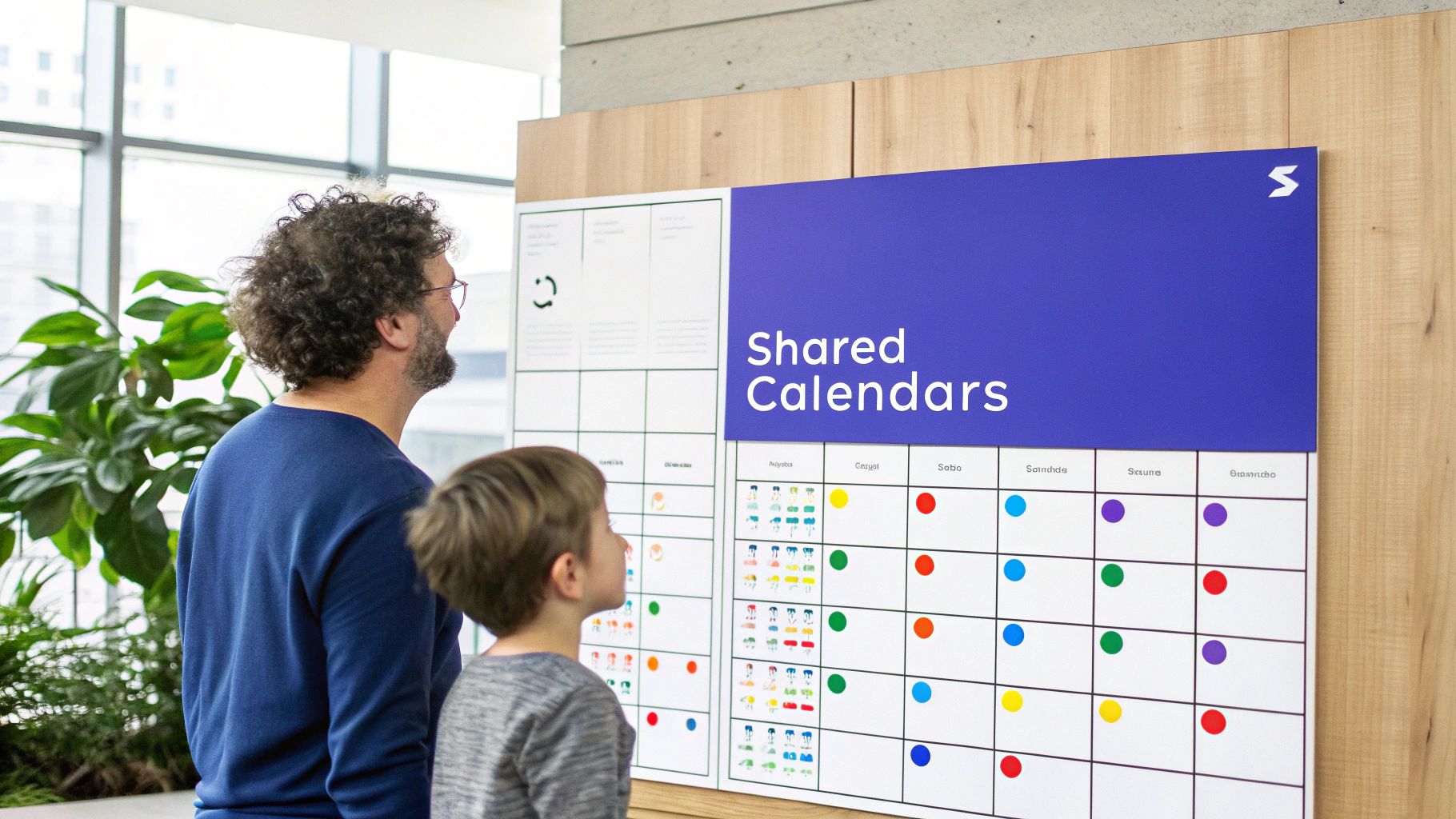
For a modern family, this means the calendar has to do more than just display dates—it needs to actively help run the household. For professionals, the goal is to seamlessly blend work and personal lives without creating more confusion. Let's dig into the essential features that make these devices an absolute game-changer for both.
Essential Tools for Family Organization
The best digital wall calendars are built with the chaos of family life in mind. They offer tools that bring clarity and seriously reduce the mental load on parents. These aren't just bells and whistles; they're features that tackle the daily logistics of running a household head-on.
-
Shared and Color-Coded Calendars: This is the big one. The ability to pull in multiple iPhone calendars—one for each person—and give everyone their own color is non-negotiable. Suddenly, you can see at a glance that Dad’s work trip (blue) clashes with the school play (green). No more double-bookings or last-minute panic.
-
Integrated Chore and Task Manager: Constantly nagging the kids to do their chores is draining. A built-in chore manager lets you assign tasks like "feed the dog" or "empty the dishwasher" right on the calendar. Many, like Everblog, even have gamified reward systems where kids earn points or stars, which magically turns responsibilities into something they actually want to do.
-
Meal Planner and Grocery List: That daily "what's for dinner?" question can be surprisingly stressful. A meal planning tool lets you map out the entire week's menu right there. The best devices then automatically create a grocery list from that meal plan and sync it to everyone’s phone. Nothing gets forgotten at the store.
These core features transform the calendar from a passive display into an active member of your family's daily rhythm. You can see exactly how a digital family calendar becomes the central hub for the whole home.
Power Features for Ambitious Professionals
For professionals, the line between work and home is blurrier than ever. A great electronic wall calendar helps manage that overlap by creating a single, unified view of every single commitment. It makes sure a critical work deadline doesn't get steamrolled by a parent-teacher conference you forgot about.
An ideal smart calendar for a professional doesn’t just show two separate lives—work and home—side by side. It integrates them into one cohesive timeline, allowing for smarter decisions about how to allocate your most valuable resource: your time.
Key features include:
-
Multi-Platform Syncing: Professionals rarely live in just one calendar ecosystem. A must-have feature is the ability to sync not only your iPhone's iCloud calendar but also work platforms like Google Calendar and Microsoft Outlook/Exchange. This gives you a complete picture of meetings, deadlines, and family events all in one spot.
-
Voice Entry and AI Assistance: Being able to add events without touching a thing is a huge time-saver. Just saying, "Hey Siri, add 'Project deadline Friday at 5 PM'" and watching it pop up on the wall display is incredibly efficient. Some advanced calendars even use AI to automatically pull events from forwarded emails or PDFs, saving you from tedious manual entry.
For high-tech families and professionals, it's worth looking at a calendar's ability to integrate with other smart home tech. For instance, incorporating slick charging solutions is a nice touch; you might even check out the best MagSafe charging docks to see what's possible for your iPhone setup.
Universal Features Everyone Needs
Whether you're managing a family or a career, some features are just plain useful for everyone. Think of these as the quality-of-life upgrades that make the device a joy to use instead of another complicated gadget.
Look for a calendar with an intuitive mobile app so you can make changes on the go, customizable display views (daily, weekly, monthly), and a clean design that actually looks good in your home. At the end of the day, the right electronic wall calendar that syncs with your iPhone is the one that fits so seamlessly into your life that organization stops feeling like a chore and becomes a natural, background process.
A Practical Checklist for Choosing Your Perfect Calendar
Picking out the right electronic wall calendar can feel like a huge commitment, but it doesn't have to be overwhelming. The best way to think about it is like choosing any other smart device for your home—it’s all about matching the features to what your family actually needs. This checklist will help you cut through the marketing noise and find the perfect fit.
With a little bit of homework, you can confidently choose an electronic wall calendar that syncs with iphone and makes your life genuinely easier. Let's dig into what really matters.
Start with Compatibility and Syncing
First things first: how well does this calendar play with the tech you already own? If you’re an iPhone family, seamless syncing is the entire point, so this part is absolutely non-negotiable.
-
Native iCloud Sync: If your family lives in the Apple ecosystem, direct integration with iCloud and Apple Calendar is the gold standard. Look for devices that explicitly mention CalDAV support, which is the tech that makes this magic happen without any clunky workarounds.
-
Google Calendar and Outlook Support: Let’s be real—even if your personal life is on iCloud, work and school often run on Google Calendar or Microsoft Outlook. A truly flexible calendar will let you pull in all of these at once, layering them into a single, unified view for the whole family.
-
Two-Way vs. One-Way Sync: Make sure the calendar offers two-way syncing. This is critical. It means that when you add an event on the wall display, it instantly pops up on your iPhone, and when you add something on your phone, it appears on the wall. A one-way sync is a dealbreaker for most, as it only pulls information and won't let you make changes from the device itself.
Evaluate the Display and Design
This calendar is about to become a permanent fixture in your home, so you have to love the way it looks. Think about it as both a high-tech tool and a piece of home decor.
Your smart calendar is both a utility and a piece of wall art. The display needs to be clear enough to read from across the room, with a design that actually complements your home's style.
Here's what to look for in a display:
-
Size and Resolution: A bigger, high-resolution screen (like a 21.5-inch or 27-inch model) is perfect for a central command center in the kitchen. For a personal office or a smaller space, a 10-inch or 15-inch display might be all you need.
-
Screen Type: Most of the best calendars use an anti-glare matte screen, which is a must-have for bright rooms. It cuts down on distracting reflections and makes the display look more like a natural part of the wall instead of a television screen.
-
Frame and Aesthetics: Does the frame match your kitchen cabinets or living room decor? Some brands offer customizable frames in different wood finishes or metals, while others stick to a sleek, modern look. Pick something you’ll be happy seeing every single day.
Feature Comparison for Top Smart Calendar Brands
To help you see how different options stack up, here’s a quick comparison of what you can expect from some of the leading brands in the space.
| Feature | Brand A (e.g., Skylight) | Brand B (e.g., DAKboard) | Brand C (e.g., Nest Hub) |
|---|---|---|---|
| Two-Way Sync | Yes (with subscription) | Yes (with subscription) | Yes (Free) |
| Screen Size Options | 10", 15" | 24", 27", 32" | 7", 10" |
| Anti-Glare Screen | Yes | Yes | No |
| Customizable Frames | Yes (sold separately) | Yes | No |
| Shared Chore Lists | Yes (with subscription) | No | No |
| Meal Planning Tools | Yes (with subscription) | No | No |
| Voice Assistant | No | No | Yes (Google Assistant) |
This table shows that features can vary wildly. Some brands bundle everything for free, while others lock essential tools like chore charts behind a subscription paywall.
Connectivity and Power Source
A smart calendar is only as smart as its internet connection. Before you buy, take a second to think about the practical side of setting it up in your home.
This market is growing fast, and it’s easy to see why. Smart home device shipments are projected to hit 1.2 billion units in 2024, and the wall calendar niche is expected to grow into a USD 2,500 million industry by 2035. A huge driver for this is the demand for seamless Wi-Fi and Bluetooth syncing with iPhones. With online sales now making up roughly 45% of the market, it's easier than ever to get your hands on one. You can dive deeper into these market trends and projections on Business Research Insights.
Finally, don't forget these simple but crucial details:
- Wi-Fi Connection: A solid Wi-Fi signal is a must for real-time syncing. Double-check that the device is compatible with your home's Wi-Fi network.
- Power Source: Most of these large displays need to be plugged in. Plan out where it will live, make sure an outlet is nearby, and think about how you’ll hide the cord to keep things looking clean.
- Setup Process: Check reviews for comments on the setup. The best devices have a simple, straightforward process you can manage from a companion app. A frustrating setup can ruin the whole experience before you even get started.
Your Step-by-Step Setup and Troubleshooting Guide
Bringing home an electronic wall calendar is the final, exciting step toward creating a true command center for your family. But let’s be honest, getting from the box to a beautifully synced display can feel a little intimidating. This guide is here to break it all down into simple, frustration-free steps so you can get up and running in no time.
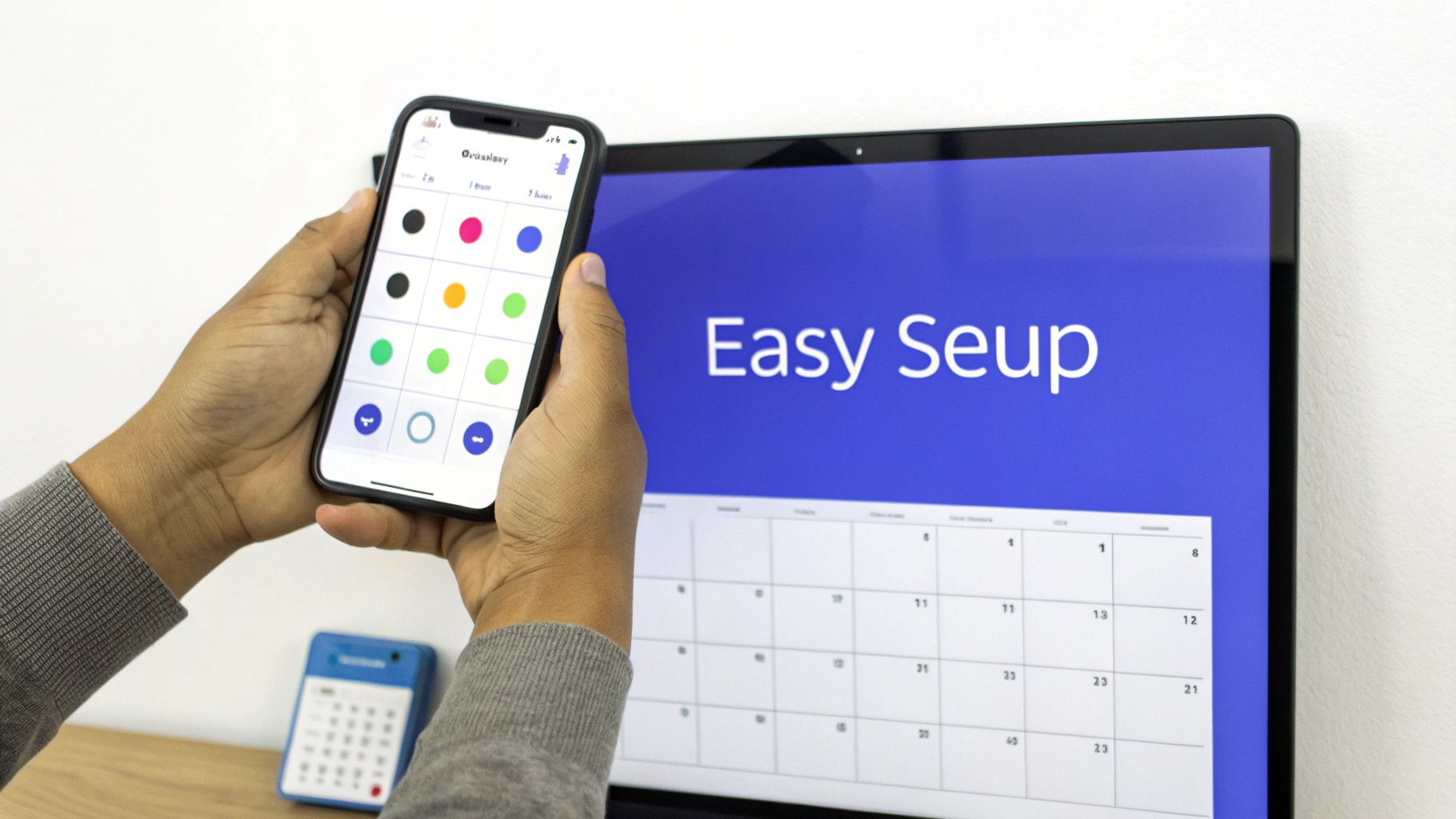
We'll walk you through everything from the physical mounting to sorting out the most common little hiccups. Think of this as your friendly support manual for your new electronic wall calendar that syncs with iphone.
Getting Started The Right Way
Good news: the initial setup is designed to be surprisingly straightforward. Most people have it done in less than 30 minutes. The real workhorse here is a companion app on your iPhone, which acts as the control panel for the whole process.
Here’s the typical flow you can expect:
-
Unbox and Mount: First things first, pick the perfect spot. You'll want it in a high-traffic area where everyone will see it, like the kitchen or entryway. Most calendars come with a mounting template and hardware, making it about as difficult as hanging a picture frame. Just make sure there's an outlet nearby, since most of these displays need constant power.
-
Power Up and Connect to Wi-Fi: Once it's on the wall and plugged in, the device will boot up and ask to connect to your home Wi-Fi. You’ll grab your iPhone, open the companion app, and use it to select your network and type in the password. This is a critical step—a stable internet connection is what makes the real-time syncing possible.
-
Sync Your iPhone Calendar: Now for the magic. The app will guide you to connect your calendar account. Since you're an Apple user, you'll choose the iCloud option and securely log in with your Apple ID. This is a one-time authorization that gives the device permission to read and display your calendar events.
The companion app is the secret sauce. It acts as a secure bridge between your personal calendar data on your iPhone and the wall display, ensuring everything syncs correctly without ever compromising your privacy.
After logging in, you get to choose which specific calendars to show—like "Family," "Work," or individual calendars for each person. This is also where you’ll assign different colors to keep everyone's schedules visually distinct and easy to read at a glance.
Solving Common Setup Problems
Even with the simplest tech, you can hit a snag. Before you get frustrated, just know that most issues have quick and easy fixes. Here are the most frequent problems people run into and how to solve them.
-
Problem: My Events Aren't Syncing
This is hands-down the most common issue, and it almost always points to a connectivity problem. First, double-check that your wall calendar is still connected to your Wi-Fi. Next, open the companion app and make sure your calendar account is still linked. Sometimes, all it takes is a simple refresh within the app or restarting the device to get things talking again. -
Problem: The Time or Date is Wrong
An incorrect time is a dead giveaway that the device isn't properly connected to the internet. Your calendar pulls its time and date from online servers. Head into the settings via the companion app and confirm the device is on your Wi-Fi and that the correct time zone is selected. -
Problem: I Can't Connect to My Calendar Account
If you keep getting an authentication error when trying to sync your iCloud account, the issue might be on Apple's end. First, triple-check that you're using the right Apple ID password. More importantly, if you have Two-Factor Authentication (2FA) enabled on your Apple ID (and you should!), you may need to generate an "app-specific password" from Apple's website to use for the calendar.
Following these steps will help you move smoothly from unboxing to having a fully functional family hub. A little patience during setup will pay off with a perfectly synced, stress-free scheduling system that just works.
Got Questions? We’ve Got Answers.
Even after seeing how it all works, you probably still have a few questions bouncing around in your head. That's completely normal. Let's tackle some of the most common things people ask before they decide to bring a smart calendar into their home.
Can My Whole Family Sync Their Calendars?
Yes! And honestly, this is where the magic really happens. A good smart wall calendar is built for this exact purpose. You can pull in multiple calendars from providers like iCloud or Google and see them all in one place.
The best part is how it all comes together visually. You can color-code everything—Mom’s work schedule in blue, Dad’s appointments in green, and the kids’ soccer games in yellow. It makes spotting a scheduling clash a breeze, all managed right from the calendar’s app where you add each person’s account.
Do I Have to Pay a Subscription Fee?
This is a big one, and the answer really depends on the brand you choose. Many of the best devices, like Everblog, give you all the core features—calendar syncing, chore lists, meal planning—right out of the box with a one-time hardware purchase. No monthly fees.
However, some other companies lock their best features behind a paywall. You might find that things like AI meal planners, advanced chore charts, or extra photo storage require an optional paid subscription. Always double-check the pricing model before you buy so you know exactly what’s included and avoid any surprises later on.
What Happens If the Wi-Fi Goes Out?
Losing your internet connection is a real concern for any smart device. If your Wi-Fi drops, your wall calendar will temporarily stop syncing new events from your iPhone or pulling in updates.
But it won’t just go blank on you. Most displays are designed to show the last successfully synced version of your schedule, so all your existing appointments will still be visible. The moment your internet comes back online, the calendar will automatically reconnect and pull in any changes that happened while it was offline. No need to touch a thing.
Think of it this way: your calendar data doesn't actually live on the wall display. It lives in the cloud. The screen is just a window to that data. When the connection drops, the window freezes, but your schedule is still safe and sound, ready to reappear once you're back online.
Is My Family's Calendar Data Secure?
Security is—and should be—a huge priority. Reputable manufacturers use secure, encrypted connections to talk to your calendar provider (like Apple's iCloud or Google). It’s like an armored truck moving your data safely from your phone to the wall display.
To keep your info private, stick with well-known brands that are open about their security practices. And just as importantly, take a couple of simple steps yourself:
- Use a Strong Password: Always create a unique password for the calendar’s companion app.
- Enable Two-Factor Authentication (2FA): This is non-negotiable. Turning on 2FA for your Apple or Google account adds a powerful layer of security that makes it nearly impossible for anyone else to get in.
By taking these basic precautions, you can sync your family’s entire life with confidence. An electronic wall calendar that syncs with iphone is meant to make your life more visible, and with the right security, you can be sure it’s only visible to you.
Ready to transform your family's organization and bring everyone onto the same page? The Everblog digital family wall calendar combines a beautiful 21.5-inch display with powerful, subscription-free features for chores, meals, and schedules. Discover how Everblog can calm the chaos in your home.


