




If you're planning to buy a digital calendar for your refrigerator this Black Friday, the main question isn't just how much you can save. You also need to know which configuration is included, whether the Charging Dock comes with it, and whether waiting for a later promotion will give you a better setup.
Everblog's 2026 holiday promotions run across three stages: Early Access, Black Friday, and Cyber Week. Each stage has different FridgeCal offers, so comparing the actual configurations is more useful than looking at a discount percentage alone.
Whether you're looking for a basic fridge calendar to display family schedules or a more complete countertop setup, the right choice depends on where you intend to use the device and which accessories your household needs.

Quick Answer
Yes. As checked on November 12, 2026, Everblog lists the 13.4-inch FridgeCal at $249 during Early Access, with BLACK10 advertised for eligible purchases. A 10% discount on $249 calculates to $224.10 before shipping and applicable taxes, subject to checkout confirmation.
The campaign lists a FridgeCal and Charging Dock bundle for $269 during November 21–29. Choose according to whether you want refrigerator placement alone or an additional countertop charging setup. Check the active offer before ordering.
What Everblog FridgeCal Black Friday Deals Are Available in 2026?
Everblog has divided its 2026 holiday promotion into three stages. The offers are not identical, so check the dates and included accessories before deciding when to order.
Early Access FridgeCal Pricing: November 9–20
During Early Access, an additional 10% discount is advertised with code BLACK10 on eligible 13.4-inch FridgeCal purchases.
Compare the listed prices for each configuration:
| Configuration | Listed Price Before Code |
| FridgeCal Base Model | $249.00 |
| FridgeCal + Dual Stylus | $259.00 |
| FridgeCal + Charging Dock | $319.00 |
Prices checked November 12, 2026, excluding applicable taxes and shipping charges. Confirm BLACK10 eligibility, any restrictions on combining promotions, and the final total at checkout.
The base model is the simplest configuration. It includes the refrigerator-mounted calendar and the standard accessories listed on the product page.
The Dual Stylus option is for households that want an additional stylus. The Charging Dock configuration is intended for people who also want a countertop setup.
If you only need a magnetic refrigerator calendar, the base model may be enough. Don't pay for an accessory unless you have a specific reason to use it.
Black Friday FridgeCal + Charging Dock Bundle: November 21–29
During the main Black Friday period, Everblog lists the FridgeCal and Charging Dock bundle at $269.
The Early Access dock configuration is listed at $319. If BLACK10 applies, the calculated price is $287.10 before shipping and applicable taxes, compared with the announced $269 Black Friday bundle.
The Black Friday bundle is worth considering if you want both refrigerator mounting and countertop use.
Before ordering, confirm the included components on the active offer page. Don't assume that accessories shown in promotional images are automatically included in every configuration.
The bundle is especially relevant for someone who wants the display to remain visible on a countertop while connected to power.
Cyber Monday and Cyber Week: November 30–December 6
Cyber Week is a separate promotional phase. Do not assume that the earlier FridgeCal price or Charging Dock bundle will continue unchanged. Check the active offer for the 13.4-inch device and the accessories you actually need.
The current offers and conditions are listed on the official Everblog Black Friday and Cyber Monday page.
FridgeCal Base Model vs. Charging Dock Bundle: What's Different?
The main difference is how you intend to position and power the display.
The base model is designed for refrigerator use. The optional Charging Dock adds a countertop configuration with additional functions.
The Base Model Is Designed for Magnetic Refrigerator Placement
The 13.4-inch FridgeCal has a magnetic mounting design and a rechargeable battery.
Its main specifications include:
| Specification | FridgeCal |
| Display | 13.4-inch touchscreen |
| Resolution | 1920 × 1200 |
| Battery | 8,400mAh rechargeable battery |
| Charging | USB-C / Type-C |
| Connectivity | 2.4GHz and 5GHz Wi-Fi |
| Dimensions | 12.2 × 8.66 × 0.35 inches |
| Weight | 1.68 lb |
The package includes a mounting plate for suitable non-magnetic surfaces, along with the listed standard accessories.
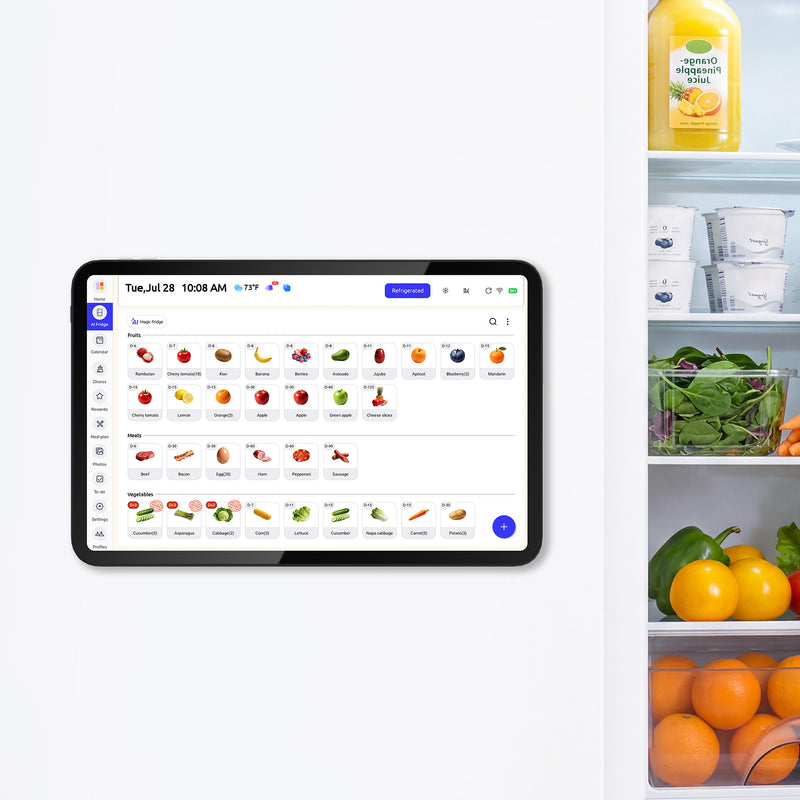
The magnetic design is useful when you want a shared calendar visible on the refrigerator without adding a separate wall-mounted display.
Before ordering, measure the flat, usable area of your refrigerator door. The refrigerator's overall width doesn't tell you whether the display will fit comfortably on one door.
For a non-magnetic or glass surface, check the included mounting accessories and installation instructions to confirm that the intended surface is suitable.
The Charging Dock Adds a Countertop Setup
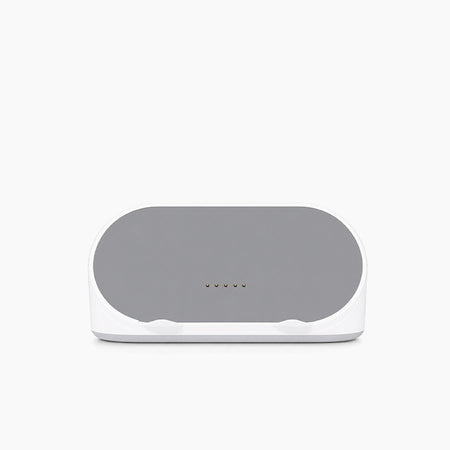
The optional Charging Dock provides another way to use FridgeCal.
According to Everblog's product information, the dock supports:
-
Countertop placement.
-
AI Dock Mode.
-
Fast wireless charging.
-
An always-on display while powered through the dock.
-
Bluetooth audio.
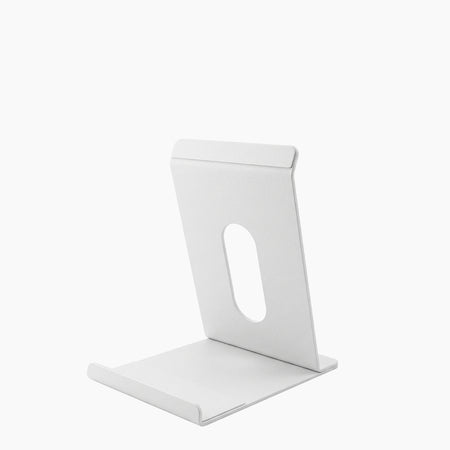
This configuration may suit a household that wants the screen to remain visible on a kitchen counter.
It also changes how you use the device. Instead of relying only on its rechargeable battery while mounted on the refrigerator, you can keep it powered through the compatible dock.
The dock is a separate accessory unless specifically included in the selected bundle. Check the configuration before checkout.
The dock itself requires an external power connection. Its accessory package does not include a power adapter or charging cable, so plan to use the FridgeCal charger and cable or compatible equipment.
For a household that mainly wants a digital fridge calendar on the refrigerator door, the base model may be sufficient. The dock is an additional convenience, not a requirement for using the main calendar functions.
You can review the FridgeCal Charging Dock specifications and compatibility before choosing the bundle.
Which FridgeCal Configuration Should You Choose?
The right configuration depends on where you want the calendar and how your family will use it.
Choose the Base Model for Everyday Refrigerator Use
The 13.4-inch FridgeCal base model is a practical starting point if your main goal is to keep family information visible in the kitchen. Review the selected configuration and included accessories before adding it to your cart.
It supports:
-
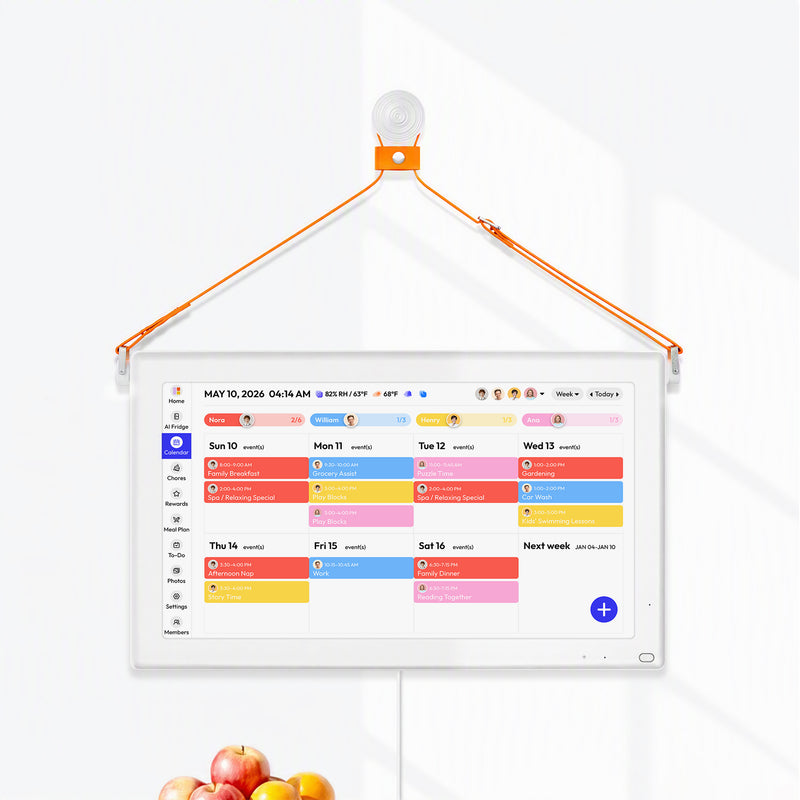
Shared family calendars.
-
App access.
-
Meal planning.
-
Grocery lists.
-
Digital chore charts.
-
Food inventory and expiration reminders.
For a household that mainly wants to replace a paper calendar or whiteboard on the refrigerator, the base model may cover the essential requirements.
You don't need the Charging Dock simply to use the refrigerator-mounted calendar.
Choose the Charging Dock Bundle for Countertop Use
The Charging Dock bundle is more suitable when you also want to use FridgeCal on a countertop.
Consider this configuration if:
-
You prefer a countertop display.
-
You want AI Dock Mode.
-
You want the screen powered while remaining visible.
-
You want the additional Bluetooth audio functionality.
The dock adds flexibility, but it also requires space for the countertop setup.
Measure the intended surface and consider how frequently the family will use the display there.

What Should You Check Before Ordering FridgeCal?
A holiday discount is useful only if the selected product fits your home and the final checkout price is clear.
Measure Your Refrigerator's Available Mounting Area
FridgeCal measures approximately 12.2 × 8.66 inches.
Measure the usable flat area of the refrigerator door and consider nearby handles, door edges, and other attachments.
For non-magnetic surfaces, check the included mounting plate instructions and the suitability of the intended surface.
If you're planning to use a digital calendar for fridge placement, also consider whether the screen will be visible to children and adults at their usual viewing positions.
Check Whether You Need the Charging Dock
Ask yourself where you expect to use the device most often.
If it will remain on the refrigerator, the base configuration may be sufficient.
If you also want a countertop display with the dock's additional functions, compare the separate accessory price with the bundled offer.
Confirm the Final Checkout Price and Discount Conditions
Before placing your order, review:
-
The selected FridgeCal configuration.
-
Included accessories.
-
BLACK10 eligibility.
-
Whether another discount code is being used.
-
Shipping and applicable taxes.
-
Return and warranty terms.
-
The active promotion's end date.
The independent product page and promotional page may display different crossed-out reference prices. For that reason, compare the current selling price and actual checkout amount rather than calculating savings from an unconfirmed original price.
The active promotion terms should always take priority over an old screenshot or a price quoted in an earlier article. Save the order confirmation, selected configuration, and applicable offer terms after purchasing. The FTC’s online shopping guidance recommends checking delivery and return policies and keeping purchase records.
When Do Everblog Black Friday and Cyber Week Deals End?
The 2026 campaign uses three promotional stages.
Early Access Ends on November 20
Early Access runs from November 9 through November 20.
During Early Access, BLACK10 is advertised for eligible 13.4-inch FridgeCal purchases. Confirm that the code is accepted for your selected configuration before paying.
If you want the base model without the Charging Dock, this is the period to compare carefully because the following Black Friday offer is a dock bundle.
Black Friday Deals Run Through November 29
The main Black Friday period runs from November 21 through November 29.
The FridgeCal and Charging Dock bundle is listed at $269 during this phase.
If you want the dock configuration, compare this offer with the Early Access bundle rather than comparing only the standalone base-model price.
Cyber Week Offers Run From November 30–December 6
Check the active Cyber Week listing before ordering. Compare the selected FridgeCal configuration, included accessories, delivery charges, and final total rather than treating an earlier promotion as a continuing offer.
Everblog FridgeCal Black Friday FAQs
Is Everblog FridgeCal on sale for Black Friday 2026?
Yes. Everblog’s campaign includes Early Access pricing and a later FridgeCal and Charging Dock bundle. Check the active promotional phase and selected configuration before ordering.
How much does FridgeCal cost during Early Access?
The base model is listed at $249 during Early Access. An additional 10% discount is advertised with code BLACK10 on eligible purchases. Confirm eligibility and the final price at checkout.
Does the Black Friday bundle include the Charging Dock?
The announced November 21–29 offer includes a 13.4-inch FridgeCal with a Charging Dock for $269. Confirm the selected bundle and included-items list before payment.
Is the Charging Dock necessary to use FridgeCal?
No. The base FridgeCal works without the Charging Dock. The dock adds countertop placement, wireless charging, AI Dock Mode, Bluetooth audio, and an always-on display while powered through the dock.
Will the FridgeCal Black Friday deal continue during Cyber Week?
Do not assume that it will. Cyber Week is a separate promotional phase, so check whether the FridgeCal configuration and price you want remain available. An earlier quoted price does not guarantee the later checkout total
Can BLACK10 be combined with other discount codes?
Do not assume that discounts can be combined. Check the active promotion terms and apply the code to the intended configuration before payment. Use the final checkout total to confirm the discount is actually accepted.


