
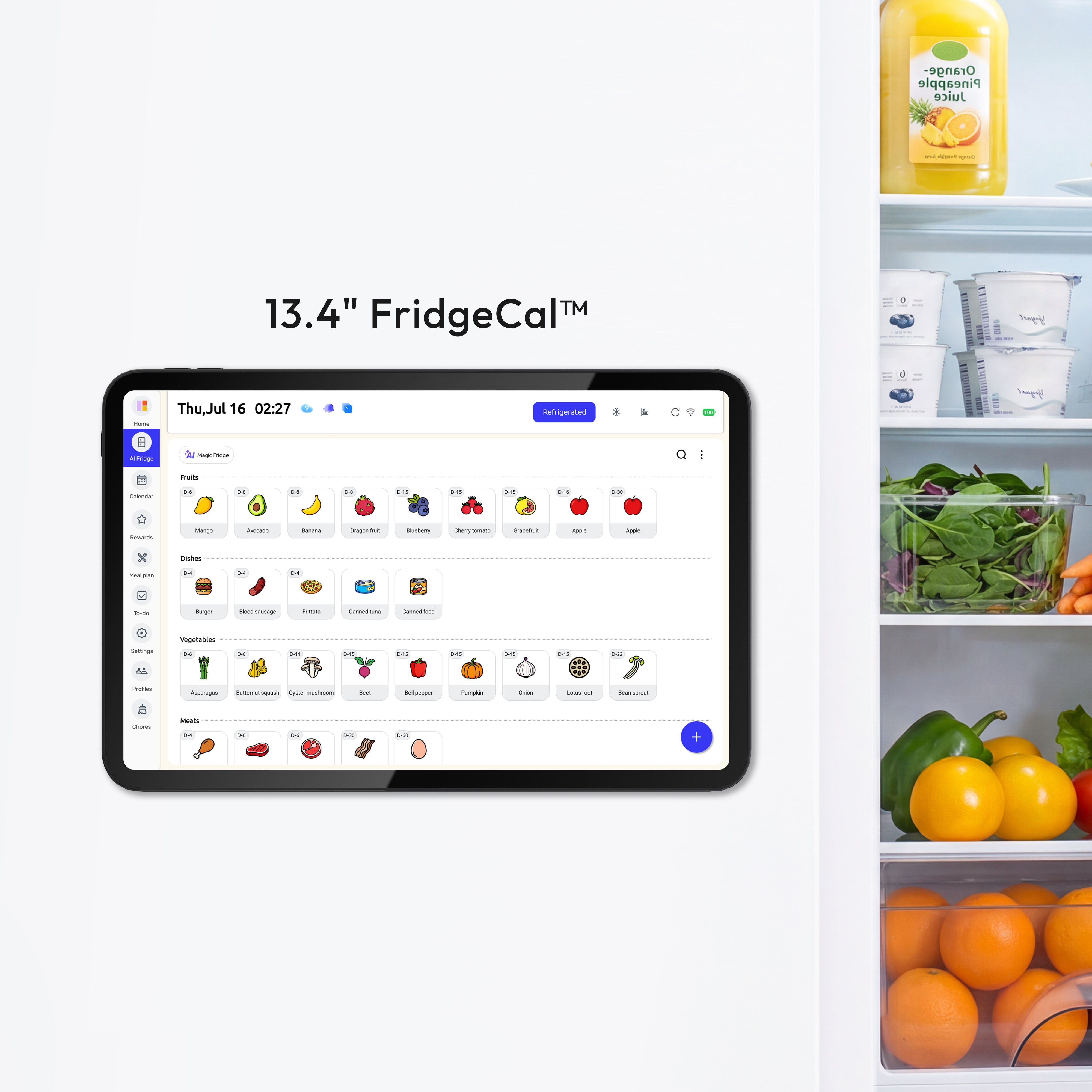
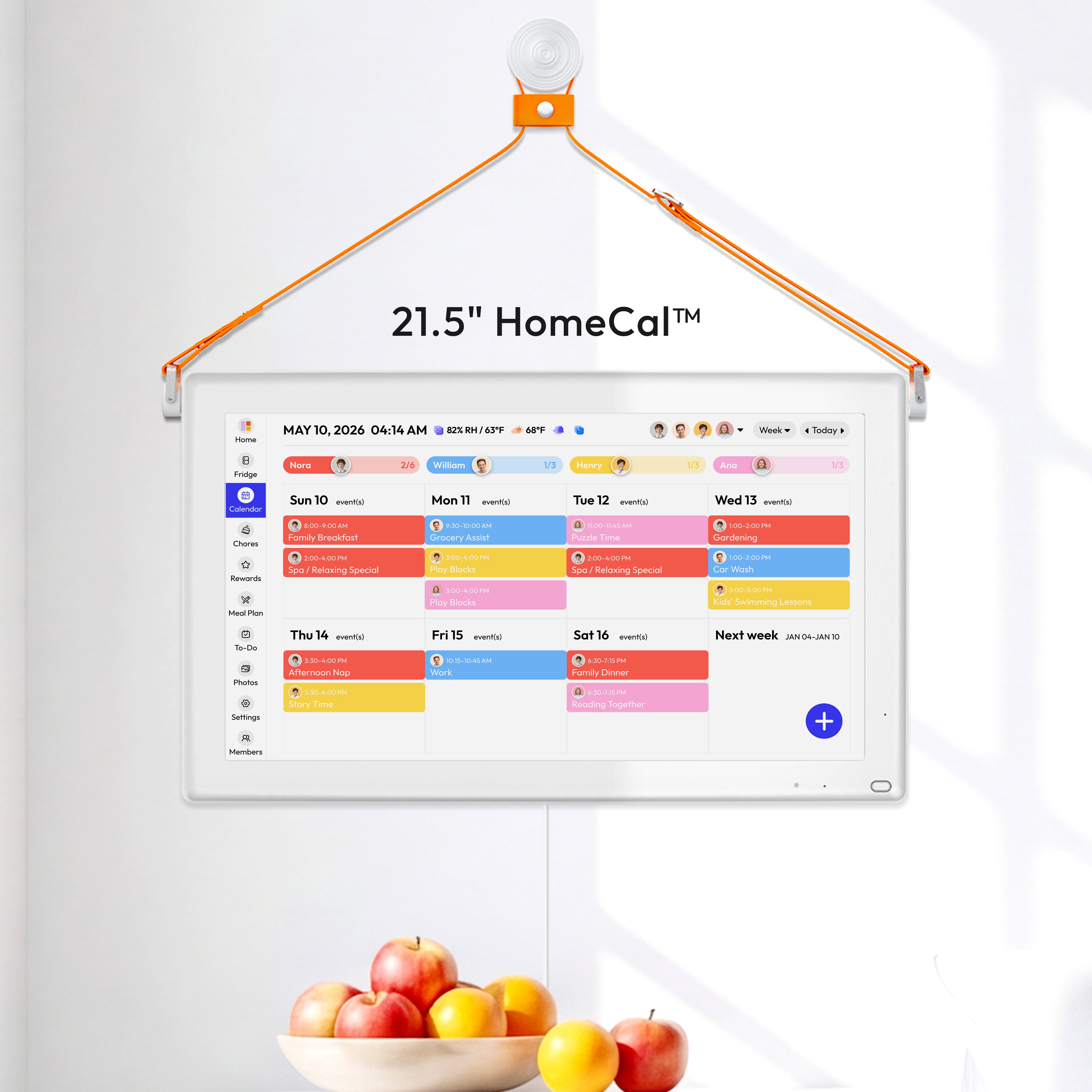


One shared planning hub turns scattered school pickups, practice times, and family errands into one visible schedule everyone can trust. The most effective setup is usually a digital family calendar in a high-traffic spot at home that also syncs to the adults' cell phones.
Is your afternoon plan held together by memory, text messages, and a quick "Who's getting Emma?" at 2:47 PM? Families that move their schedules into one shared system often see results within a week: fewer duplicate plans, fewer surprise conflicts, and calmer transitions between school, activities, and home. The goal is simple: build a system you can use every day and sustain in real family life.
Why pickups and activities become so hard to manage
A messy family schedule creates more than inconvenience; it can drive stress, irritability, fatigue, and the sense that one parent is carrying most of the mental load. That pattern is especially common during the school year, when pickup windows, early dismissals, practices, lessons, and homework all compete for the same late-afternoon hours.

A master family calendar helps because it gives the household one place to see commitments before anyone says yes to something else. Instead of treating each invitation, sign-up, and reminder as a separate problem, you can judge it against the full week.
A good schedule also includes the routine work many families forget to count, such as commute time, dinner prep, laundry, and the 20 minutes it takes to get cleats, water bottles, and a tired child into the car. When those tasks stay off the calendar, pickup plans may look reasonable on paper but fall apart in real life.
What a shared planning hub actually is
A family calendar is a shared tool that centralizes appointments, activities, tasks, and important dates so everyone works from the same information. For school pickups and extracurriculars, a planning hub should show who is going, who is driving, where the handoff happens, and what needs to happen before and after the event.
A central command center is useful because it replaces scattered sticky notes, half-read texts, and separate calendars with one reliable home base. In households that do this well, the biggest improvement is not advanced features. It is that every family member knows where to look first.
A visible digital wall calendar has one major advantage over phone-only scheduling: people see it without opening an app. That matters during the morning rush, when the plan needs to be obvious at a glance rather than buried behind notifications.

How to build a hub that works on weekdays
Start with one source of truth
A shared schedule only works when the whole household agrees that every school event, pickup change, practice, deadline, and ride request goes into the same system. If one parent uses a work calendar, another keeps notes in a text thread, and the kids mention changes at dinner, the family does not have a hub yet. It has fragments.
The best first step is to gather every commitment in one place because that reveals overload quickly. Include school start and dismissal times, bus or carpool details, practices, lessons, games, rehearsals, teacher conferences, dentist visits, and any standing work conflicts. Then add the hidden pieces: travel time, packing time, and who is responsible for pickup if a meeting runs late.
Give each person and event type a clear identity
Color-coding by family member makes it much easier to scan a week and spot conflicts. One practical approach is to assign each person a color, then use a separate family color for shared events such as picture day, school closures, and parent-teacher conferences.
A second layer of organization helps when afternoons are packed. You can label events by type, such as school, sports, music, medical, and family. That way, a Wednesday with a 3:00 PM pickup, a 4:30 PM soccer practice, and a 6:00 PM orthodontist appointment does not blur into one long block of identical entries.
Put the handoff details inside the event
A shared digital calendar is most useful when it contains more than the event title. For each pickup or activity, add the exact location, which adult is responsible, whether siblings are coming along, what gear is needed, and the estimated return time. That small step prevents a common failure: everyone knows about "swim at 5:00 PM," but no one knows who is driving.

A realistic buffer matters more than a perfect plan. If school ends at 3:15 PM and practice starts at 4:00 PM across town, the calendar should not treat that as a clean 45-minute gap. It should reflect pickup line delays, traffic, a bathroom stop, and the five minutes it takes to find a missing shoe or shin guard.
Review the week before it starts
A weekly family meeting does not need to be long to be useful; 15 to 20 minutes is often enough to prevent the worst surprises. Sunday evening works well for many families because backpacks, uniforms, instruments, and permission slips can be prepared before Monday creates pressure.
That review habit also teaches children to participate instead of leaving all planning to one adult. Even younger kids can confirm simple details like "I have library on Tuesday" or "I need my poster board on Friday." Older kids can update changes themselves and flag conflicts early.
Choosing the right kind of hub
The best family calendar app depends less on its feature list than on whether your household will use it consistently. For pickups and activities, the right system is the one that is visible, quick to update, and easy for the second parent and the kids to adopt.
Planning hub |
Best for |
Main advantage |
Main drawback |
Phone calendar app only |
Small families, older kids, simple schedules |
Easy setup and strong on-the-go access |
Out of sight at home and easier to ignore |
Shared wall display plus phone sync |
Busy households with overlapping pickups and activities |
Always-visible plan in a central spot |
Higher upfront cost |
Paper calendar plus digital backup |
Families with younger children or low-tech members |
Familiar and easy for kids to read |
Manual updates create drift |
A digital wall calendar makes the most sense when mornings are hectic and multiple people need to check the plan at once. A phone-based app can be enough if your family is smaller, your kids are older, and both adults already rely on synced calendars. A hybrid setup can help during a transition, but it only works if the digital calendar remains the live version and the paper view is only a visual aid.
How a shared hub lowers stress
An organized family routine supports better follow-through because people do not have to keep reconstructing the day from memory. The real benefit is cognitive relief: when the plan is visible, your brain can spend less energy remembering and more energy responding well when something changes.

A family schedule built around priorities also makes it easier to say no to unnecessary overload. If a new club meeting or extra lesson turns one afternoon into a chain of impossible transitions, the issue may not be poor time management. The family may simply be committed to too much.
A small daily connection ritual keeps the calendar from becoming a cold logistics tool. Even seven device-free minutes after school can help a child shift from performance mode to home mode before homework, dinner, and the next ride begin. That is often the difference between an organized evening and a peaceful one.
When the system needs adjustment
A flexible review process matters because family schedules change constantly. If one child is exhausted, one parent's work hours shift, or travel time keeps breaking the plan, do not keep forcing the same week to work. Adjust the commitments, the buffers, or the division of labor instead.
A centralized schedule should make family life feel more coordinated, not more monitored. If the hub becomes cluttered, simplify it. Keep school and activity logistics clear, protect mealtimes and downtime, and let the system serve the family rather than the other way around.
The calmer home rhythm most families want usually does not come from trying harder to remember everything. It comes from putting the right information in one trusted place, reviewing it together, and leaving enough breathing room for real life.


