
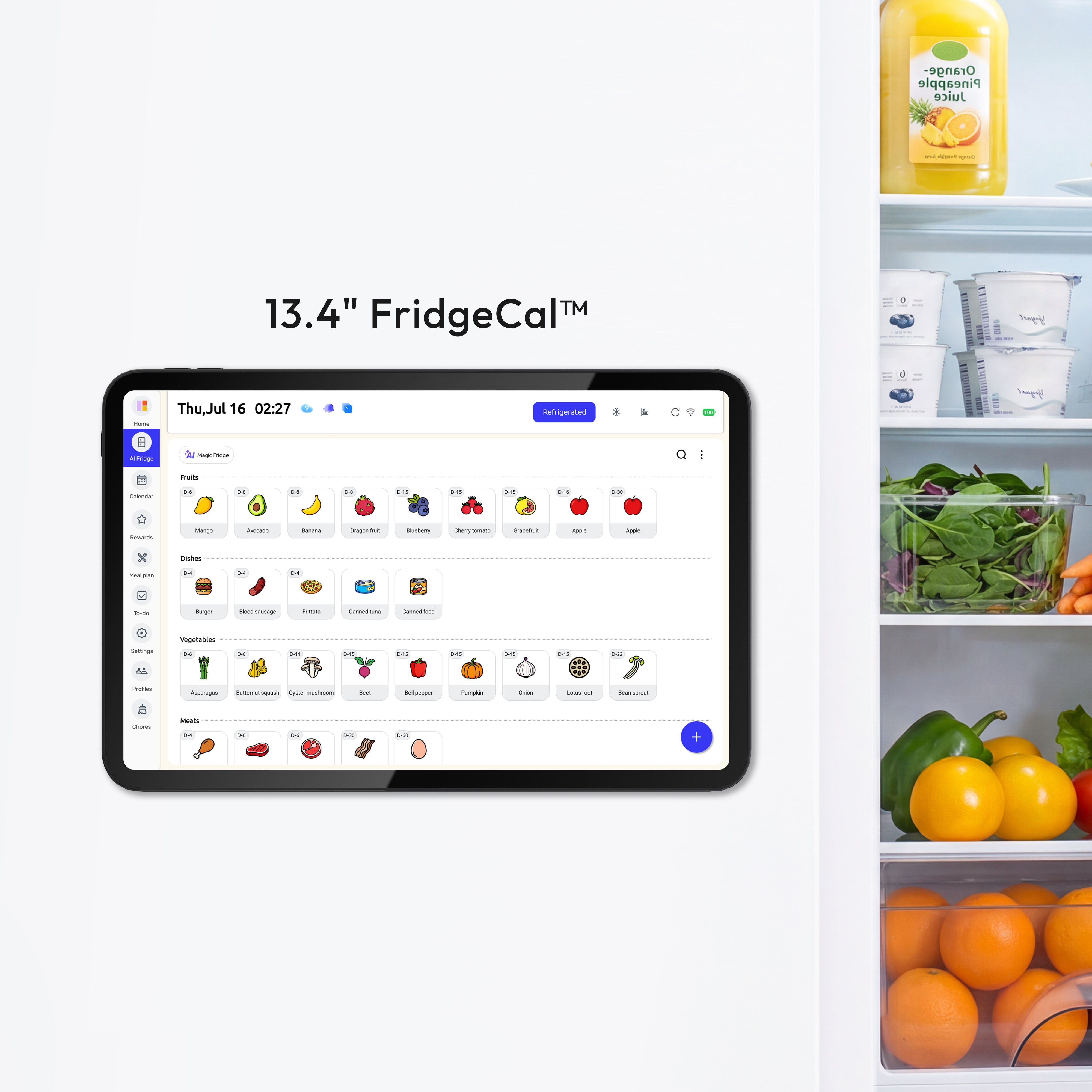
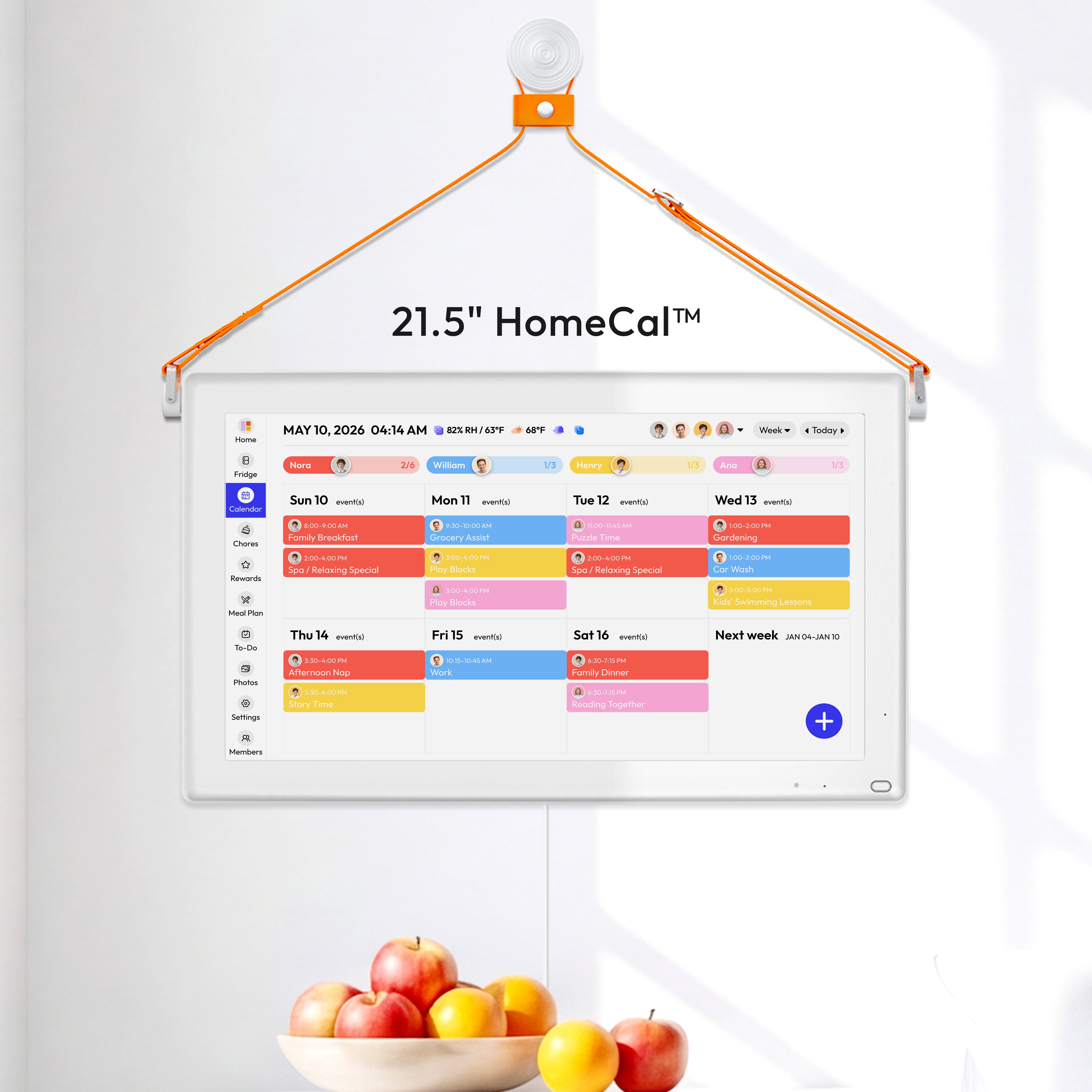


Visible progress bars help families turn routines into clear, shared actions. When everyone can see what is done and what is left, follow-through often feels easier and less stressful.
Does your household start the week with good intentions, then drift into missed chores, repeated reminders, and that familiar "wait, who was supposed to do that?" feeling by Wednesday? Families that use one visible command center often stick with it for years, and daily visibility in a shared home hub is often associated with calmer coordination and fewer dropped details. A practical system for progress bars, chore tracking, and shared displays can make habits stick with less stress.
Why visual progress bars change behavior
A visual progress bar is simply a visible sign that shows how much of a task, routine, or habit is done and how much is left. In family life, that might look like a chore chart filling up through the week, a dinner plan checked off day by day, or a child seeing that four out of five morning steps are already complete.
Progress bar showing four of five tasks completed with checkmarks
The reason this works is straightforward. When progress is visible, the brain no longer has to hold everything in working memory. That matters in busy homes, where mental overload is often the real problem. A consistent planning system helps people use time more efficiently, and the same principle carries into household routines: what is visible is easier to act on.
In real kitchens and family command centers, the shift is noticeable. Instead of asking, "Did anyone feed the dog?" or "What still needs to happen before school?" the display answers part of the question before anyone speaks. That lowers friction, and lower friction is one of the simplest ways to improve habits.
How gamification helps without making home feel like a game
Gamification does not mean turning family life into a competition. At its best, it borrows a few game-like signals, such as progress, completion, streaks, or rewards, so routine behavior feels clearer and more satisfying.
That is why digital family calendar systems often include chore tracking, color coding, and rewards. Many shared family calendar features include task assignment and chore charts, while Everblog highlights chore tracking, rewards, and visible household progress through one shared hub at Everblog. These features matter not because they are flashy, but because they shorten the gap between effort and feedback.
For children, that immediate feedback can be especially powerful. A completed step feels real when a bar fills, a box changes color, or a reward appears right away. For adults, the benefit is often different but just as important: visible progress reduces the mental drain of deciding what to do next. The task is already named, assigned, and partially completed on the screen.
Child interacting with digital task display in kitchen
What this looks like in a real family system
The strongest habit systems usually combine visibility with simplicity. A family does not need 10 apps and a perfect routine. It needs one trusted place that people actually check.
That is why visible placement matters so much. A family command center in a high-traffic area works better than an organizer hidden in an office, and digital wall calendar testing points to the same practical truth: if the display is where the family naturally gathers, it is far more useful. In most homes, that means the kitchen.
A good example is a morning routine bar for school days. Instead of "Get ready" as one large instruction, the routine becomes backpack, lunch, water bottle, shoes, and out the door. When four of five steps are done, the last step feels smaller. That mirrors the advice in breaking large tasks into smaller segments, because smaller chunks are easier to carry out consistently.
Morning routine checklist showing 80 percent completion with four tasks done
Another useful example is chore completion across a week. If a child sees that the week is 80% complete after taking out the trash and clearing dishes, the family is no longer debating effort in the abstract. The progress bar becomes shared evidence. That tends to reduce conflict because the conversation moves from emotion to visibility.
Why shared screens work especially well for habit building
A cell phone calendar is helpful, but it is private by default. Habit building in a family often works better when progress is shared, easy to glance at, and hard to ignore.
That is the main advantage of always-visible family calendar apps and displays. Shared visibility, low friction, and one source of truth matter more than feature overload. A fridge-mounted or wall-mounted display also solves a simple household problem: children do not reliably check personal devices, but they do pass through the kitchen several times a day.
The same point appears in a calendar placed in a common area. It gets used because people see it, and the system stays flexible because family life changes constantly. Whether your progress bar is digital or written with marker on acrylic, visibility drives adoption.
The practical pros and cons
Visual progress bars are effective because they create clarity fast. They reduce repeated verbal reminders, help children understand what "done" means, and make routines easier to resume after interruptions. They also pair naturally with color coding, which many family scheduling systems use so each person's tasks can be recognized at a glance.
The downside is that a progress bar can become just another ignored screen if the system is too complicated. A shared display only helps when it stays current. Families also need to be careful not to reward only visible completion while ignoring effort, learning, or flexibility. If a child has to restart a task three times, the bar may show only 100% done, but the parent still needs to notice the process behind it.
Cost is another real consideration. Digital wall calendars can cost several hundred dollars, so the habit benefit needs to justify the purchase. In some homes, a lower-cost command center or a paper-and-digital hybrid will work just as well.
Approach |
Best for |
Main strength |
Main limitation |
Paper wall calendar with hand-drawn progress |
Families who want low cost and flexibility |
Very visible and easy to personalize |
Manual updates take discipline |
Shared family app on cell phones |
Families with older kids and simpler schedules |
Easy remote updates and reminders |
Less visible to the whole household |
Fridge or wall digital display |
Families who want one household hub |
Shared visibility, chores, and real-time syncing |
Higher upfront cost |
How to set up progress bars so they actually stick
Start with one habit category, not five. Morning routines, after-school chores, and weekly meal prep are usually better starting points than a full household overhaul. The bar should represent a repeatable sequence that happens often enough for the family to learn it quickly.
Then decide where the progress should live. If your family already checks the fridge for notes, groceries, and schedules, a kitchen display is the natural choice. Reviews of digital fridge calendar setups and shared calendar apps for families point to the same rule: use one place everyone can access, and make it the trusted source of truth.

Keep the bar short enough that progress feels attainable. Five steps is often better than 12. A child who sees 20% completed after one action is more likely to continue than a child staring at a long, crowded checklist. Adults respond similarly. A weekly habit bar for "plan meals, order groceries, prep lunches, confirm rides, review calendar" often works better than one giant "organize the week" task.
Finally, review and reset the system on a regular rhythm. Weekly planning time does not need to be long to be effective. A short Sunday evening reset can refill the bars, update assignments, and keep the whole system believable.
Choosing the right digital tool
Not every household needs a premium smart display, and not every app with rewards will improve habits. Some families benefit most from simple shared visibility, while others need stronger integration across calendars, chores, meals, and shopping. Some tools emphasize the value of one shared system, while home displays emphasize visibility inside the house. The difference is usually about context, not disagreement: app-first households need good capture and syncing, while high-traffic family homes often need a screen that everyone can see without opening a cell phone.
That is why the best tool is usually the one your family will check without being told. If a progress bar lives in a place no one naturally looks, it will not matter how smart the software is.
A calm household rarely comes from perfect planning. It usually comes from making the next step visible, small, and shared so your family can keep moving without turning every routine into another reminder.


