


A good, shared grocery list app is the secret weapon for ending those chaotic shopping trips and last-minute "we forgot the..." moments. It takes all the scattered paper notes, half-remembered requests, and missed texts and pulls them into one single, synchronized list everyone in the family can see and use in real-time. It’s such a simple change, but it brings so much calm to the weekly meal planning and shopping routine.
From Messy Notes to a Single Shared List
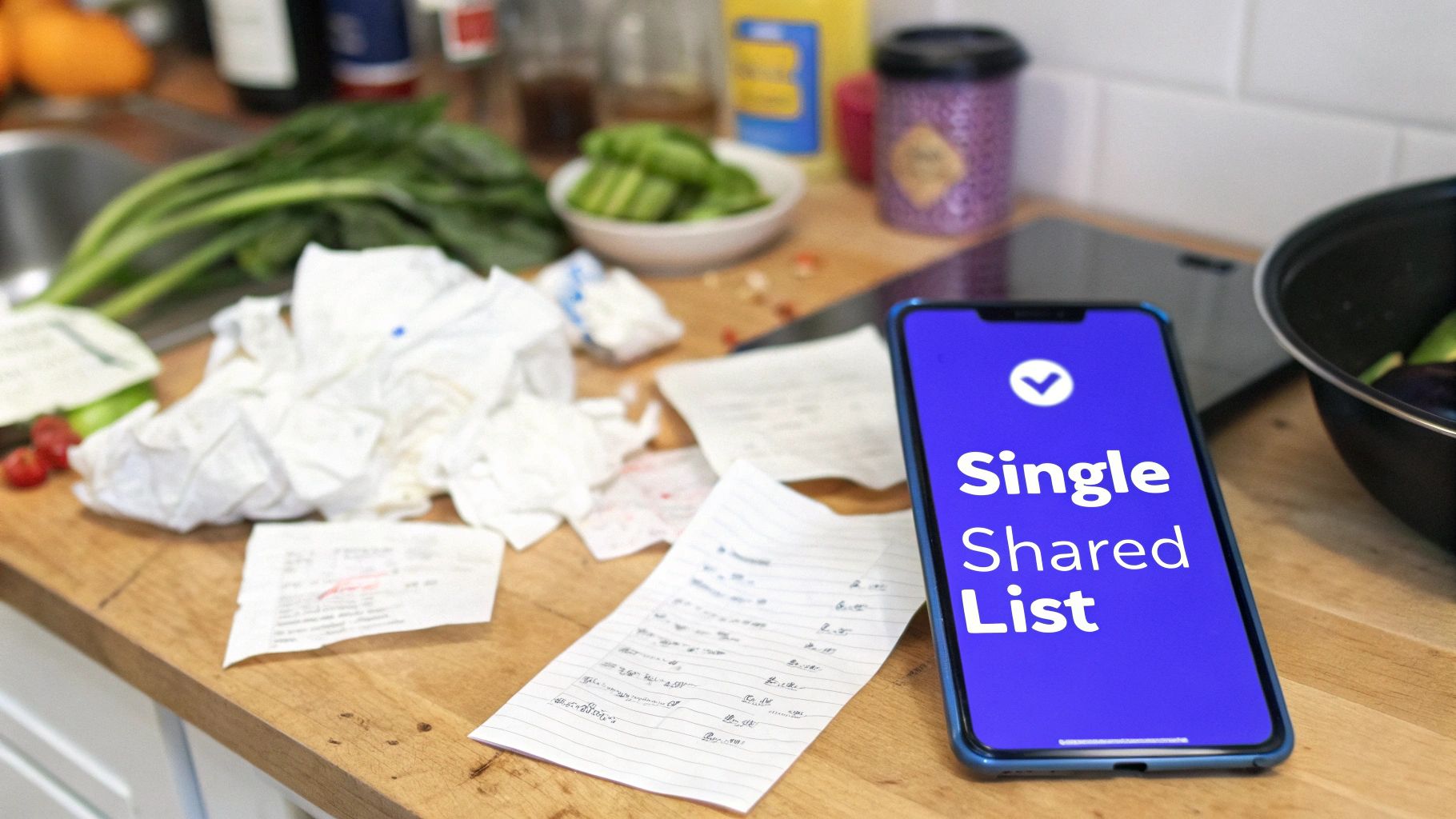
Let's be real—trying to coordinate the family grocery list often feels like you're running a tiny, wildly disorganized logistics company right from your kitchen counter. You’ve got a crumpled note stuck to the fridge, texts from your partner asking if we need milk, and your teenager yelling from the other room that they finished the cereal... again. It’s a perfect recipe for frustration, almost always leading to forgotten essentials and buying things you already have.
We’ve all been there. You map out the meals for the week, carefully writing down everything from chicken breasts for Tuesday's dinner to the pasta you need for Thursday. Your partner offers to swing by the store on their way home—a huge help!—but all they have to go on is a vague text from you that just says "get stuff for dinner." The result? You end up with three cartons of eggs but no pasta, forcing yet another trip to the store.
This is exactly where the old paper-and-text system falls apart. It’s completely dependent on one person’s memory and a bunch of disconnected, easily missed messages. A shared grocery list app for family members cuts through all that noise to become the one central place for everything.
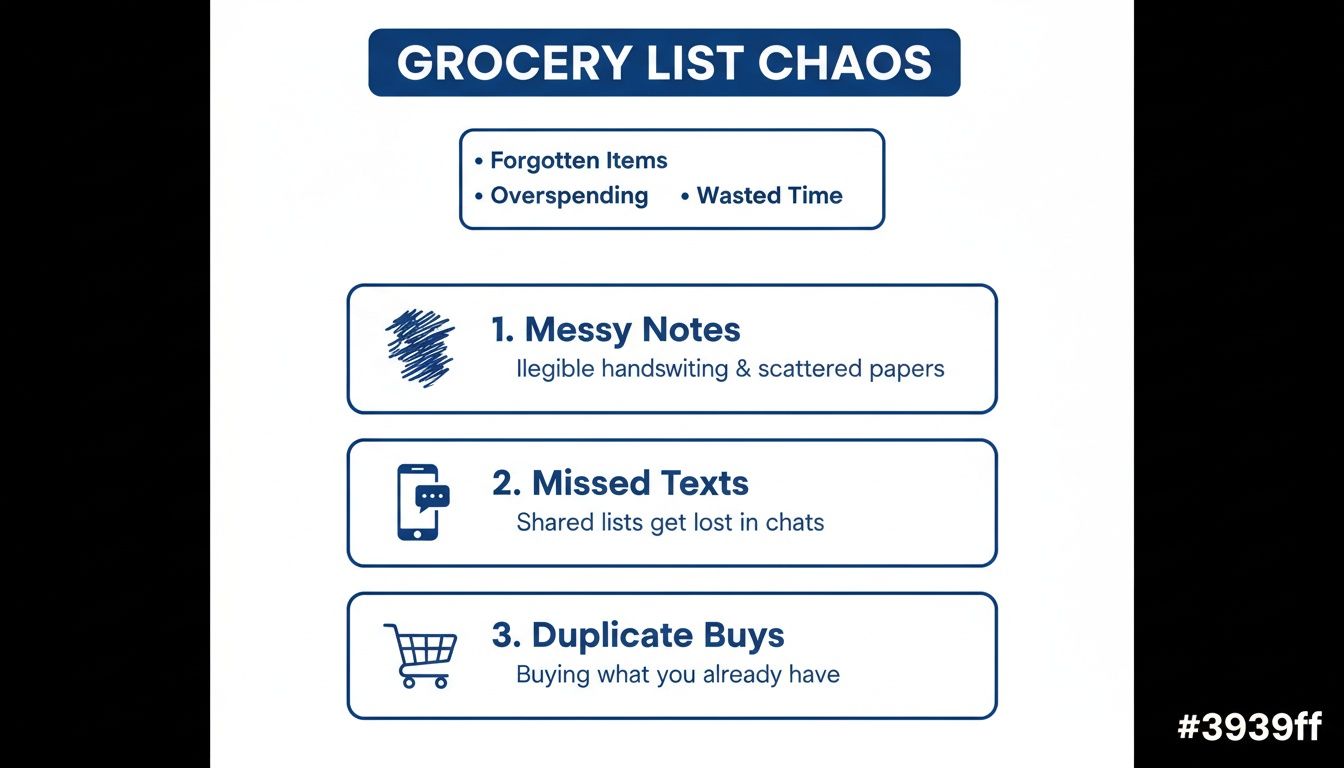
Every one of these classic problems—from the messy notes to buying duplicates—is solved by having a single, reliable system that everyone can add to and check on instantly.
Why a Centralized System Matters
Switching to a shared digital list isn't just about getting more organized. It's about genuinely simplifying a major household chore and cutting down on the mental gymnastics required to keep everyone fed. When the whole family can add items to one list the second they think of them, the list pretty much builds itself throughout the week.
Here’s a quick look at how different the two methods really are.
Paper Lists vs. Family Grocery App
| Feature | Paper List or Text Message | Shared Grocery List App |
|---|---|---|
| Real-Time Sync | ❌ None. The list is outdated the moment you write it. | ✅ Instantly updates for everyone. What you see is what's needed. |
| Accessibility | ❌ Easy to forget at home or lose the scrap of paper. | ✅ Always on your phone, tablet, or smart display. |
| Collaboration | ❌ Relies on one person to collect and manage all requests. | ✅ Everyone adds their own items. The list builds itself. |
| Error-Proofing | ❌ High risk of duplicate buys and missed items. | ✅ Checked-off items vanish, preventing double purchases. |
This isn't just a minor upgrade; it’s a complete overhaul of how your family handles shopping.
Here’s what that change actually looks like day-to-day:
- Real-Time Updates: When your partner is at the store and checks off "bread," you see it disappear from the list immediately. No more frantic calls or texts asking, "Did we get bread yet?"
- Shared Responsibility: It gets the whole family involved. Your teenager can add their favorite snacks directly to the list, and your partner can pop in the things they need for their work lunches.
- Fewer Forgotten Items: The list is always with you on your phone. The moment you use the last of the ketchup, you can add it to the list right then and there.
This collaborative approach turns grocery shopping from one person's burden into a coordinated team effort. It's a key piece in building a true digital family command center that brings this same level of teamwork and harmony to all your household tasks.
Building a Shared List That Actually Works
Moving to a shared digital list isn't just about downloading an app; it's about building a system your whole family will actually stick with. Think of the initial setup as laying the groundwork. A little thought now prevents a lot of confusion and "I didn't know how to add it!" excuses later.
The trick is getting buy-in from day one. This can't be just one more thing for one person to manage—it has to be a team effort. A quick, five-minute family meeting can make all the difference. Show everyone, from your partner to your teenager, how to add items. The pitch is simple: "If you want your favorite snacks in the pantry, they have to be on the list."
Structuring Your Lists for Success
One giant, scrolling list is a recipe for chaos. The best grocery list app for family use lets you create multiple, organized lists that match how you actually shop. This is the feature that separates a decent app from a game-changing one.
Take a second to think about your family's shopping rhythm. Do you do one massive weekly haul at a big supermarket and then smaller, targeted runs elsewhere?
- By Store: This is my personal favorite. We have separate lists for "Costco," "Trader Joe's," and the "Farmer's Market." It means when I'm at Costco, I only see the bulk items I need, without having to scroll past avocados and almond milk.
- By Meal Plan: If you're a religious meal planner, a dedicated list for "This Week's Meals" is brilliant. It keeps your recipe ingredients separate from the everyday stuff. The Everblog Meal Planner does this automatically, which is a lifesaver—it pulls ingredients from your planned recipes right onto the shopping list.
- By Category or Aisle: To make the actual shopping trip lightning-fast, you can organize your main list by the store's layout: "Produce," "Dairy," "Canned Goods," etc. No more backtracking for the one thing you forgot in aisle three.
The most effective approach is often a hybrid one. We use a "Weekly Staples" list for recurring items like milk and eggs, and then a separate, dynamic list for "This Week's Dinners" that connects directly to our meal plan.
Plenty of great apps out there, like Bring!, AnyList, and OurGroceries, offer versions for both iOS and Android. Their magic lies in real-time syncing. When one person grabs the milk and checks it off, it disappears from everyone's list instantly. No more buying two of everything. If you want to dig deeper, you can explore more insights on how these apps improve family coordination.
Getting Everyone Involved
Inviting family members is just the first part. The real secret to making the system stick is defining roles, even if they're informal. You don't need a chore chart for it, just a general understanding. For instance, maybe Mom or Dad does a final review of the list on Friday night before the big Saturday shop, while the kids are responsible for adding their own school lunch items by Wednesday.
The goal here is shared ownership. When everyone pitches in, the list becomes a reliable family tool that actually lightens the load for everyone. And maybe, just maybe, it will finally put an end to those dreaded "we forgot the..." moments.
Mastering Features That Save You Time
Okay, so your shared list is set up and the family is actually using it. High five! Now we get to the good stuff—the features that will genuinely give you back precious time every single week. This is about moving from just being organized to making the app do the heavy lifting for you.
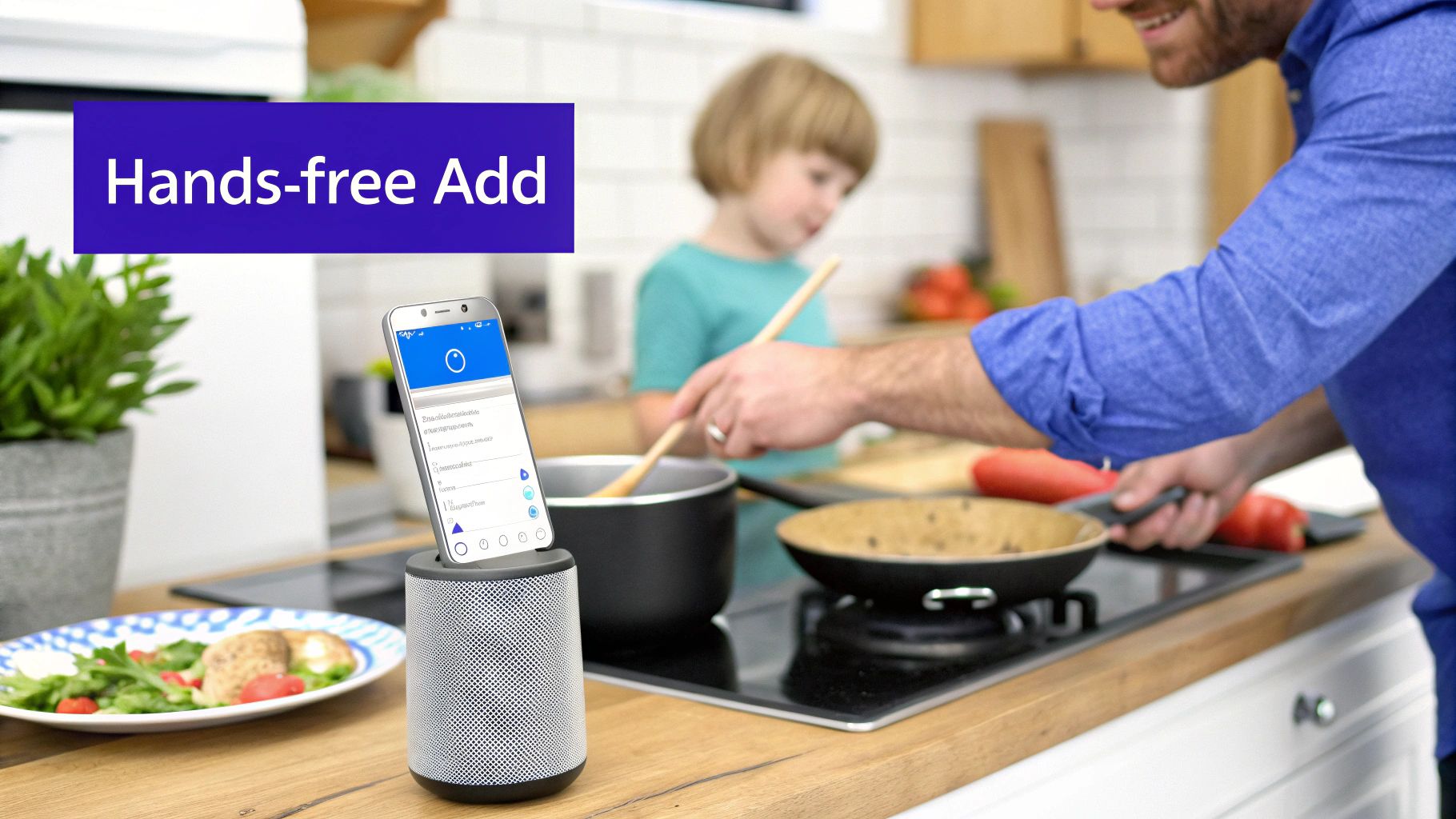
One of the most underrated features is voice entry. Seriously, it's a game-changer. Picture this: you're mid-recipe, hands covered in flour, and you pour the last of the olive oil. Instead of stopping everything to wash up and grab your phone, you just say, "Hey Google, add olive oil to my grocery list." Boom. Done. Capturing those "in-the-moment" needs hands-free is a lifesaver for busy parents.
Connect Your Meal Plan to Your List
If you do one thing, do this: integrate your grocery list directly with your meal plan. Manually typing out the ingredients for seven different dinners every week is not only tedious, but it’s also how you end up at the store without the sour cream for taco night.
A connected system completely automates this. When you drag "Sheet Pan Nachos" onto Friday’s slot in your Everblog Meal Planner, the app automatically populates your shopping list with ground beef, tortilla chips, cheese, and salsa. You never have to worry about forgetting that one crucial ingredient again. It just shows up.
Pro Tip: Look for an app that lets you review the ingredients before they hit the final shopping list. That way, you can uncheck things you already have in the pantry and avoid buying your third jar of paprika.
This simple connection turns meal prep from a chore into a simple drag-and-drop. It saves a ton of time, reduces the mental gymnastics of remembering everything, and honestly, makes you more likely to stick with meal planning.
Create Reusable List Templates
Every family has that core list of things they buy week in and week out. Milk, bread, eggs, bananas, the kids' favorite yogurt pouches. Typing those same items over and over is a waste of time. This is where templates become your secret weapon.
Most great grocery apps let you save a list as a reusable template. I recommend creating a few different ones to cover all your bases:
- Weekly Staples: Your non-negotiables. The stuff you buy on autopilot every week.
- Monthly Bulk Run: For your Costco or Sam's Club trip. Think paper towels, cleaning supplies, and giant bags of goldfish crackers.
- Pantry Restock: A handy checklist of shelf-stable goods like pasta, rice, canned tomatoes, and spices to run through once a month.
When you're ready to plan, just load your "Weekly Staples" template and then add the unique items from that week's meal plan. This little habit can easily cut your list-making time by more than 50%.
For families juggling a million things, automating these repetitive tasks is just as critical as managing chores. And if you're looking to bring that same efficiency to the rest of your household, check out our guide on finding the best chores app for your family to create a truly coordinated home.
Making the Grocery Run a Team Effort
You’ve done the prep work. The shared list is organized, synced, and ready. But now comes the real-world test: the trip to the grocery store. This is the moment your digital list stops being a planning tool and becomes your family's secret weapon for a faster, smarter, and way less stressful shopping run.
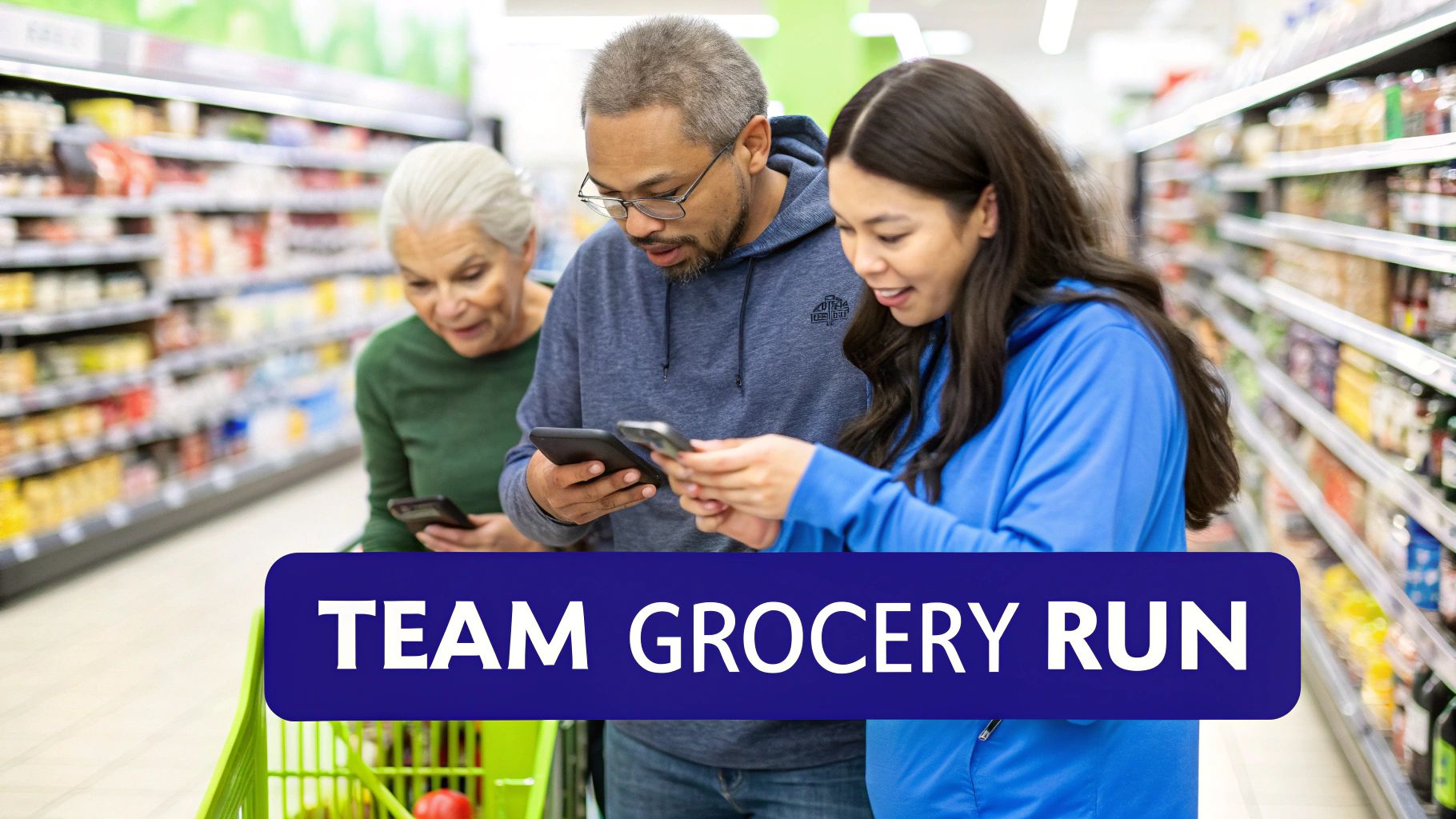
The days of one parent shouldering the entire grocery-getting burden are officially over. A truly effective grocery list app for family use turns shopping into a team sport. If you’re at the store with your partner or even an older kid, you can literally divide and conquer.
Divide and Conquer the Store
Picture this: you head to the produce section while your partner tackles the dairy and frozen aisles. As you both check off items on your phones, the list updates in real-time for everyone. You see their progress, they see yours, and there’s no more accidentally buying two cartons of milk or forgetting the butter.
This simple strategy can easily cut your in-store time in half. Here are a few ways we’ve split up the work on a busy Saturday:
- By Aisle: "You take the even-numbered aisles, I'll grab the odd ones."
- By Category: One person gets all the pantry staples while the other handles fresh and refrigerated stuff.
- By Weight: One person manages the heavy lifting—drinks, canned goods—while the other focuses on lighter things like produce and bread.
This is also a game-changer for getting kids involved. Giving a teenager ownership of the snack and cereal aisles is a great way to teach a little responsibility and make them feel like a genuine contributor. For more ideas on sharing the load, check out our guide on chore chart ideas for kids.
Handling Last-Minute Additions
We’ve all been there. You’re halfway through the store, and a text comes in: "OMG, we're out of coffee!" With a shared app, those last-minute additions are completely seamless.
Someone at home can add "coffee" to the list, and it instantly pops up on the shopper's phone. No frantic calls, no missed texts, no forgetting the one thing you really needed.
This real-time sync is the magic that connects home base to the grocery store aisle. It guarantees the list is 100% current right up until the moment you hit the checkout line.
You can also use the app to keep your budget in check. Before you even leave the house, quickly tag items as must-haves (milk, bread, dinner stuff) and nice-to-haves (fancy cheese, extra snacks). As you shop, you can focus on the essentials first and see what’s left in the budget for the wants. It turns your simple list into a powerful tool for making smarter spending decisions on the fly.
Getting Everyone on the Same Page (and the Same List)
Let's be real: getting the whole family to use a new system, even one as simple as a grocery list app for family, can have its moments. The dream is seamless teamwork, but the reality? It can sometimes feel like herding cats. But don't worry, most of the little snags are predictable and totally fixable.
The Mystery of "Cheese"
You’ve seen it. You open the list to find a single, cryptic word: "cheese." Is that shredded cheddar for taco night? Provolone slices for lunches? A fancy block of parmesan? It’s a classic list-making mystery.
Instead of sighing in frustration, think of it as a teaching moment. A quick text—"Hey, what kind of cheese did you mean?"—solves the problem right away. For a more permanent fix, show everyone how to use the notes feature. Adding a quick comment like "shredded, for nachos" right under the item takes two seconds and saves a ton of guesswork at the store.
Navigating Different Tastes and Accidental Deletes
Another common hurdle is brand loyalty. You always get Jif, but your partner adds Skippy. Or your teenager, swiping through the list, accidentally deletes the very item you just added. These little things can snowball if you let them.
Here are a few things that have worked for us:
- Embrace the "Or": Encourage everyone to add both options, like "Jif OR Skippy peanut butter." This gives whoever is shopping the freedom to grab what's on sale or in stock.
- Teach the "Undo": Most good apps, including Everblog's, have a "recently deleted" or history function. Show the family how to find it. It’s a lifesaver for restoring an item without any drama.
- Agree on the Rules: A simple chat can prevent most mix-ups. Maybe the rule is "first come, first served," or maybe the person doing the shopping gets the final say.
The most important takeaway is to treat the list as a communication tool, not a battleground. It’s about getting what the family needs, and a little grace goes a long way in making the system work smoothly for everyone.
Getting the holdouts on board—whether it's a tech-skeptical partner or a forgetful teen—is all about showing them what’s in it for them. For a teenager, the pitch is easy: "If you want your favorite snacks in the pantry, they need to be on the list by Friday morning." For a partner, focus on the payoff: "If we use this, we can get through the store 20% faster on Saturday."
This approach works because everyone, regardless of generation, is getting more comfortable with digital tools. Millennials are already 57% more likely to order groceries online each week, and Baby Boomer adoption has jumped by 34% since 2020. You can read the full research about digital grocery trends to see just how common this is becoming. A family app simply meets everyone where they are, making it so easy to add items that it becomes a reflex, not a chore.
Answering Your Top Questions About Shared Grocery Lists
Jumping into a new family system always brings up a few "what if" scenarios. Let's walk through the most common questions I hear, so you can feel totally confident making the switch from scattered paper notes to one central, shared list.
"What Happens if I Have No Cell Service in the Store?"
This is a big one. We've all been there—deep in the aisles of a big-box store where the cell signal just vanishes. The best grocery list app for family use is built for exactly this moment.
Most modern apps, including the one inside Everblog, save a version of your list directly on your phone.
That means even when you're disconnected in the freezer section, your list is still there. You can check things off as you go, and the app will remember every change. The second you get a signal again—even if it's not until you're walking out to the parking lot—it automatically syncs everything with the rest of the family. No more being stranded without your list.
Key Takeaway: You won't be left hanging. Good apps work offline, saving your progress and syncing up the moment you're reconnected. You can shop without ever worrying about your connection.
"How Do I Use Voice Commands with My Smart Speaker?"
This is where things get really fun, especially for busy parents. Linking your grocery list to a smart speaker like a Google Assistant or Amazon Alexa is an absolute game-changer. The setup is usually a one-time thing inside your speaker's app.
Once it's connected, adding items becomes completely hands-free.
You just say:
- "Hey Google, add milk to the grocery list."
- "Alexa, add bananas to my shopping list."
This is a lifesaver when you're elbow-deep in dinner prep, unpacking the last grocery haul, or just have your hands full with a toddler. It captures those "oh, I need..." thoughts before they disappear. The item pops up on your shared family list in seconds, ready for whoever does the next shopping run.
"How Do I Get My Family to Actually Use It?"
This is the million-dollar question, right? Moving away from a paper list that everyone knows requires a little bit of patience and a good "what's in it for them" pitch. The trick is to avoid making it feel like another chore.
Instead, frame it as a direct benefit to them.
- For Kids and Teens: "If you want your favorite snacks or that specific cereal, you have to add it to the app. That's the only list I'm shopping from."
- For Your Partner: "This will make our store runs so much faster. We can divide and conquer, and be out of there in half the time."
Start small. The first week, just ask everyone to add three things they want. Once they see how simple it is—and that their requested items magically appear in the pantry—the habit starts to form on its own. It's all about consistency and showing them how the app makes life easier for everyone, not just for you.
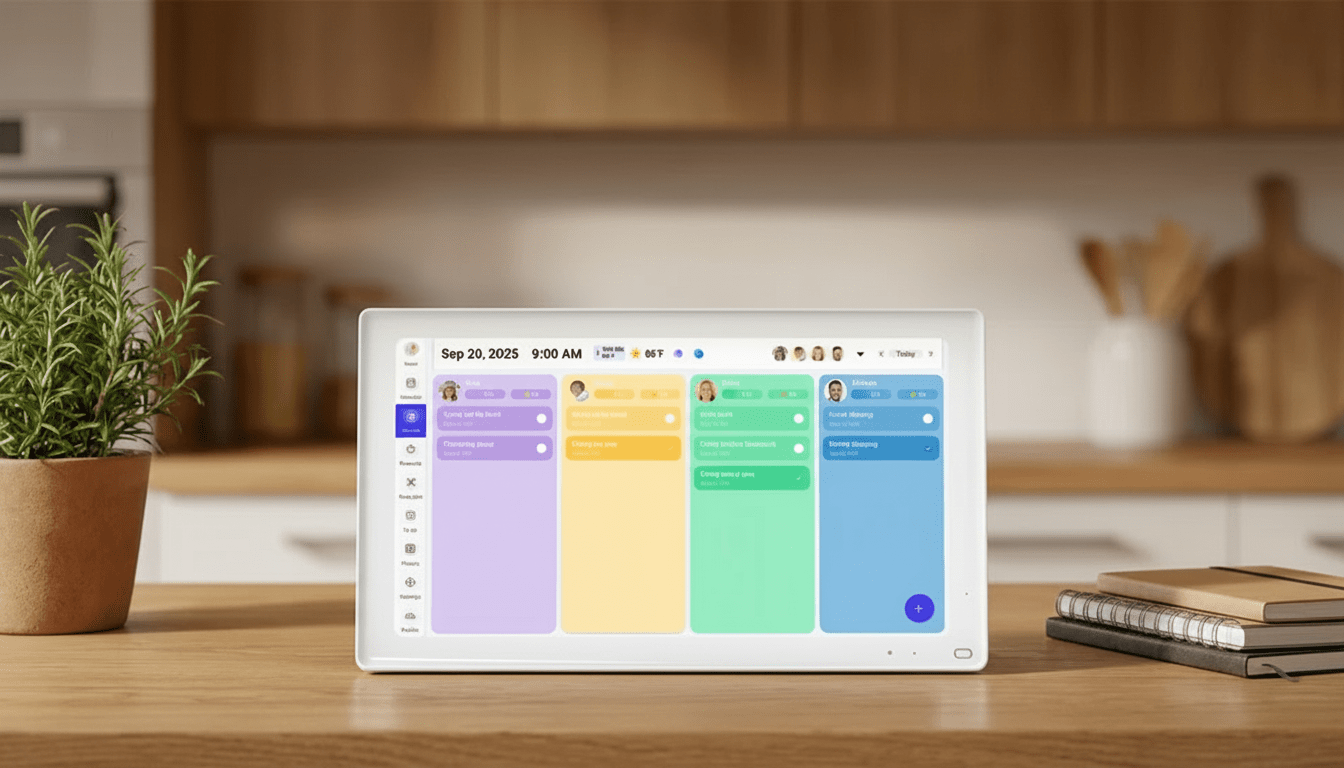
Ready to end the grocery chaos and get your family perfectly in sync? The Everblog digital calendar has a built-in Meal Planner and shared Grocery List that makes collaboration effortless. Learn more at https://everblog.com.



Leave a comment
This site is protected by hCaptcha and the hCaptcha Privacy Policy and Terms of Service apply.