
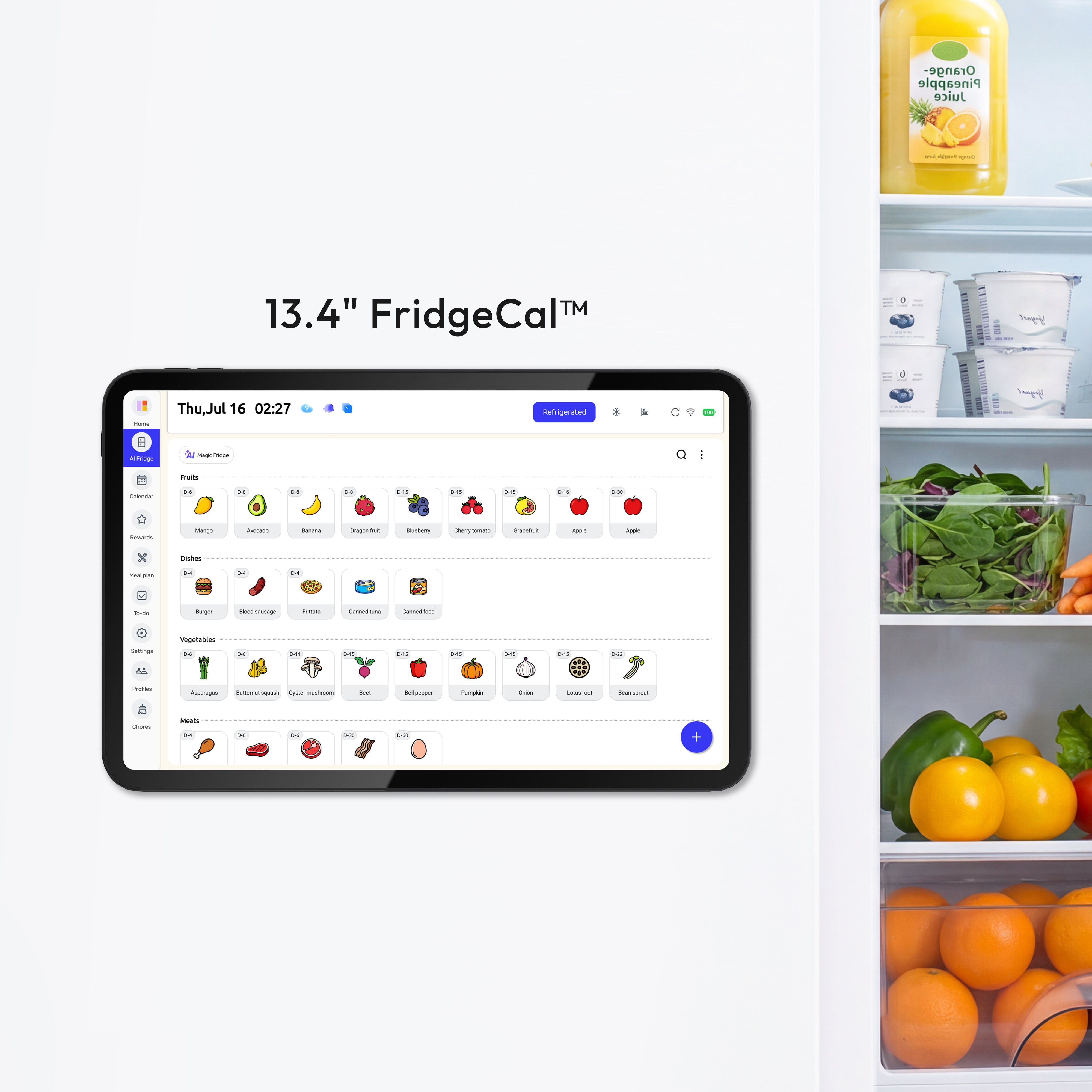


The best setup is a shared digital family calendar that is easy to update, visible in a common area, and paired with reminders that match how your household actually remembers things. For most families, that means one synced calendar, one simple color system, and one command-center spot at home.
Do you keep answering the same questions every night: Who has practice, what is for dinner, and did anyone remember the permission slip? Families use shared calendars because they cut down on repeat conversations, missed details, and that low-grade feeling that everything is living in one adult’s head. The right setup can help you choose a system that fits your style, your space, and your daily rhythm.
Start With One Shared, Visible System
Make the calendar the household source of truth
A shared family calendar works best when it holds the commitments that actually run your house: school hours, work shifts, medical appointments, activities, meal plans, and chore deadlines. That matters because scheduling is a real pressure point; the source notes cite research showing nearly 60% of parents say managing the family schedule is somewhat or very difficult, and 74% wish their partner helped more with household logistics.

A family command center makes that calendar easier to use because it puts planning where the family already passes through, such as the kitchen, mudroom, or entryway. The most practical setups also hold the supporting pieces nearby: a place for mail, school papers, keys, and often a charging station, so the schedule is not separated from the things it depends on.
Put the right information on it
A well-organized family calendar starts with non-negotiables first, then layers in the moving parts. In plain terms, add school, work, medical care, and bedtime routines before you add soccer snacks, library books due back on Friday, or “taco night” on Tuesday.
Think of these styles as planning preferences, not fixed labels. One parent may scan color blocks instantly, another may need full written details, and a teen may only act when a reminder hits at 3:45 PM. The best household system does not force everyone into one method. It gives each person a reliable way to see, understand, and act.
Best Setup for Visual Thinkers
Use color to answer “who” before “what”
A good family calendar app needs shared visibility and color-coding by person because that is what makes a busy week readable at a glance. For visual thinkers, the simplest approach is usually one color per person, one neutral color for whole-family events, and one accent color for home logistics like meals, chores, or bills.
That setup works better than a dozen category colors because the eye can find people faster than it can decode a legend. On a Tuesday, a child should be able to spot “my color” and know they have piano at 4:30 PM, while a parent can see two overlapping kid events and one late meeting without reading every line.
Keep the display large and the paper minimal
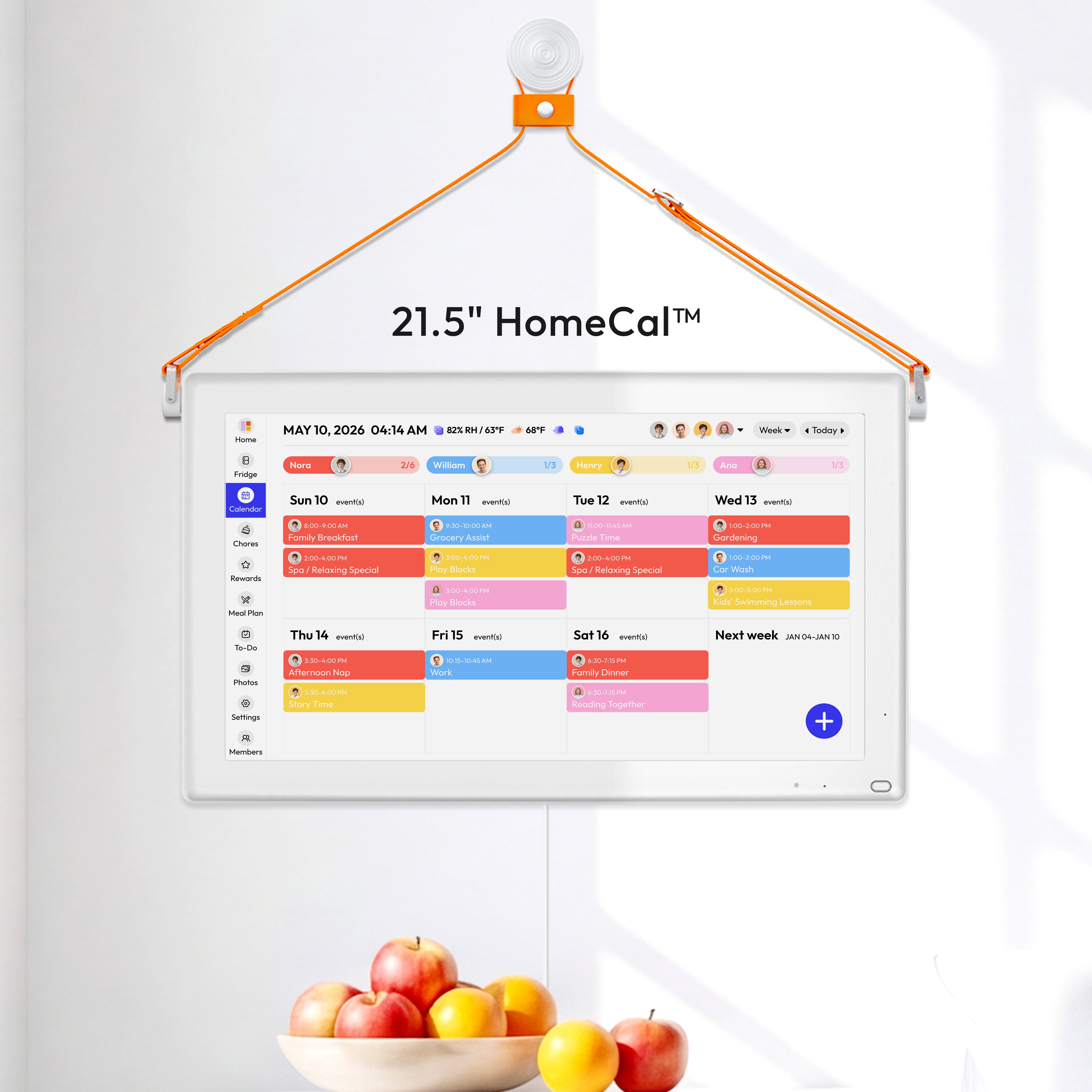
A command center in a high-traffic spot helps visual thinkers because it turns planning into something you can scan while pouring cereal or dropping keys on the counter. If you have wall space, use a large monthly or weekly view and keep only the current papers nearby, such as this week’s practice schedule or the field-trip handout that still needs a signature. For families who want a synced screen in that shared space, a wall-mounted option like the Everblog 21.5" Digital Calendar can serve as one place to view plans, tasks, chores, and events.

A central family station does not need to be fancy, but it does need limits. If the board becomes a collage of forms, coupons, and old invitations, the calendar disappears into the background. Visual clarity is the feature, so keep the display open, the paper selective, and the drop zone contained.
If your family is large, simplify the palette
A shared scheduling system does not have to use endless color categories to be useful. In a bigger household, too many colors create clutter, so use a few stable colors and then rely on repeating labels like “pickup,” “bring snacks,” or “uniform day” to carry the detail.
A practical version looks like this: Mom is blue, Dad is green, Child 1 is orange, Child 2 is pink, whole-family events are gray, and house tasks are black. That is enough contrast to scan quickly without turning the calendar into a rainbow you have to re-learn every week.
Best Setup for Verbal Thinkers
Write event titles like instructions, not headlines
A shared family calendar on a major platform gives every member a shared, editable calendar on signed-in devices, which makes it a strong base for verbal thinkers. The real win is not the platform alone. It is the wording. “Liam dentist 3:30 PM - bring insurance card” is far more useful than “Dentist.”
Verbal thinkers tend to remember the sentence, not the shape of the week. That means event titles should carry the action, the person, and the object when needed. “Piano pickup 5:15 PM - black binder” prevents more mistakes than a blue rectangle labeled “lesson.”

Let words do some of the visual work
A shared organizer with agenda emails and reminders helps when someone processes plans better by reading than by scanning. Daily or weekly agenda emails, reminder text, and clear list names can turn the calendar from “something colorful on a screen” into a written plan the household can actually follow.
Consistency matters here. Use the same phrasing every time: “Pack lunch,” “pay activity fee,” “trash to curb,” “thaw chicken.” When the wording stays stable, the brain spends less energy decoding what the reminder means and more energy acting on it.
Pair calendar entries with lists and notes
A family dashboard that combines schedules, to-dos, shopping, and meal planning is useful for verbal thinkers because the plan and the next action live in the same place. If the calendar says “Grandma dinner Sunday 5:30 PM,” the grocery list can hold ingredients and the to-do list can hold “set out extra chairs” without anyone hunting through texts.
This is especially helpful for recurring family tasks that are not really appointments. A meal plan, a packing checklist, and a weekly chores list often work better as words beside the calendar than as calendar events alone.
Best Setup for Last-Minute Thinkers
Build around reminders, not good intentions
A calendar system with reminders and follow-through tools is the best fit for people who remember things only when the deadline is close. The fix is not to “be more organized.” It is to turn one event into a short sequence of prompts: the day before, a few hours before, and at leaving time.
That same approach works for home logistics. Set “thaw ground beef” the night before taco night, “permission slip in backpack” after dinner, and “leave for orthodontist” 20 minutes before the car actually needs to move. Small timed prompts prevent the bigger scramble.

Capture the plan the moment you hear it
A family planner with voice-based event creation and notifications can help last-minute thinkers because friction is often the real problem. If you remember the pediatric follow-up while sitting in the parking lot, you need to add it right then, not trust yourself to do it later from memory.
This is where mobile-first tools earn their place. Fast entry, phone alerts, and quick imports matter more than elegant design if your household regularly books things on the go. The best calendar is the one that gets updated before the paper slip disappears into the cup holder.
Use recurring defaults for meals and chores
A family organizer with shared calendar, grocery lists, recipes, and to-do lists helps last-minute households because it turns repeated decisions into defaults. Sunday meal planning, Monday laundry, Wednesday library returns, and Friday “check backpacks” can all repeat without being re-created every week.
That matters because many planning problems are not one-time memory failures. They are repeated routine failures. If the app can auto-send reminders and keep the shopping list current, the household stops rebuilding the same week from scratch.
Pick the Tool That Matches Your Household
Choose for adoption first, features second
A calendar app with low setup friction is usually the better choice than a powerful tool one parent will never open. If both adults already live in a major platform ecosystem, a shared family calendar may be enough. If meals, chores, and grocery lists create most of the friction, an all-in-one organizer will probably save more time.
Setup |
Best for |
Strengths |
Trade-offs |
A major platform's family calendar |
Families who want a free, simple shared base |
Easy editing, device sync, low cost |
Weak on built-in meals and chores |
A household organizer platform |
Families who need meals, lists, chores, and reminders together |
More household tools in one place |
Some useful features sit behind paid plans |
Hybrid command center |
Families who ignore phone-only systems |
Shared visibility at home plus mobile access away from home |
Needs wall space and regular upkeep |
Be realistic about cost and visibility
A 2026 comparison of digital family calendar options shows the price spread clearly: one major calendar platform is free for personal use, some organizer platforms have a free tier with a $39 per year paid plan, and dedicated household hardware can start around $169.99 plus an annual subscription or go much higher. That does not make the screen-based option wrong. It just means the extra visibility should solve a real problem, such as kids never checking phone calendars or one parent carrying the schedule alone.
A hybrid home setup is often the most balanced answer. Use the digital calendar as the live system, then support it with one visible household spot for papers, chargers, notes, and this week’s essentials. You get sync on the go without losing the “everyone can see it” benefit that makes command centers work.
Practical Next Steps
A weekly review habit is what turns a calendar into a real household system. Ten minutes on Sunday night is usually enough to add school emails, confirm rides, sketch meals, and spot conflicts before Monday morning exposes them.
Use this checklist to build a setup that fits your family without overcomplicating it:
- Pick one shared digital calendar as the main system.
- Place the home view in a high-traffic area, such as the kitchen, mudroom, or entryway.
- Add non-negotiables first: school, work, medical appointments, and bedtime routines.
- Choose one simple organizing method: by person, by household function, or by reminder type.
- Turn on at least two reminders for important events, plus prep reminders for meals, forms, and packing.
- Pair the calendar with one shared list system for groceries, chores, and meal planning.
- Hold a 10-minute weekly review so the calendar stays current.
Start small for two weeks before adding extras. If your household can see the plan, understand the wording, and get prompted at the right time, you do not need a perfect system. You need one that everyone will actually use.


