


Some families need visual separation to keep busy lives readable. Others do better when every shared plan lives in one obvious place and nowhere else.
If your week feels like a trail of permission slips, practice changes, and “I thought you had that,” the problem is often not effort. Research summarized by family calendar publishers shows that nearly 60% of parents find schedule management difficult, and 74% wish their partner helped more with household logistics. This article will help you decide whether a color-coded calendar, a one-screen rule, or a hybrid command center is the better fit for your home.
The Real Question Is Not “Paper or Digital?”
A shared family calendar works best when it reduces guessing, not when it adds another thing to maintain. That is why the right system depends less on style and more on coordination load: how many people, how many handoffs, how many schedule changes, and how often someone needs to act without being reminded twice.
For some homes, color is the missing piece. If two adults, two kids, and three activities are all competing for the same evening, color-coding can make the week scannable in seconds. For other homes, too many categories become visual noise. In those cases, one shared screen or one command center may work better because it answers a simpler question: what does this family need to do next?

What often breaks
A visible home organization system usually fails for ordinary reasons. It is placed where nobody naturally looks, it asks people to check three different apps, or it turns into a dumping ground for paper that no one clears.
That does not mean anyone in the house is bad at planning. It usually means the system is asking for too much memory, too many steps, or too much cleanup.
When a Color-Coded Calendar Helps Most
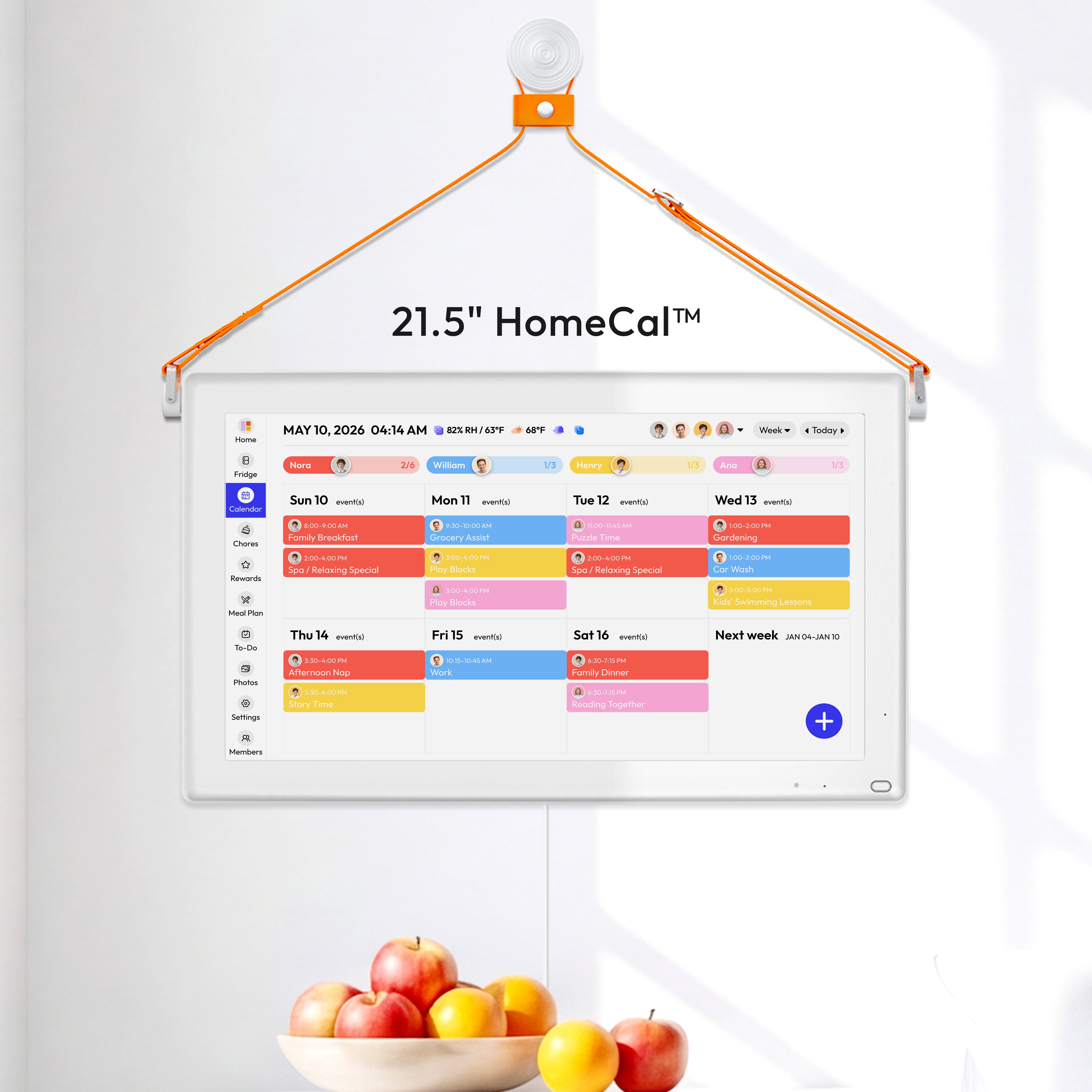
A color-coded family calendar is most useful when several people share time, rides, meals, and tasks, and the problem is not missing information but sorting it fast. One color per person, or one color per category like school, work, sports, and home, helps you see conflicts at a glance.
This can be especially helpful in homes where mental load falls unevenly. If one parent is carrying the invisible work of remembering dentist visits, early dismissals, grocery runs, and trash day, a clear shared view makes that work easier to hand off. It turns “I didn’t know” into something the whole household can actually check.
Good signs you need color
A tested-by-parents app roundup noted that color-coding becomes close to essential once a family has two or more kids in activities. That tracks with real life: the more overlapping commitments you have, the more helpful quick visual sorting becomes.
You may benefit from color if:
- You keep missing who is responsible for pickup
- One child has a very different schedule from the others
- You need to track meals, chores, and appointments in the same system
- Both adults already use digital calendars and want one shared layer
Where color can go wrong
A shared organizer app can show who is involved at a glance, but more labels are not always better. If every item has a person color, a category color, an icon, and an alert, the calendar becomes hard to scan under stress.
This matters for executive function too. Executive function is the set of brain skills that help people plan, switch tasks, remember steps, and follow through. When those skills are stretched by stress, ADHD, sleep loss, or plain family overload, a system with too many visual decisions may get ignored. A simpler view may help more than a richer one.
When a One-Screen Rule Works Better
A family command center gives household information one visible home. The one-screen rule is a practical version of that idea: if it matters to the family, it should appear in one shared place that everyone can see without hunting for it.
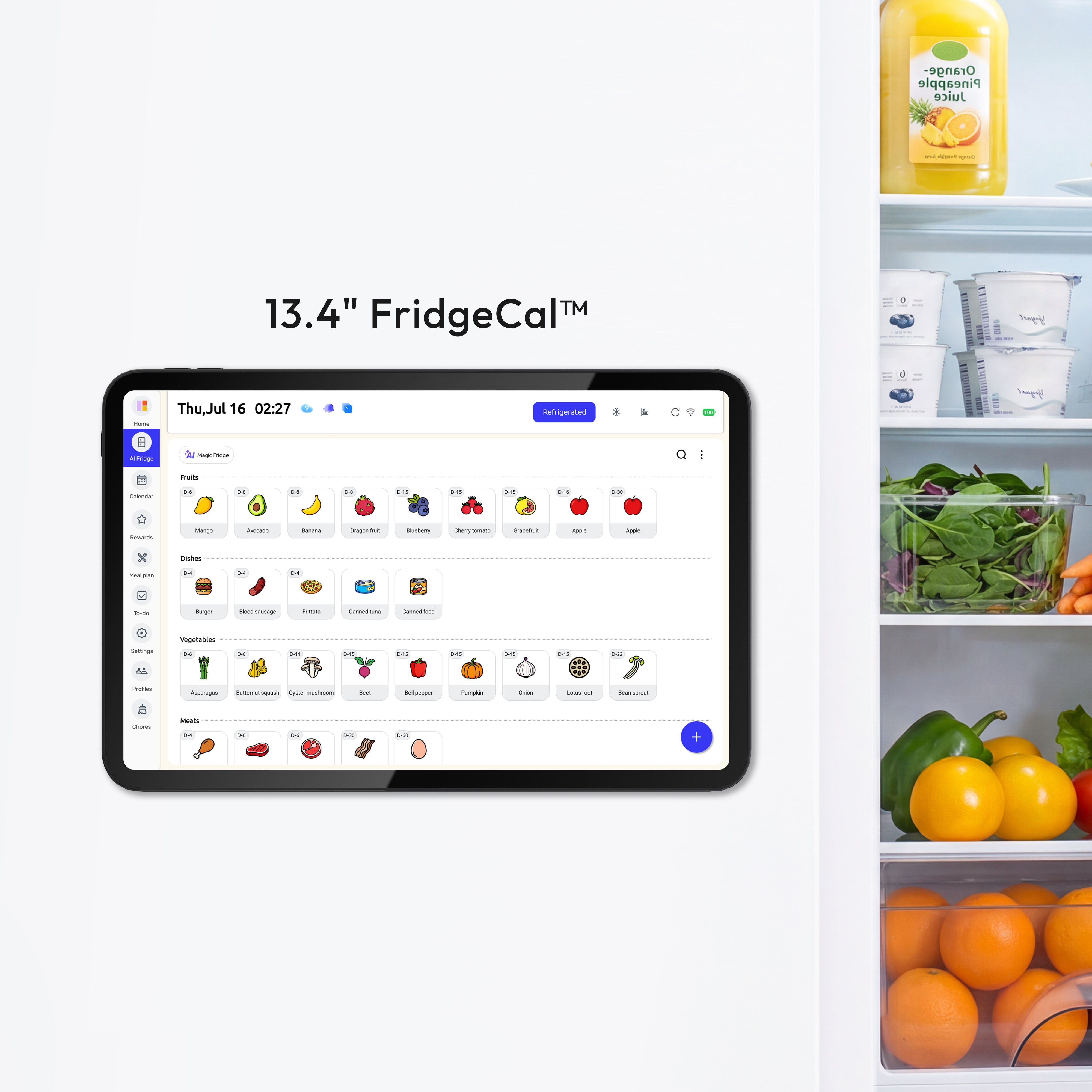
This tends to work best when the biggest problem is not complexity inside the calendar. The biggest problem is scattered information. Some families use a wall-mounted digital calendar such as the Everblog digital calendar to keep shared plans, chores, and events visible on one screen. One parent has events in a work app. Another has school emails on a cell phone. Meal plans live on a sticky note. Chores live in somebody’s head. A single screen or wall station reduces that fragmentation.

Families who often prefer one screen
A digital family calendar comparison shows why wall displays appeal to some households: they combine shared visibility with automatic sync, so updates do not depend on someone rewriting a board every day. That matters in families where schedules change often and paper systems go stale fast.
A one-screen rule may help if:
- Plans change throughout the day
- Kids will not check an app on their own
- One adult needs a clear “source of truth” before school or work
- The household already loses time searching for papers, keys, and reminders
Visibility matters more than the tool
A command center roundup points out that one center does not even have to be one wall. Some families use one or two linked zones. The real requirement is visibility in a place people already pass, like the kitchen, mudroom, or garage entry.
That is why a beautiful system can still fail. If it lives in a home office that nobody enters during the morning rush, it is not really shared.
Why Some Families Need a Hybrid
A family organizer platform shows how modern household tools now mix calendar, chores, homework, meals, and reminders in one place. For many families, that hybrid approach is the sweet spot: one visible command center at home, plus a shared app for updates away from home.
This is often the most realistic setup for co-parenting logistics and busy school-age households. The screen handles visibility. The app handles syncing, reminders, and quick edits from the parking lot, dentist office, or grocery store.

What to make visible at home
A family dashboard system reflects what many households actually need to coordinate: schedules, grocery lists, meal planning, to-dos, and bills. You do not need every feature on the wall. You need the items that drive daily handoffs.
Start with:
- This week’s calendar
- Today’s dinner plan
- The next 3 to 5 chores or errands that affect everyone
- A spot for school papers, mail, or forms that need action
What should stay digital
A free shared family account model makes more sense for items that change often or need notifications. App-based reminders, recurring tasks, outside calendar subscriptions, and shopping lists usually belong in the digital layer.
That split keeps the wall or screen from becoming cluttered while preserving one visible household snapshot.
How to Choose Without Overbuilding
A DIY command center guide makes an important point: the system should match the family’s actual needs and the space people already use. Bigger is not automatically better. More features are not automatically better either.
A good planning system should answer three plain questions fast:
- What is happening today?
- Who owns the next step?
- Where does important paper or information go?
Use this simple decision test
A family calendar setup framework starts with choosing the tool, then mapping the non-negotiables first. That is a useful way to test your fit.
Choose a color-coded calendar first if:
- Your main issue is schedule overlap
- Multiple people need to read the week quickly
- You already trust digital updates
Choose a one-screen rule first if:
- Your main issue is scattered information
- People forget to check apps
- Morning and after-school handoffs are chaotic
Choose a hybrid if:
- You need shared visibility at home and edits on the go
- Meals, chores, and appointments affect the same people
- Your household has both paper inputs and digital schedules
Practical Next Steps
A command center setup process starts by listing what the family actually needs to track before buying anything. That is the right order. Tools come second. Friction points come first.
Try this checklist:
- Write down every shared input for one week: school events, rides, meals, chores, papers, bills, and reminders.
- Circle the items that are missed most often.
- Pick one main view for the household: color-coded calendar, one-screen display, or a wall command center.
- Put it in a high-traffic spot people already pass every day.
- Limit the first version to the few items that drive daily coordination.
- Hold a five-minute weekly check-in on Sunday to review the week and fix conflicts.
- Remove outdated paper and reset the system once a week so it stays trustworthy.
FAQ
Q: Does every family need color-coding?
A: No. Color helps when several people and categories overlap, especially with school, sports, work, and rides. If your household only needs one clear daily view, color may add clutter instead of clarity.
Q: Is a digital wall calendar better than a regular shared app?
A: It depends on the problem. A wall display is better when people need a shared visual in the same room. A shared app is better when updates, reminders, and away-from-home access matter most. Many families do best with both.
Q: What if one parent uses the system and everyone else ignores it?
A: That usually means the system is too hidden, too complicated, or not tied to real handoffs. Move it to a more visible spot, cut extra categories, and make it the place where dinner, pickups, and school paperwork get checked every day.
Disclaimer
This article is for household planning education only. It is not a substitute for mental health care, medical advice, legal advice, or crisis support. If safety, custody orders, or a diagnosed condition are involved, work with the appropriate licensed professional.
References
- The Best Way to Create a Functional Command Center for Your Family
- How to Create a Family Calendar and Organize It Like a Pro
- The 10 Easiest Family Command Centers to Get Organized
- Looking for the Best Family Calendar App?
- A family planning app
- A family organizer platform
- A family planning platform
- Best Digital Family Calendar for Planning & Chores in 2026
- A family organizer platform listing
- 25+ Functional (& Pretty!) Family Command Centers
- Best family calendar apps in 2026


