


Families keep devices clean when tech hygiene is treated like any other household system: visible, scheduled, and simple enough to repeat daily. The goal is not spotless devices; it is a safe, low-friction routine kids can follow.
Does your evening already feel full with backpacks, dinner cleanup, and tomorrow’s schedule? Most families do better when cleaning tasks are built around short reset blocks instead of long, perfect sessions. This plan gives you a practical framework to assign age-appropriate tasks, protect screens and keyboards, and keep your home planning system running without extra stress.
Build the System Before You Buy Anything
Anchor tech cleaning to existing household workflows
In busy homes, systems that survive real life assume interruptions, uneven participation, and multiple mess cycles per day. That is why tech hygiene should sit inside your existing home organization rhythm, next to school prep, meal planning, and end-of-day resets.

Make the routine visible in one shared schedule
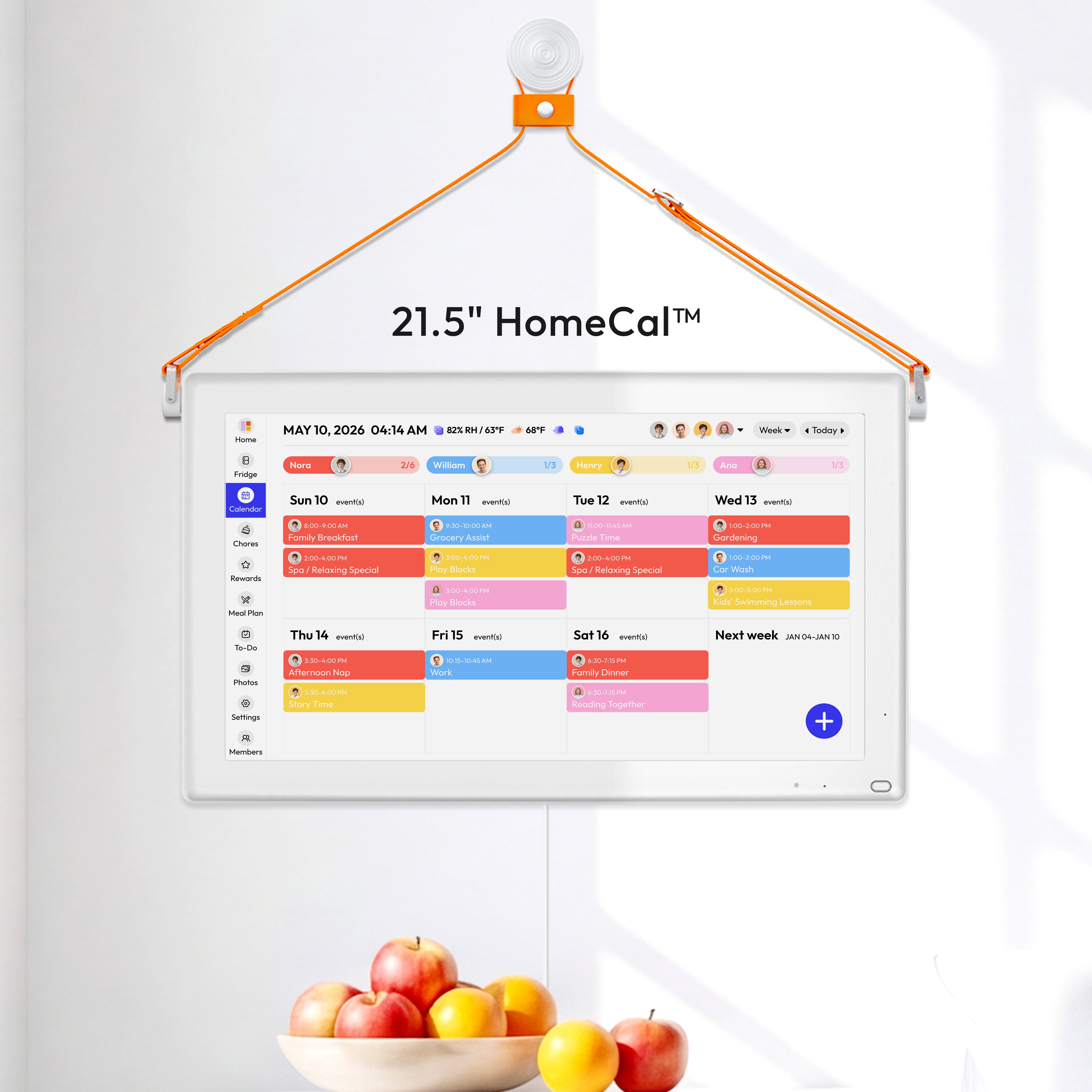
For day-to-day execution, a shared digital family calendar works best when tech resets appear like any other commitment. A practical setup is two repeating blocks: one 5-minute after-school device check and one 10-minute evening reset tied to kitchen cleanup and next-day lunch prep.
Teach a 4-Step Cleaning Sequence Kids Can Memorize
Explain the “why” in plain language
Frequently handled devices become grime magnets because personal electronics are commonly contaminated through repeated hand contact and movement between desks, bags, kitchens, and cars. Kids usually cooperate more when they understand that buildup can affect both hygiene and performance, especially for earbuds and keyboard keys.
Use one short, repeatable process
A safe family method is to clean phones and computers with microfiber and 70% isopropyl wipes while avoiding direct spray onto devices.
Device/material compatibility (check before first use):
- Apple permits a 70% isopropyl alcohol wipe, 75% ethyl alcohol wipe, or Clorox Disinfecting Wipes for many hard, nonporous exterior surfaces when used gently and without direct spray How to clean your Apple products.
- Microsoft says Surface touchscreens can be cleaned with a soft lint-free cloth and water, IPA solution 70% or less, or eyeglass cleaner, and liquids should not be applied directly Clean and care for your Surface.
- Some materials need stricter caution, including fabric or leather on Apple devices, so verify your exact model’s manufacturer page before first use fabric or leather surfaces.
Teach this order: power down, brush or shake out debris, wipe high-touch surfaces, then detail tight spaces (keyboard gaps and earbud edges) with a dry swab. Keep liquids minimal near speaker openings, and use distilled water only when a screen needs extra help.

Choose Tools That Match Your Family’s Maintenance Tolerance
Start with fewer tools than you think
Most families only need a small all-in-one cleaning kit with a soft brush, microfiber cloth, and precision tip to cover screens, keyboards, and earbuds. Bigger kits (7-in-1, 21-in-1, and similar) can be helpful, but small parts are easy to lose and overusing spray can leave residue.
Pick a planning surface your household will actually use
When selecting your command center, family calendar options span free apps to paid hardware displays, so match cost to behavior, not features.
Setup |
Typical Cost |
Best For |
Watch-Out |
Google Calendar |
Free |
Basic shared scheduling |
Requires consistent check-ins |
Cozi |
Free or $39/year |
Calendar + lists + meal planning |
Free view limitations |
Skylight Calendar |
599 + optional $79/year |
Wall-visible routines and chore cues |
Ongoing cost + Wi-Fi dependence |
Keep accountability simple and visible
Households stay consistent when chore charts make “who does what and when” explicit. If you use a wall display, pair it with a low-tech backup (whiteboard or printed weekly checklist) so the routine still works during app outages or screen fatigue.
Assign Ownership by Age and Put It on Autopilot
Use age-based task ladders
A repeatable family schedule works best when daily cleaning effort stays under 20 minutes and kids get tasks they can complete successfully. Ages 2-4 can do one-step helper actions (carry cloth, place earbuds in case), while ages 4-6 can run short sequences (wipe tablet case, return kit, check charging spot) with supervision.

Combine daily resets with weekly zone focus
Digital chore systems improve follow-through when task completion is logged and reminders are shared. Use a daily 15-minute reset (three 5-minute blocks) and add one weekly 20-30 minute “tech zone blitz” for deeper keyboard and earbud cleaning.
Tie tech hygiene to meal planning and school prep
Home systems hold when drop zones and one-touch habits reduce decision fatigue at transition times. A practical sequence is: 6:30 PM dinner cleanup, 6:40 PM device reset, 6:50 PM backpack and lunch check, 7:00 PM tomorrow’s calendar review.

Prevent the Most Common Routine Failures
Design for imperfect days
Many organizing systems fail because they assume uninterrupted time and full compliance. Build for minimum viable completion: if the full reset is missed, require only a 3-minute “critical pass” (screen wipe, keyboard brush, earbuds in case).
Plan for tool and platform friction
Cleaning kits are helpful but small parts, limited cloth life, and spray overuse can derail consistency if storage is sloppy. Store the kit in one labeled bin near your family command center, and replace consumables monthly.
Include digital privacy in your family tech rules
When you add new household apps or displays, cookie and consent settings can enable broad data use unless you review controls. Add a quarterly “privacy reset” to your calendar so parents can confirm app permissions, ad settings, and shared-device account access.
Quarterly Privacy Reset Checklist:
- App permissions (camera, microphone, location): review all installed apps and set each permission to the minimum needed; check monthly and again right after new app installs.
- Shared account access: remove old guest/relative sign-ins, review active sessions, and keep one parent owner account for shared home devices; check quarterly.
- Ad personalization: turn off or limit ad personalization inside each major app/account your family uses; check quarterly.
- Auto-login and saved credentials: remove saved logins and payment autofill from child-used shared devices unless absolutely necessary; check monthly.
- Backup and sync sharing: verify what photos, files, and messages sync to shared cloud accounts and stop syncing categories that should stay private; check quarterly and after device replacement.
Generic 4-step flow to revoke camera access on a phone:
- Open Settings.
- Open Privacy or Permissions.
- Select Camera.
- Turn off access for apps that do not need it, then repeat the same review for Microphone and Location.
Practical Next Steps
A durable routine starts with short daily resets and clear stop times rather than occasional deep-clean marathons. Launch in one week, then refine after two weekends based on what your family actually completes.
- Pick one family calendar and create two recurring blocks: 5 minutes after school, 10 minutes before bedtime.
- Build one tech cleaning bin: microfiber cloths, soft brush, cotton swabs, and alcohol wipes.
- Define three device drop zones: entryway, homework station, and kitchen charging spot.
- Assign age-based responsibilities and post them on a visible chart.
- Run a Friday 20-30 minute tech zone blitz for keyboards, earbuds, and shared remotes.
- Review the system every Sunday at 7:30 PM and remove any step that takes over 5 minutes.
Important Note
The planning templates and organizational systems provided here are intended as adaptable blueprints.
Health safety exceptions:
- If nobody at home is sick, regular soap-or-detergent cleaning is usually sufficient, and routine disinfecting is generally unnecessary for most household situations When and How to Clean and Disinfect Your Home.
- For chemical sensitivity or skin irritation, start with dry microfiber wiping and escalate to a lightly damp cloth with mild soap and water only when needed General cleaning recommendations.
- If fumes or aerosols aggravate breathing symptoms, increase fresh-air flow while cleaning, use gloves for skin protection, and consider a mask when respiratory irritation is a known trigger ventilation and respiratory viruses.
- Avoid stronger alcohol or solvent products unless the device maker explicitly permits them; Apple limits disinfectant-wipe use to hard, nonporous exteriors and excludes fabric or leather surfaces How to clean your Apple products.
- For severe asthma, significant chemical allergy, immune compromise, or major mobility limitations, simplify to gentler cleaning methods and ask a clinician or qualified home-health professional to adapt the routine.
Every family’s needs, dietary requirements, and physical capabilities are different. We recommend tailoring these schedules to your specific health needs and household dynamics. Results from productivity or meal-planning systems may vary, and consistency remains the responsibility of the individual user.
References


