
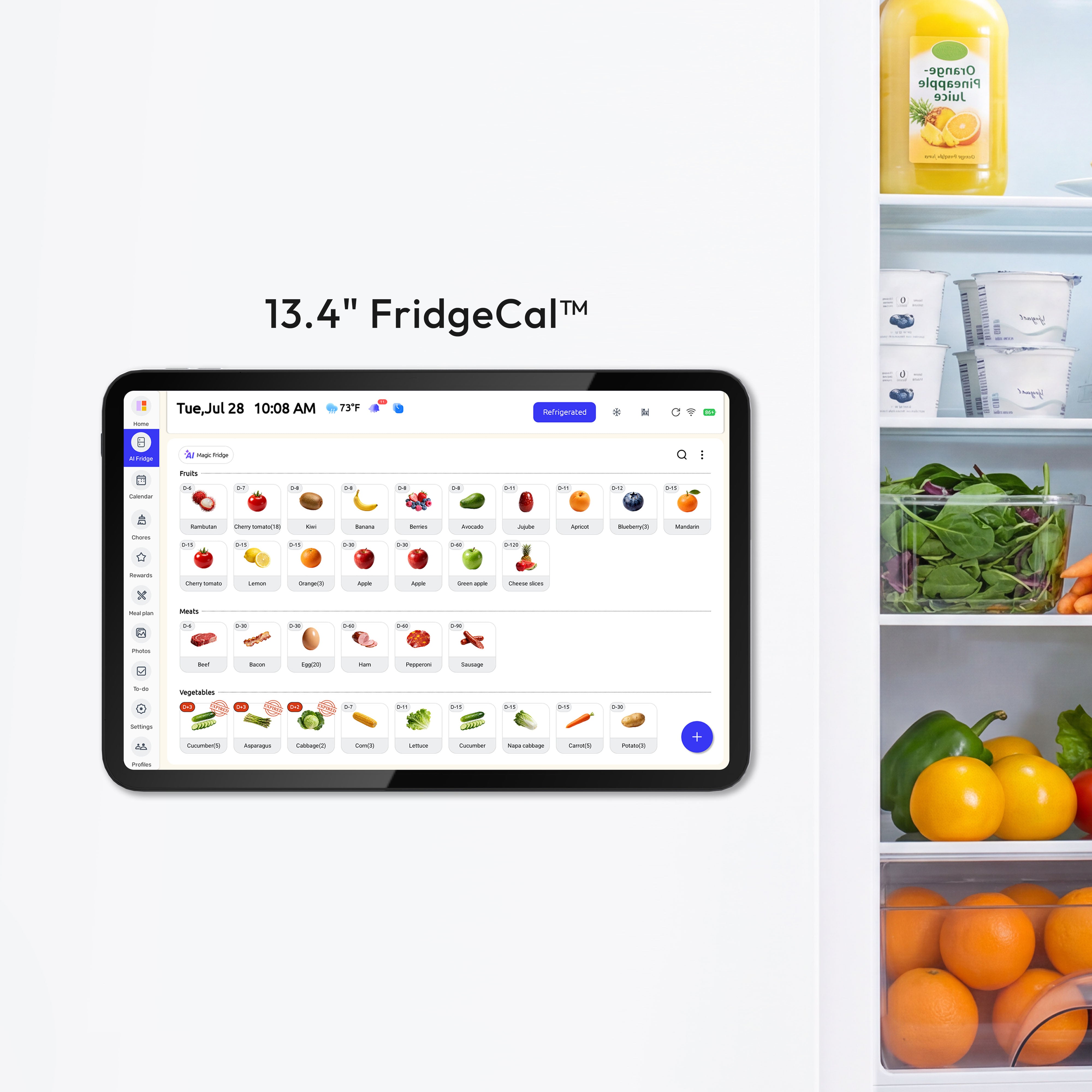
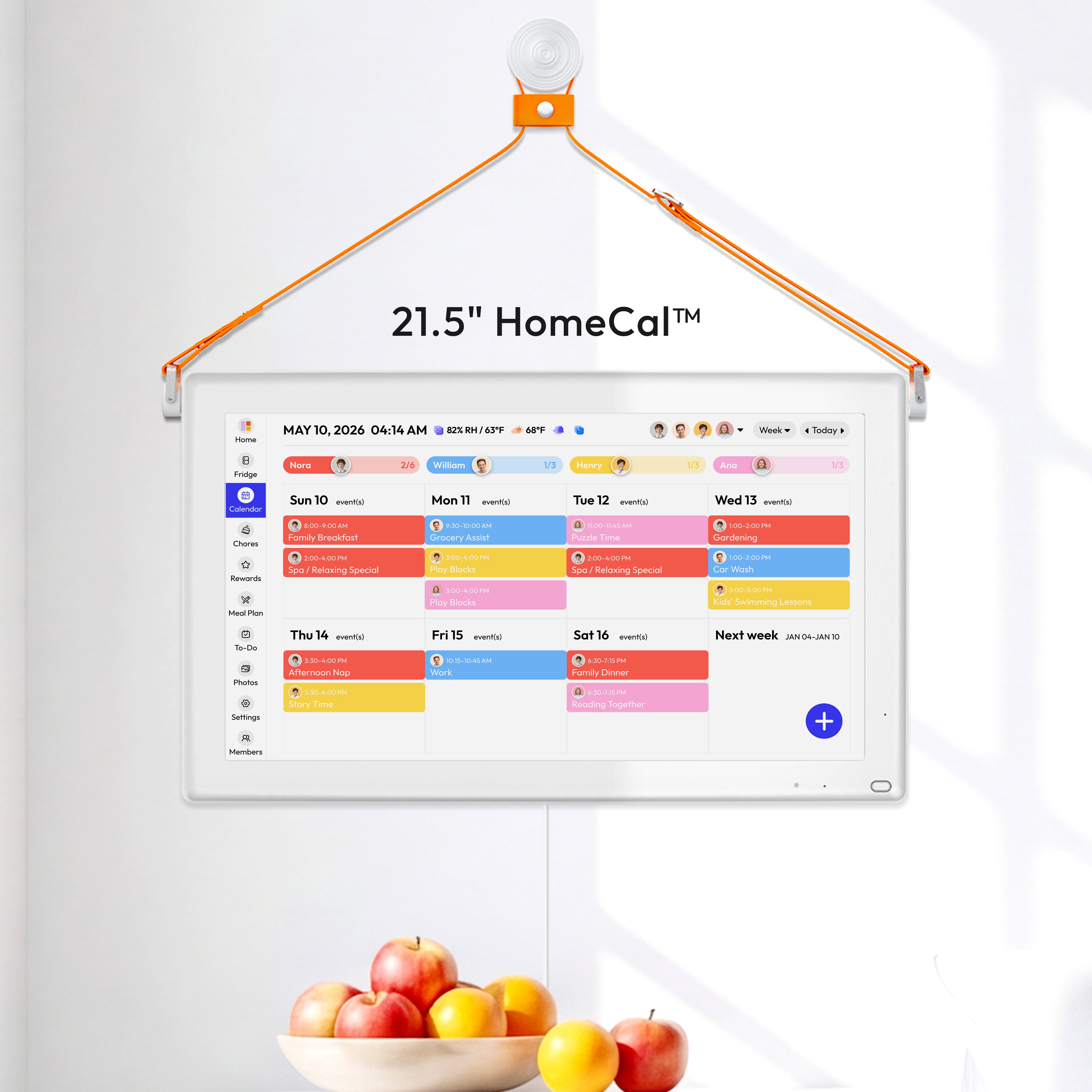

If you've ever felt like your family's schedule is a jumble of sticky notes, text messages, and a half-filled paper calendar, you're not alone. A digital family calendar display is more than just another screen in your house—it's the central command center that finally gets everyone on the same page.
From Family Chaos to a Central Command Center
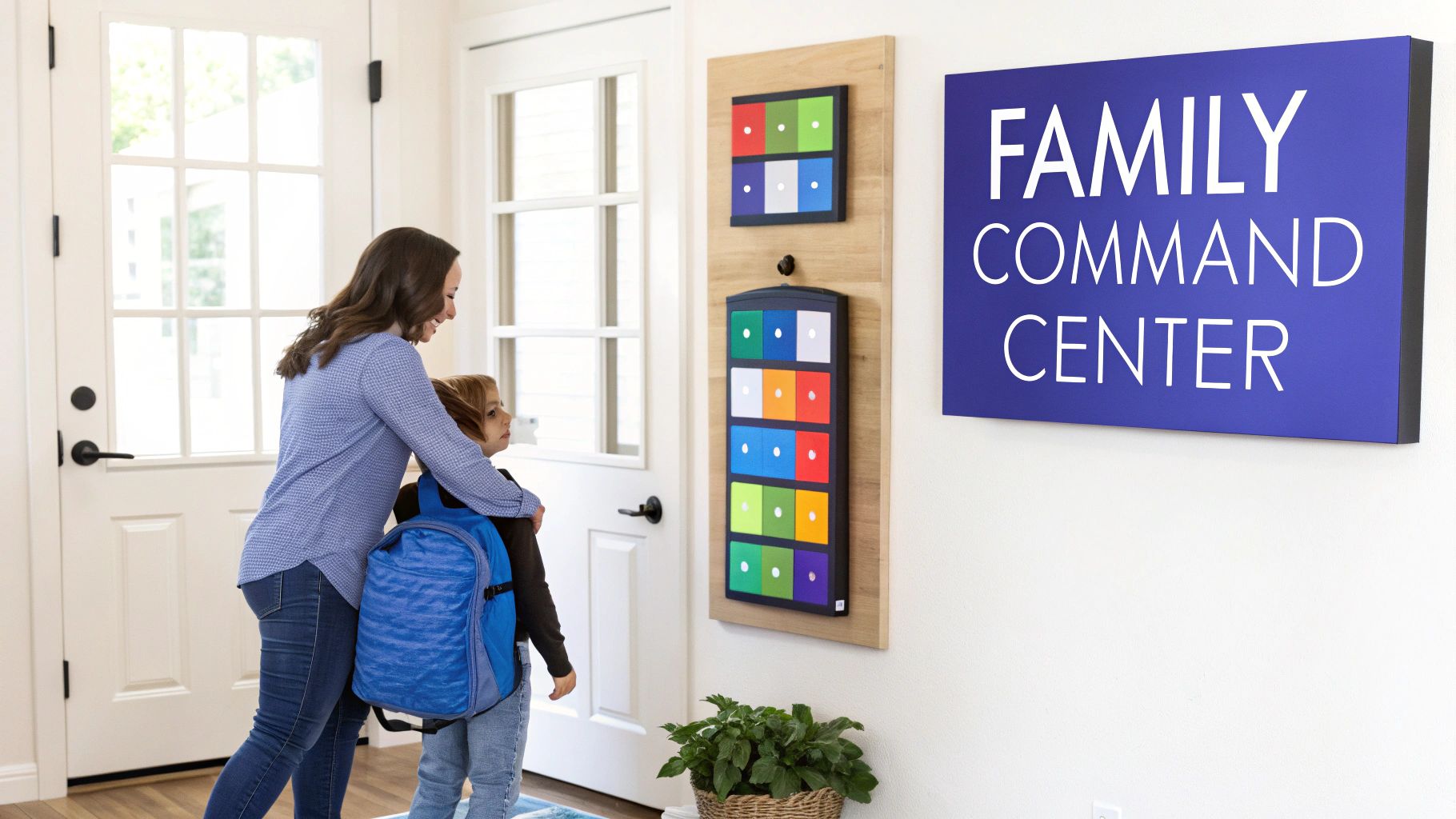
Let's be real: keeping track of soccer practice, orthodontist appointments, school half-days, and birthday parties feels like a full-time job. The mental load is heavy. A dedicated display takes all that chaos and puts it in one visible spot, creating a single source of truth for the entire family.
Imagine a world where you don't have to text your partner to confirm who's picking up the kids, or where your teenager can see their chore list without you having to ask. It's one of the most effective strategies for juggling work and family life because it brings clarity to the daily grind.
And this isn't just a niche trend. The market for shared digital solutions like this, part of the broader calendar app industry, was valued at USD 2.5 billion and is expected to climb to USD 5.4 billion by 2033. It's clear that families everywhere are searching for smarter ways to stay organized.
What You Will Learn in This Guide
This guide is your complete roadmap, from finding the perfect spot for your display to getting every last family member to actually use it. We'll get into the nitty-gritty, covering:
- Real-world scenarios for families with little kids, jam-packed teen schedules, or even complex co-parenting situations.
- Actionable steps to set up and customize your display so it works for you.
- My best tips for making it the true heart of your household management system.
The goal here isn't just to have a fancy calendar. It's about creating a more connected, less stressful home where everyone knows what's happening and can take ownership of their part.
If you're ready to go all-in on organization, check out our guide on family command center ideas for even more inspiration.
Ready? Let’s dive in and get your home running smoother than ever.
Choosing and Mounting Your Calendar Display
Deciding where to put your new family calendar is a bigger deal than you might think. Its location is just as important as the information it shows. The goal is to make it a natural part of your family's daily flow, a quick stop for everyone, not just another screen to ignore.
The kitchen is the classic choice, and for good reason, but don't just default to it. Take a minute to think about your home's actual traffic patterns. Where does everyone really walk past every morning and evening? Sometimes a busy hallway, the mudroom, or even the main living room is a much better fit. That's how you turn it from a gadget into a true command center.
Finding the Perfect Spot
Before you get the drill out, let's talk about a few things that can make or break the experience. A display in the wrong spot can be plagued by glare, be too high for the kids to see, or have ugly cords dangling down.
Run through this quick mental checklist for any potential location:
- Power Source: Is there an outlet right there? You really don't want to run a long, ugly extension cord across the wall.
- Viewing Height: The sweet spot is eye level for an adult, but don't forget the little ones. Can your youngest see their chore chart without needing a step stool?
- Screen Glare: This one is huge. Watch the spot throughout the day. A wall that gets blasted with afternoon sun will make the screen unreadable, completely defeating the purpose.
Here's a pro tip I always share: Grab a piece of cardboard cut to the size of your display and tape it to the wall. Live with it for a day or two. It’s the best way to check for glare and see if the placement feels right before you commit.
To help you visualize the trade-offs, here’s a quick breakdown of the most common spots families choose.
Family Hub Location Comparison
| Location | Pros | Cons |
|---|---|---|
| Kitchen | High-traffic area, central to daily activity. Great for meal planning and grocery list updates. | Can be cluttered. Prone to spills and splatters. Glare from overhead lights can be an issue. |
| Mudroom/Entryway | Everyone passes through on their way in and out. Perfect for last-minute schedule checks. | May not have convenient power outlets. Can be a visually "busy" area. |
| Main Hallway | Often a central artery of the home. Keeps the schedule visible without cluttering a living space. | Can be narrow, making it hard to stop and look. Lighting can be inconsistent. |
| Living Room | Comfortable and accessible for family meetings. Can double as a media hub. | Might feel too "techy" for a relaxation space. Can be distracting during family time. |
Ultimately, the best spot is the one that fits your family's unique rhythm. There's no single right answer, just what works for you.
Mounting and Cord Management
Once you've picked your spot, it's time to get it on the wall. Most digital calendars come with a mounting bracket and all the hardware you'll need for standard drywall. It's usually a simple job: screw the bracket to the wall (use a level!), then hang the display. If you have plaster or brick, you might need to pick up some specialized anchors from the hardware store.
The last step is hiding that power cord. This is what separates a DIY look from a clean, professional install. A simple, paintable cord cover that sticks to the wall is your best friend here. It’s a small detail that makes your family calendar display look like a truly integrated part of your home. If you're comparing models, the Everblog 21.5-inch digital calendar is a solid choice that looks great on any wall.
Setting Up Your Digital Family Hub
Alright, let's get that sleek new display out of the box and turn it into the command center your family has been dreaming of. This is where the magic happens—transforming a blank screen into the operational heart of your home. We'll get it connected, personalized, and loaded with your family's schedule in no time.
First things first: unbox the display, plug it in, and connect it to your home Wi-Fi. Most devices make this part a breeze with simple on-screen instructions. From there, you'll be prompted to download the companion mobile app, which is your remote control for managing settings and adding family members.
These hubs are becoming a lifeline for modern families. The global shared calendar app market, which is the engine behind these displays, was a USD 278 million industry and is expected to hit USD 646 million by 2032. It's no surprise—with 62% of U.S. families having two working parents, any tool that saves time is a lifesaver.
Creating Your Family Accounts
Your first real move is to set up individual profiles for everyone in the house. This is the key to making the family calendar display easy to read and genuinely personal. My favorite trick is to assign a unique color to each person right away—say, blue for you, green for your partner, purple for the oldest, and orange for the youngest.
This simple visual coding is a game-changer. Anyone can walk by and, at a glance, see exactly who needs to be where. The colors tell the story instantly, cutting through the clutter of a messy schedule.
- Create a primary account for yourself or whoever manages the household schedule.
- Invite family members via email to create their own accounts that link to the main one.
- Assign a unique color to each person’s calendar. This is non-negotiable!
- Set permissions so older kids or your partner can add their own events and take some ownership.
Many displays also play nicely with the calendars you already use. If your family lives on Google Calendar, you’re in luck. Most devices sync directly, pulling in all your existing appointments. For a step-by-step walkthrough, check out our guide on how to sync with Google Calendar.
Adding Your Core Schedule
With everyone's profiles ready, it's time to plug in the foundational routines—the non-negotiables that make up the backbone of your week.
Think about what a typical week looks like. Maybe Mom has work meetings every Tuesday and Thursday, Dad has a standing project deadline on Fridays, one kid has soccer practice, and the other has piano lessons. Pop these in as repeating events, and you'll never have to enter them again.
Set aside 30 minutes to get this done right after setup. Add all the recurring stuff: school drop-offs, sports, music lessons, weekly appointments. Getting this baseline schedule loaded immediately demonstrates the calendar's value and gets everyone into the habit of checking it.
This simple infographic shows you just how easy the physical setup is.
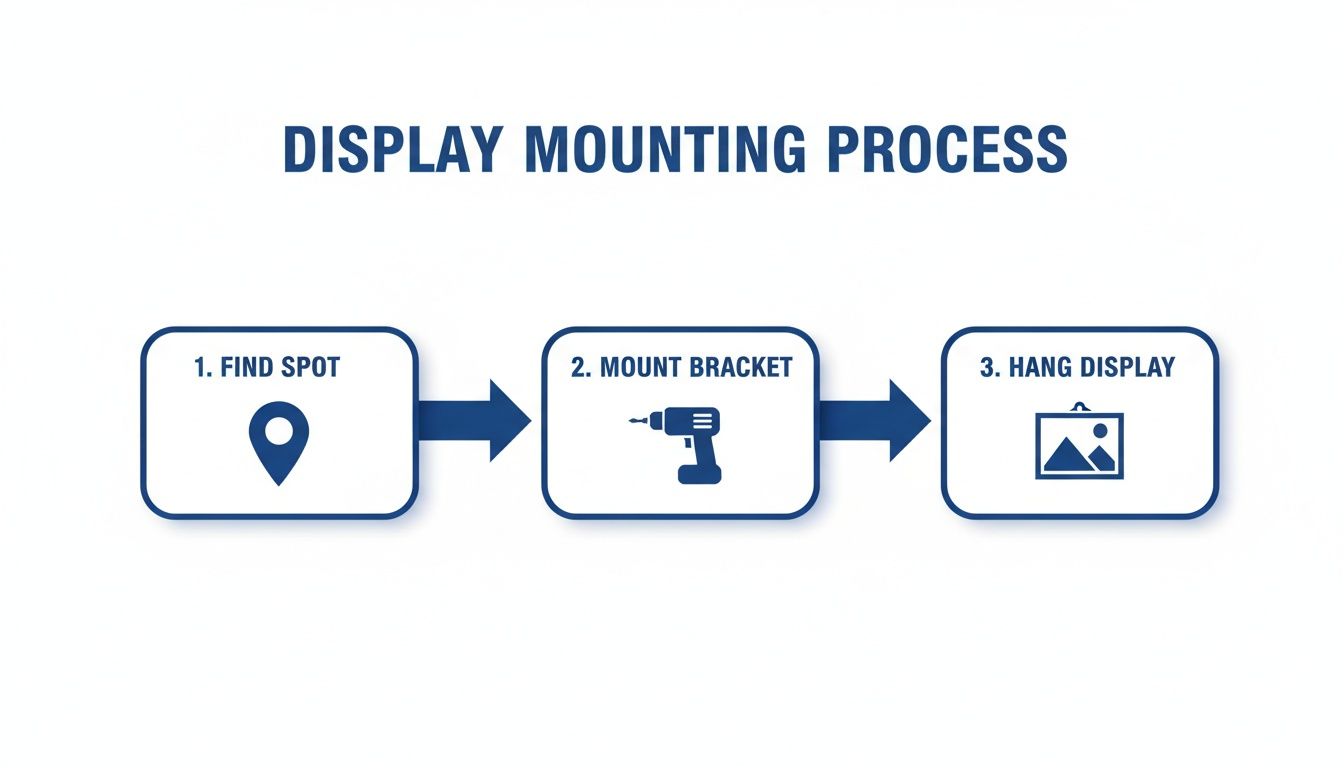
The whole process is designed to be quick and painless, ensuring your display is securely mounted in its high-traffic spot in just a few minutes.
Managing Chores and Routines Without the Nagging
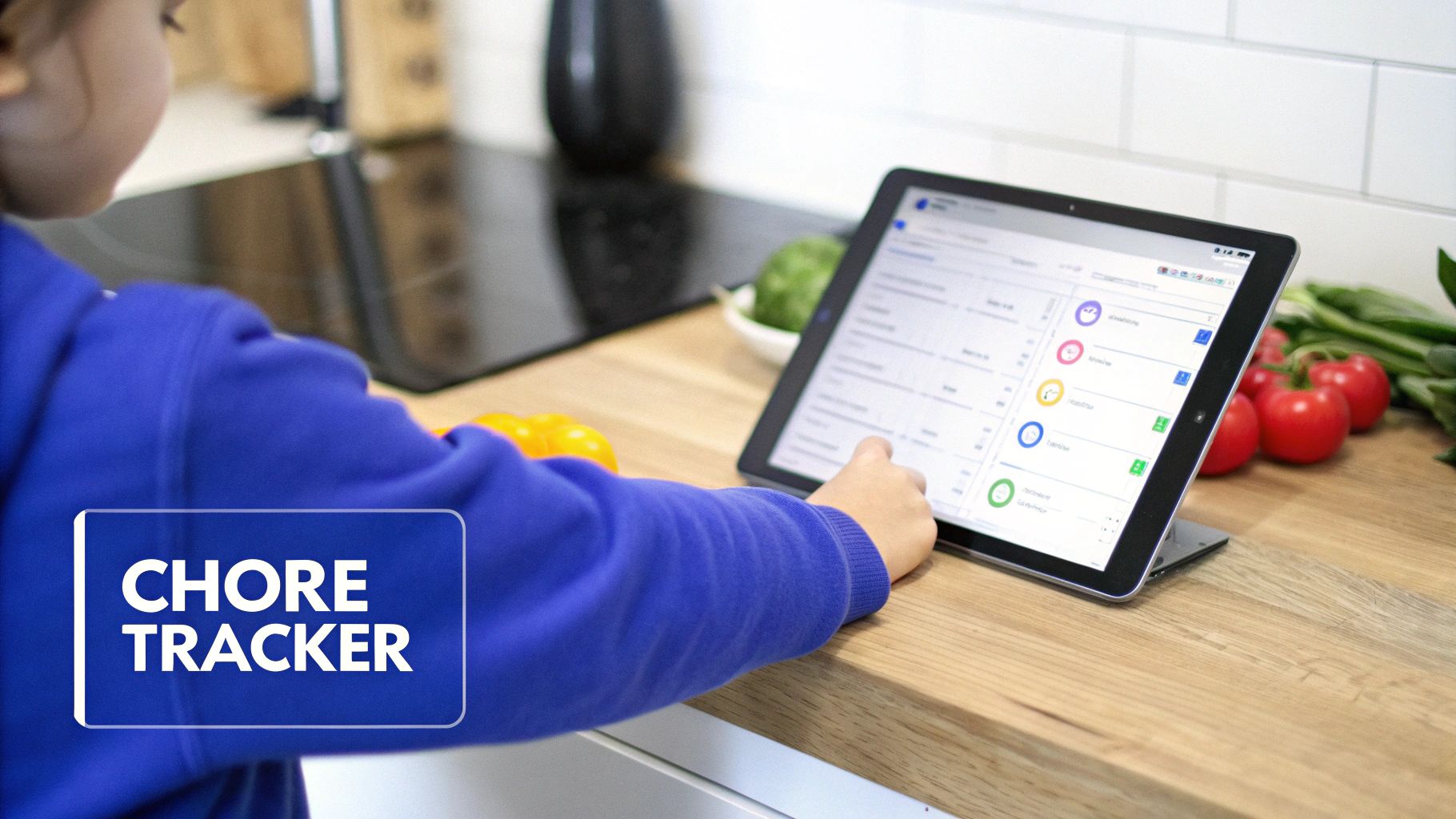
A digital family calendar display is so much more than just an appointment book. It's a genuine command center for running your household and teaching your kids responsibility, all without you having to say a word. When you move chore lists and daily routines out of your head and onto a central, visible screen, the constant reminders and nagging can finally stop.
This is where the display evolves from a simple calendar into a true family management system. Many devices, like the Everblog calendar, come with dedicated features for assigning tasks, setting deadlines, and tracking who’s done what.
It's no surprise that the demand for these all-in-one solutions is exploding. The market for wall calendars, including these smart digital versions, is expected to jump from USD 177.13 million to an incredible USD 9,288.81 million by 2035. This shift is all about families wanting a single place to see everything from soccer practice to meal plans and chores. You can discover more insights about these market trends and their impact on family life.
Building Age-Appropriate Chore Lists
The secret to a chore system that actually works is making it fair and achievable. I always recommend starting by creating separate lists tailored to each kid's age and abilities. This gives them a sense of ownership and keeps them from getting overwhelmed.
Here’s a simple breakdown you can adapt for your own family:
- Ages 4-6 (The Little Helpers): Stick to simple, one-step tasks. Think "Put toys in the bin," "Place dirty clothes in the hamper," or "Help set the table with napkins."
- Ages 7-9 (The Growing Contributors): Start introducing multi-step responsibilities. Things like "Feed the dog," "Empty the dishwasher," or "Water the plants" are perfect here.
- Ages 10+ (The Household Partners): Give them tasks that genuinely contribute to the whole family. This could be "Take out the trash and recycling," "Help with meal prep," or "Tidy the living room."
Once you’ve got your lists figured out, just pop them into the calendar's chore manager. Assign each task to a specific person and set it as a one-time thing or, even better, a recurring event. For something like "Make your bed," a recurring daily reminder is perfect. For weekly jobs like "Take out the trash," you can have it appear every Sunday night like clockwork.
Gamifying Tasks with a Rewards System
Let’s be real—chores are rarely fun. This is where a built-in rewards system can be a game-changer. Instead of just ticking a box, kids can earn points or stars for every task they knock out.
Think of it as a video game for household responsibilities. When kids see their points adding up, they're motivated to keep going. This simple gamification fosters accountability and can improve routine adherence by as much as 35%.
You get to decide what the points are worth. By linking a certain number of points to real-world rewards, you create a clear cause-and-effect that teaches responsibility in a tangible way.
Example Reward System:
- 10 Points: Gets an extra 30 minutes of screen time on Friday.
- 25 Points: Gets to pick the movie for family movie night.
- 50 Points: A small allowance bonus or a trip for ice cream.
This system completely shifts the dynamic. Instead of you policing their chores, they start actively working toward goals they actually care about. It’s an incredibly effective way to build that all-important intrinsic motivation.
Visual Routines for Smoother Days
Beyond just chores, a family calendar display is a fantastic tool for calming the most chaotic parts of the day—I'm looking at you, crazy mornings and bedtime battles. For younger kids who are still learning the ropes, creating a visual checklist routine can make all the difference.
A typical morning routine on the display might look like this:
- Wake Up & Make Bed
- Get Dressed
- Eat Breakfast
- Brush Teeth
- Pack Backpack
By putting these steps right on the screen, you’re giving your kids a visual roadmap to follow on their own. It empowers them to become more independent, cuts down on how much you have to direct every little thing, and honestly, just makes the whole process run a lot more smoothly for everyone.
6. Weaving in Meals and Memories
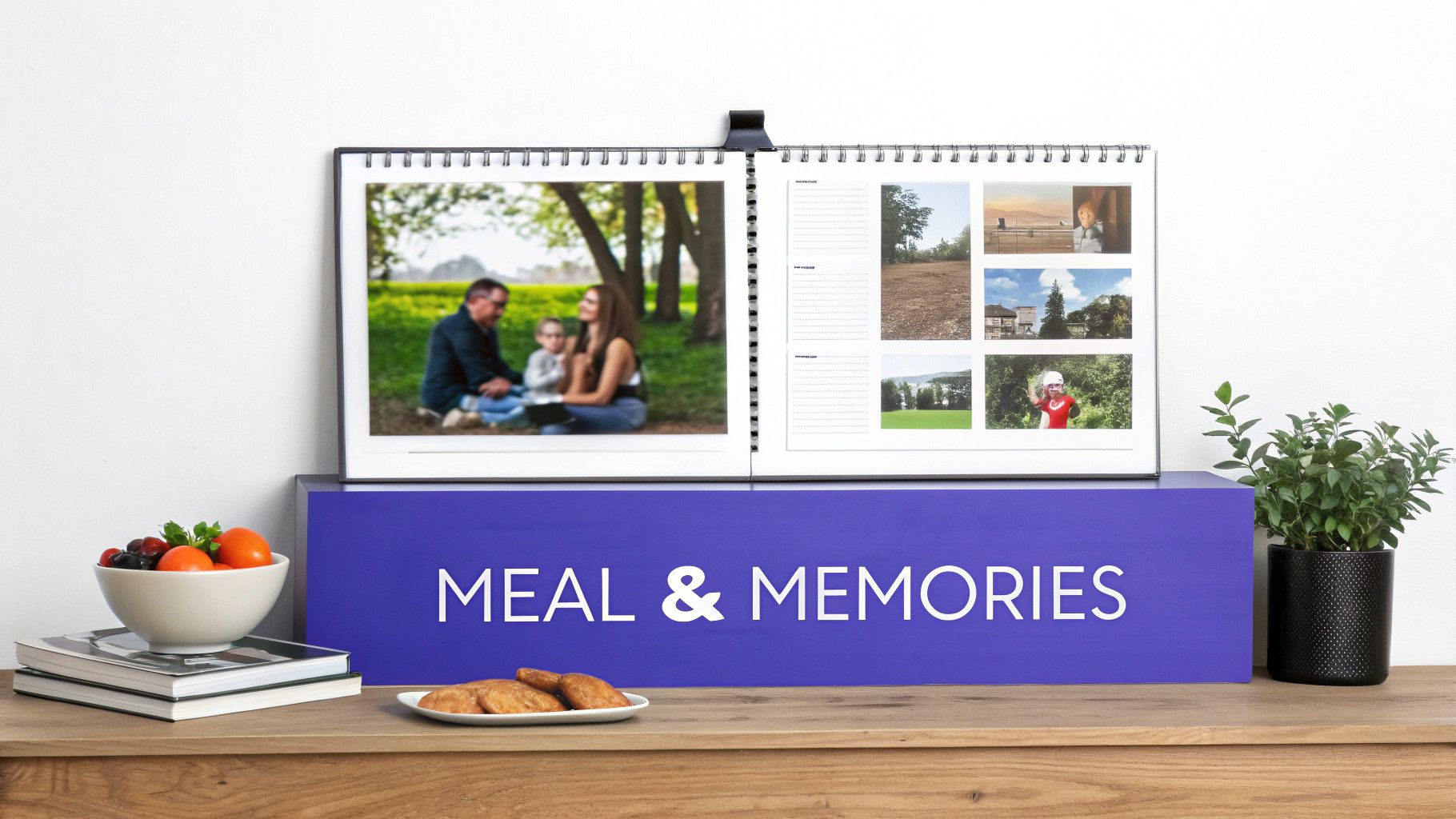
Alright, your display is now the command center for schedules and chores. But let’s take it a step further. Its real magic shines when it becomes the operational and emotional heart of your home.
This is where you move beyond just appointments and tackle the daily rituals that really connect your family—like answering the dreaded "What's for dinner?" question and surrounding everyone with warm memories. This transforms a functional tool into something personal.
From Meal Chaos to Kitchen Command
The 5 PM scramble to figure out dinner is a massive source of stress for most families. A smart calendar ends that chaos by building meal planning right into your weekly view.
Most displays have a dedicated meal planning section where you can plug in meals for specific days. I like to start by blocking out the easy wins—"Taco Tuesday" and "Pizza Friday" are recurring events in our house. For the other nights, you can pull from built-in recipes or add your own family favorites.
But here’s where it gets really good: as you add meals, the display can automatically build your grocery list.
This shared, cloud-synced grocery list is a total game-changer. Anyone in the family can add items from their phone, whether they’re standing in the pantry or out and about. It has saved us from countless last-minute store runs.
Getting a system that actually works for your family is everything. If you're new to this, there are some great guides on realistic meal planning for busy families that can help you find a sustainable routine. Once you have a strategy, your display becomes the perfect place to execute it.
Hands-Free Household Management
Finally, don't sleep on the voice command feature. This is incredibly useful when your hands are full—think cooking dinner, holding a toddler, or carrying in groceries.
You can add items to the grocery list or schedule an appointment just by talking to the device.
Just say something like, "Add milk to the grocery list," or "Add dentist appointment for Tuesday at 3 PM." This hands-free convenience ensures that great ideas and important reminders are captured the moment you think of them, making your family hub that much more efficient.
Ensuring the Whole Family Actually Uses It
Let’s be honest, the most beautiful, high-tech gadget is just expensive wall art if nobody uses it. You’ve got this incredible new family command center, but turning it from a novelty into a daily habit is where the real magic happens. The goal is simple: make checking the display as natural as pouring that first cup of coffee.
This isn’t about forcing a new tool on your family. It's about getting everyone on board from the get-go. My advice? Throw a little "family kickoff meeting." Order a pizza, get everyone in the same room, and unveil the new hub. This is your moment to build some real excitement.
Launching Your Family Hub
Treat this like a mini-event, not another chore on the list. Let the kids pick their own colors for their schedules or choose fun icons for their activities. When they have a say in how it looks and feels, they'll immediately have a sense of ownership.
Use this time to set a few simple ground rules together. We're not talking about a rigid manifesto here, but more of a shared agreement on how this new display is going to make life easier for everyone.
One of the best things you can do for long-term success is to start a daily "schedule huddle." Just take five minutes over breakfast to glance at the display and run through the day. This tiny ritual gets everyone in sync, clarifies who needs to be where, and kills those last-minute "Oh, I forgot!" moments.
Make it a predictable part of your morning, and the habit will stick.
Empowering Kids and Overcoming Hurdles
Real adoption kicks in when everyone feels like they can contribute. For older kids and teens, this means handing over the reins for their own schedules. Let them be responsible for adding their soccer practices, study groups, or hangouts with friends. Most calendar apps have approval settings, so you can still have the final say while giving them a healthy dose of autonomy.
Of course, you might hit a few bumps. It’s totally normal to get some resistance, especially from family members who aren't super tech-savvy. The key is to be patient. Instead of just showing them how it works, focus on the why for them. Frame it in a way that speaks directly to their needs: "Look, now you'll be able to see when the grandkids are coming over without having to call," or "The dinner menu for the week will be right here, so you'll always know what's cooking."
Here are a few common challenges I've seen and some quick fixes:
- The Forgetful Partner: The easiest fix is to sync their personal phone calendar (like Google Calendar) directly to the display. Any event they add on their phone will instantly pop up for the whole family to see. Problem solved.
- The Uninterested Teen: Give them a stake in it. Put them in charge of something fun, like adding family movie nights or weekend plans to the calendar. A little responsibility goes a long way.
- The Young Child: Make it visual! Use emojis and icons in the calendar entries. A simple soccer ball emoji next to "Practice" makes the schedule fun and easy to understand for little ones who are still learning to read.
Ultimately, it's all about consistent, gentle encouragement. That’s what will weave the family calendar display into the fabric of your home, turning it from a screen on the wall into your family’s indispensable command center.
Transform your family's daily chaos into calm coordination with Everblog. Our all-in-one digital calendar is designed to get everyone in sync, without the stress. Learn more about how Everblog can bring order and connection to your home at https://everblog.com.


