


A durable family scheduling system is simple: one shared calendar, a limited color set, and a weekly reset rhythm everyone follows.
When you have multiple kids, your week can feel like a constant scramble of pickups, practices, appointments, and last-minute changes. Families that use consistent color rules usually spot conflicts faster and share planning work more evenly, because everyone can scan the same view in seconds. You’ll leave with a step-by-step framework you can launch this week and stabilize within 14 days.
Start With One Core Decision: Color by Person or by Activity
Method A: Color by person
Color by person works best when your household is small and events are mostly one-to-one. If each child has a dedicated color, it is easy to answer “Who is busy?” at a glance. The downside appears quickly when events involve multiple people, because one event can’t cleanly represent several participants without clutter.
Method B: Color by activity
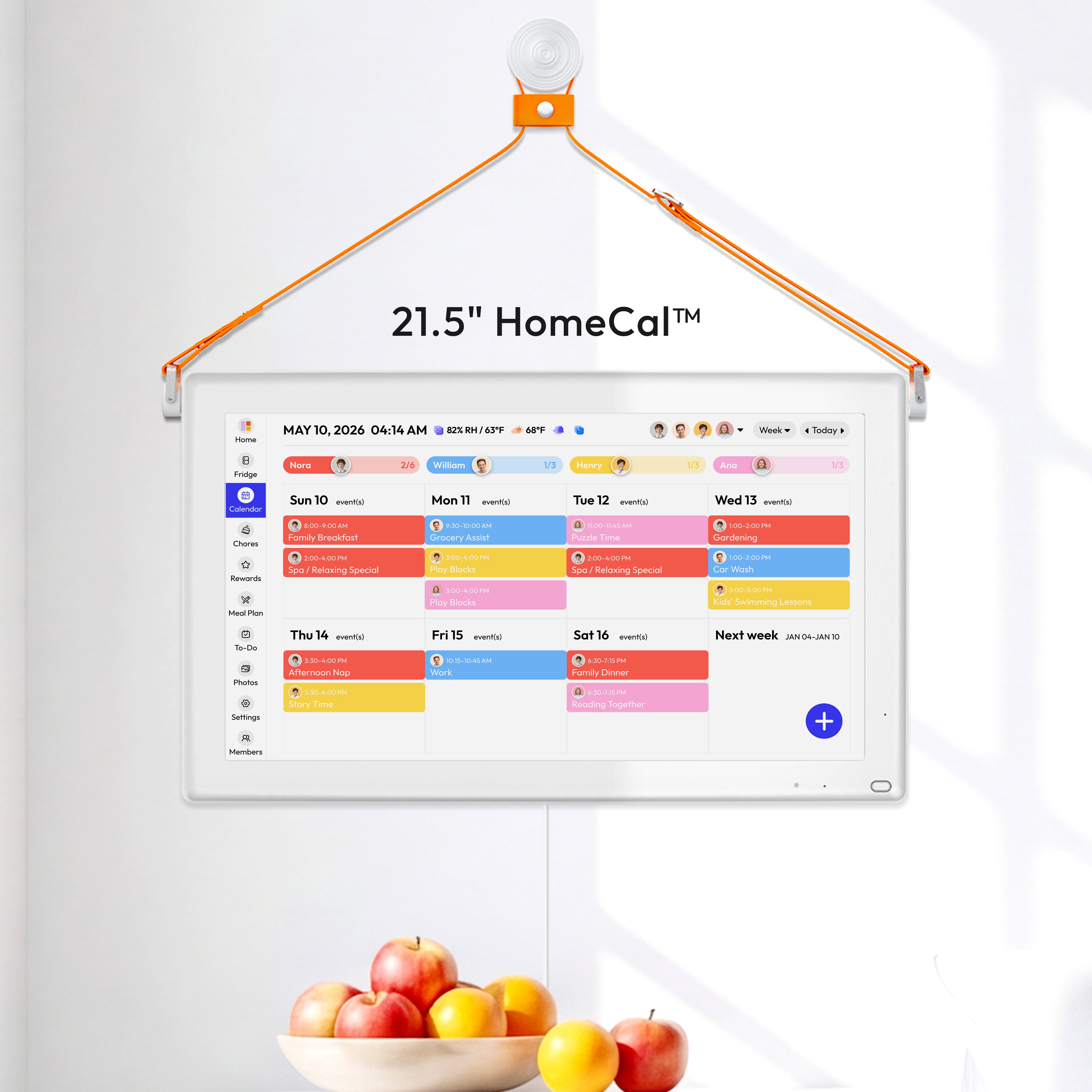
Color by activity scales better for larger families because the calendar tells you what type of commitment is happening, not just who is involved. A practical default is: school blue, medical red, family logistics orange, activities green, and social/fun yellow. Then add kid initials or symbols to each event title so you still know who it belongs to.

Recommended rule for 2+ kids
Use activity colors as the primary layer, plus person markers as a secondary layer. A realistic example: “RED | Emma | Dentist | 3:30 PM” and “BLUE | Liam | Math Club | 4:00 PM.” This keeps the color language stable while still identifying each child.
Design a Visual Language That Works for Adults and Kids
Keep the palette small
Most families do best with 4-6 colors. More than that increases decision fatigue and makes maintenance harder. Assign one meaning per color and keep that meaning fixed for at least one month before changing anything.
Build for accessibility from day one
Roughly 8% of men and 0.5% of women have some form of color-vision deficiency, so color alone is not enough. Add a second cue to every event type: icon, pattern, or short code like SCH (school), MED (medical), ACT (activity). If a printed calendar still makes sense in black-and-white, your system is robust.
Use stronger foreground cues for younger children
For pre-readers, put the color on the event marker itself, not only as a background block. In practice, kids respond faster when the key object is color-coded clearly and consistently. This is especially useful for morning and bedtime routines when attention is limited.
Build the System in 14 Days
Days 1-3: Setup
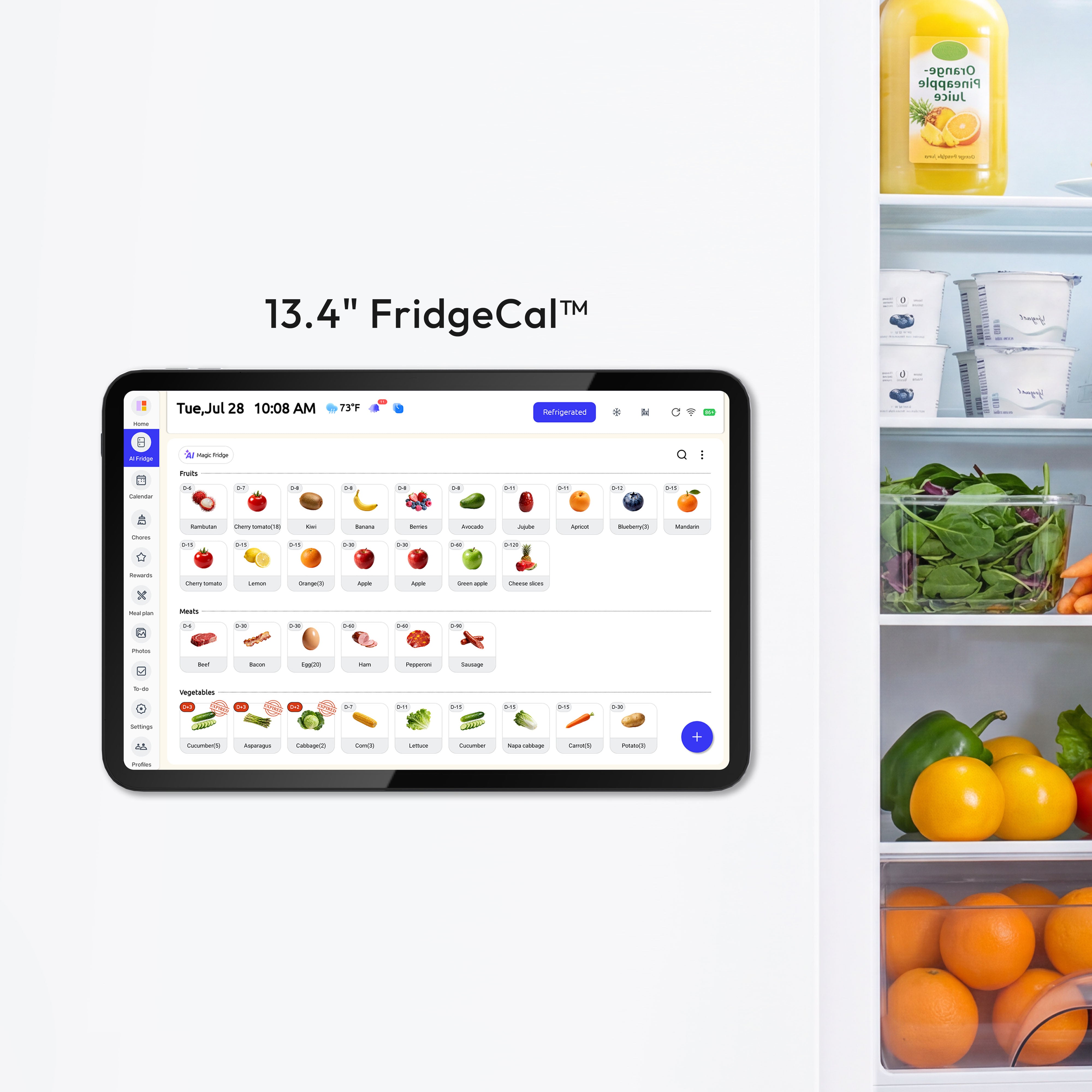
Pick one shared surface everyone sees daily: a wall calendar, fridge calendar, or shared app dashboard. A larger visible planner like a a company can reduce “I didn’t see it” failures. If kitchen visibility matters more, a compact a company keeps the schedule in the family traffic path.

Days 4-10: Habit loop
Run a fixed weekly meeting every Sunday at 7:30 PM for 20-30 minutes. Add new events, check transportation constraints, assign parent coverage, and flag conflicts in real time. During the week, use a 3-minute nightly update rule: confirm tomorrow’s first two events, required items, and pickup responsibility.
Days 11-14: Stabilize
Track only three indicators: missed events, late arrivals, and double-bookings. If any metric rises, do not add more colors; simplify labels first. Most failures come from inconsistent updates, not from lack of features.
Use Digital Sharing and Sync Intentionally
Sharing and syncing are not the same
Sharing means multiple people edit one original calendar. Syncing means events are copied between calendars and kept updated automatically. In mixed-provider families, this difference matters because imported copies can become stale if they are not actively synchronized.
Set permission tiers
Use three levels: View busy/free, View details, and Edit. Keep children’s school and medical details visible only to necessary caregivers, while still showing blocked time to everyone else. This gives coordination without oversharing.
Keep a hybrid setup
Use a digital calendar for reminders, recurring events, and phone alerts. Keep a visible weekly board for fast household scanning. The combination is more resilient than either format alone because it supports both planning depth and daily execution.

Borrow a High-Reliability Playbook for Family Scheduling
Use short, repeatable rules
High-reliability systems depend on concise operating rules, and the CDC’s four-step prevention model is a strong example of why simple frameworks outperform complex ones under pressure. Family scheduling works the same way: fewer rules, repeated consistently, beats a complicated “perfect” setup.
Standardize checks instead of relying on memory
The FDA’s safe handling guidance emphasizes objective checks over guesswork, which is the right mindset for calendars too. Before each event, verify owner, location, travel time, required items, and handoff responsibility. This 60-second preflight prevents most same-day failures.
Visual controls reduce avoidable errors
Government safety programs use clear charts and standardized controls because fast visual decisions reduce mistakes. The FDA Food Code’s risk-factor framework reinforces the same principle: strong systems prevent common human errors by design, not by willpower.
Practical Next Steps
Start with one area of chaos, not the entire household. If weekday afternoons are your pain point, color-code only school pickup, activities, and dinner logistics first. Once that lane is stable for two weeks, extend the same rules to mornings or weekends.

Expect these common failure points: too many colors, inconsistent naming, and skipped weekly resets. Fixes are straightforward: reduce the palette, enforce event-title format, and protect Sunday planning as non-negotiable.
- Choose one model: activity colors plus person markers.
- Limit to 4-6 colors and define each in a one-page legend.
- Add a second cue for accessibility: icon, code, or pattern.
- Run a Sunday 20-30 minute planning session at the same time weekly.
- Do a 3-minute nightly “tomorrow check.”
- Review monthly: missed events, late arrivals, and double-bookings.
- Simplify before expanding: fewer rules, better execution.
Important Note
The planning templates and organizational systems provided here are intended as adaptable blueprints. Every family’s needs, dietary requirements, and physical capabilities are different. We recommend tailoring these schedules to your specific health needs and household dynamics. Results from productivity or meal-planning systems may vary, and consistency remains the responsibility of the individual user.
References


