
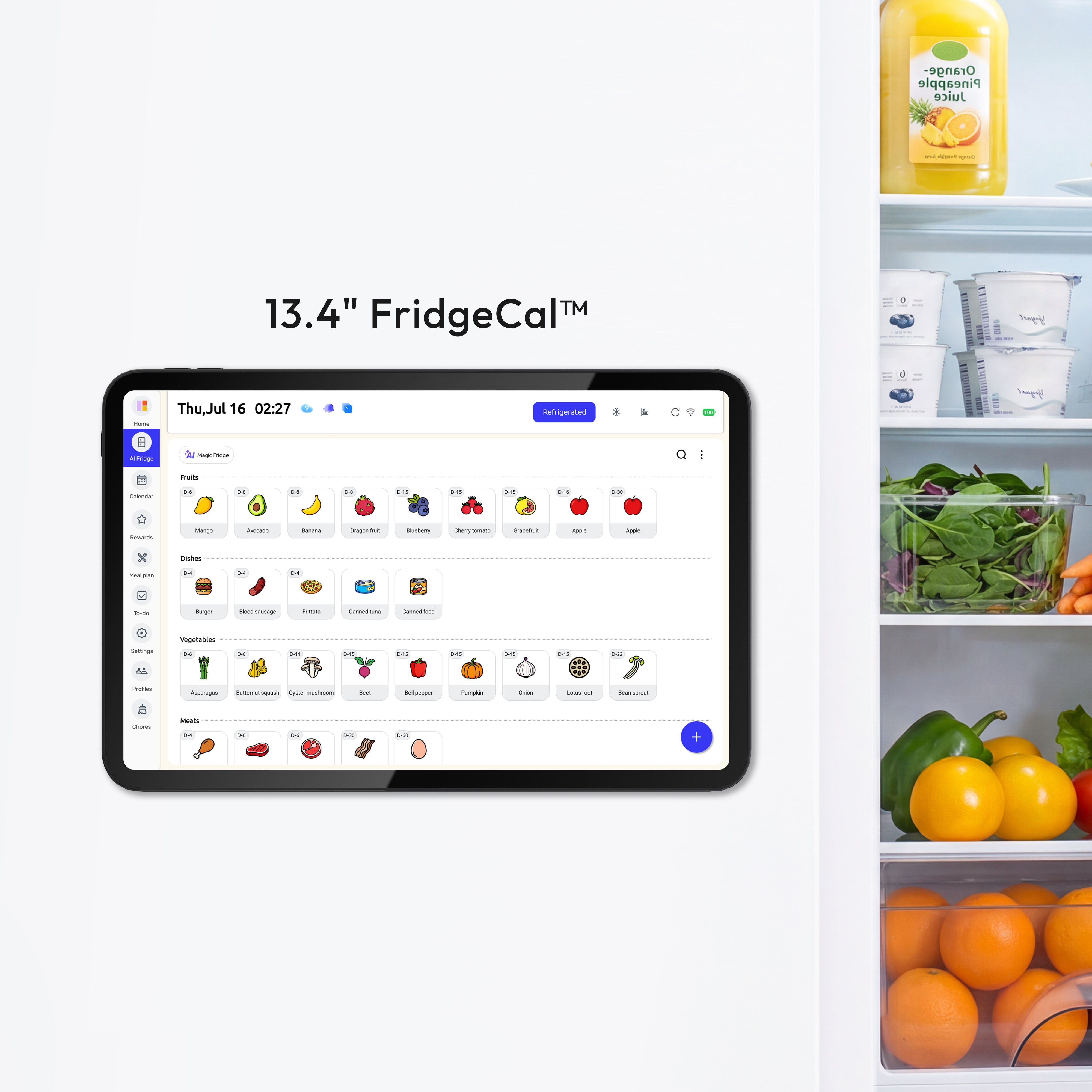
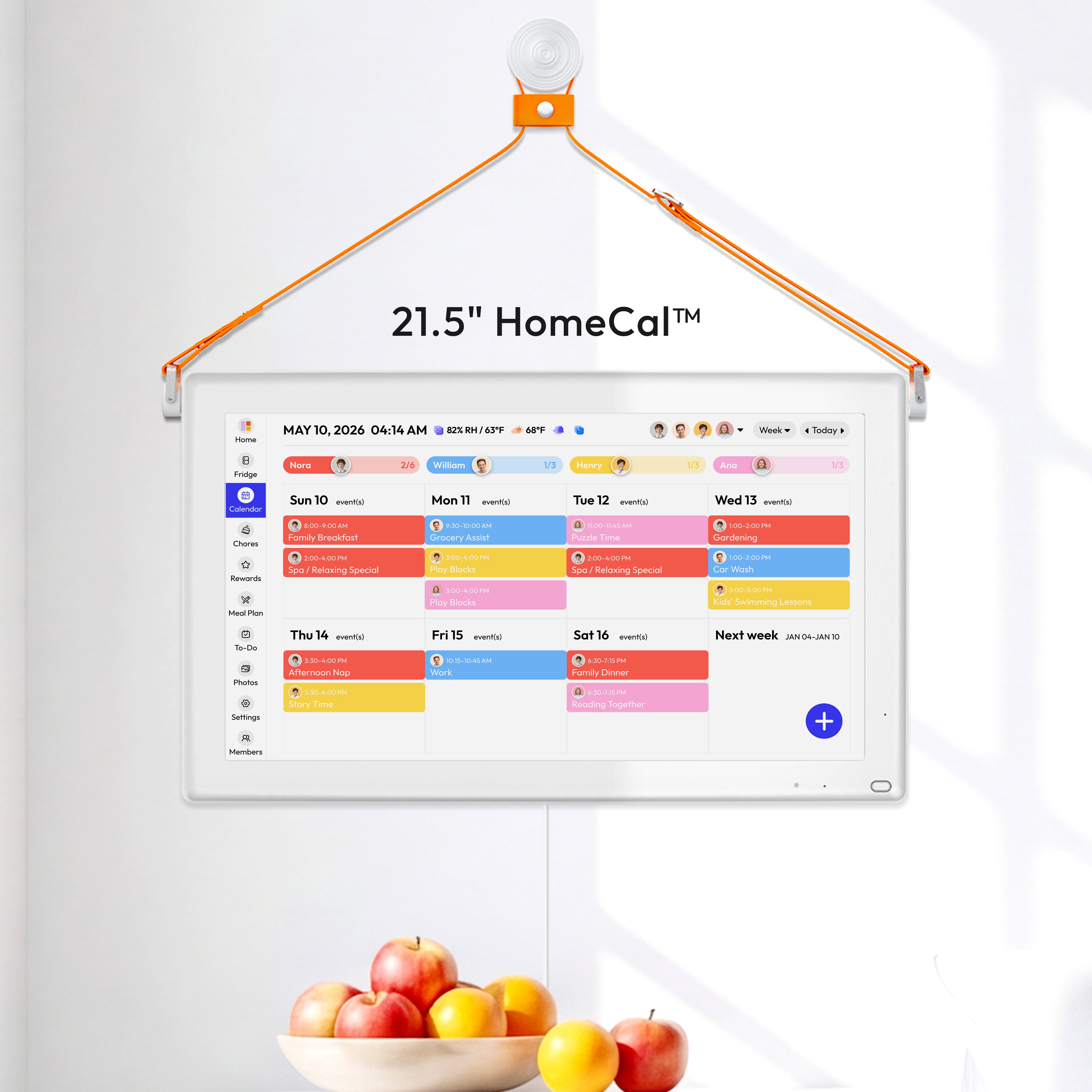


One shared planning hub makes winter break easier by putting the day’s schedule, meals, chores, and reminders in one visible place. The best version is not fancy. It is a simple setup everyone can check without asking the same questions all day.
If your winter break mornings start with “What’s for lunch?”, “Are we going anywhere?”, and “Whose turn is dishes?”, the issue is usually not effort. The plan is just spread across too many places. A shared planning hub gives your family a calmer way to run the next seven days, with fewer missed handoffs and less hidden work.
Why Winter Break Needs One Shared View
Scattered plans create hidden work
Winter break interrupts routines and raises stress when bedtime, meals, and daily expectations all shift at once. That change affects kids and adults. When nobody can see the plan, one parent ends up holding it in their head, and that is usually when forgotten library books, late lunches, and last-minute screen fights show up.

School-aged kids do better with familiar morning steps and a visual routine than with a loose “we’ll figure it out” day. A simple break routine can still feel relaxed. It might just mean getting dressed, eating breakfast, brushing teeth, and tidying up before screens or outings begin.
A family calendar works best as the core time-management tool when parents are balancing work blocks, childcare, activities, and home tasks. The real value is not the calendar itself. It is that everyone stops checking five places for one answer.
What to Put in the Hub
The four surfaces that do most of the work
A family command center works best when it includes a visible calendar, a drop zone, and simple paper storage. During winter break, that means one place to see today’s outing, one place to park incoming papers and returns, and one place to check what needs action before tomorrow morning.
A command center can live in one spot or two linked areas, which is helpful in smaller homes. Many families do well with a wall calendar in the kitchen and one nearby basket or file for forms, receipts, gift cards, and papers that still need attention.
Most family organization systems revolve around chores, food, budgets, and schedules. For winter break, your hub only needs four visible pieces:

- A calendar with outings, work hours, visitors, and pickup times
- A meal strip with breakfast, lunch, dinner, and any thaw or prep notes
- A chore board with names, not vague reminders
- An action pocket for forms, library books, returns, and anything leaving the house next
Choose the Format Your Family Will Actually Use
Paper, app, or hybrid
A digital calendar is strongest when it holds the full year of school breaks, off days, and personal commitments. It is especially useful if two adults are coordinating work, travel, and kid activities. Color-coding by person makes the week easier to scan, and it helps catch conflicts before they turn into morning surprises.
If you want chores, meal planning, shopping lists, and the calendar in one place, a platform combines those tools in one app. Its premium plan is $4.99 a month or $44.99 a year after a 7-day trial. That kind of app can be worth it if your biggest problem is switching between too many tools, not if you mainly need a shared family schedule.
If schedule overlap is the main issue, calendar-first tools from a platform focus on merging work and family calendars into one view. The trade-off matters. A calendar-first setup is cleaner for adults with packed workdays, but it will not replace a meal plan or chore system by itself. For most families, the sweet spot is hybrid: one digital source of truth for updates, plus one visible home surface that kids can see without opening a phone. Some families use a wall-mounted digital hub such as the Everblog digital calendar to keep schedules, chores, and meal plans in one visible place.
Build a Weekly Rhythm Before the Break Starts
The minimum schedule that keeps days steady
A shared schedule works better when it includes realistic time estimates, buffer space, and protected family blocks. For winter break, a 15-minute weekly review is enough. Put in outings, guests, work calls, grocery runs, and one or two “nothing planned” windows so the whole week does not feel overbooked.
Kids tend to handle break weeks better when bedtime stays within about 30 minutes of the usual time and normal eating patterns stay steady. That one choice does a lot of work. It protects mornings, reduces crankiness, and makes it easier to say yes to a fun evening without losing the next day.

Breaks also go better when families make a shared list of connection activities instead of relying on screens to fill every gap. A winter list can be plain: library trip, board game, indoor fort, baking, music, reading time, neighborhood walk, or a trip to a community center. When those options are posted in the hub, kids stop asking “What can I do?” every hour.
Assign Roles Instead of Repeating Reminders
Jobs beat reminders
A workable chore system starts by listing daily household needs, matching jobs to each child’s ability, and testing the plan for a few weeks. That matters during winter break because more people are home, which creates more dishes, more snack cleanup, and more laundry movement. Weekly rotation can work well, but expect a few days of adjustment when someone gets a new job.
Kids often respond better to job-style responsibilities that last all day than to random one-off instructions. “Kitchen Manager” is clearer than “Please clean up again.” “Dish Crew” is clearer than “Can someone empty the dishwasher?” In one family system, that role means keeping the sink clear, running the dishwasher, emptying it, and putting items away as needed.

A simple household plan also needs clear ownership for food and laundry. Give one person the lunch setup, one person the dishwasher check, and one laundry day or laundry block per family member if that fits your household. When a job is visible on the hub, adults spend less energy tracking who said they would do it.
Keep the System Simple Enough to Last
What usually breaks
The best command centers sit where the family already passes by, such as the kitchen, garage entry, or a short hallway near the main door. A perfect-looking setup in a back office usually fails because nobody sees it at the right moment. Visibility matters more than style.
Visual systems are easier to keep up when the routine is simple enough for kids to help use it. What usually breaks is not the calendar. It is the extra layers: too many categories, too many boards, or too many updates that only one adult understands. If your hub takes more than five minutes to refresh at night, it is too complicated.
A two-zone setup can work just as well as one large station if your wall space is tight. For example, keep the weekly calendar and chore list on the fridge, then use one nearby basket for papers and returns. Families keep using systems that are easy to reset, easy to read, and hard to ignore.
FAQ
Q: Do I need a paid app for this to work?
A: No. A dry-erase calendar plus a shared phone calendar handles most winter break planning. A paid app only makes sense if you want chores, meal planning, shopping lists, and rewards in one place.
Q: How many chores should kids have during break?
A: Start small. One morning job and one all-day responsibility is enough for most kids at first. Add more only if the system is being followed without constant reminders.
Q: What if one parent updates the hub and the other forgets?
A: Pick one daily reset time, usually after dinner or before bed. One adult can make the final update, but both adults need to treat the hub as the place to check before texting or asking.
Final Takeaway
A better winter break routine does not come from stricter parenting or a bigger calendar. It comes from putting the plan where everyone can see it, then keeping that plan small enough to maintain when the week gets messy.
- Choose one visible spot your family already walks past every day
- Add one shared calendar with color-coded names and fixed events
- Post a short AM routine, PM routine, and bedtime target
- Assign 3 to 5 clear household roles for the week
- Keep one meal plan and one action pocket for anything leaving the house
- Do a five-minute nightly reset so tomorrow is ready before bed


