


Make the system visible, shared, and small enough to update in under 15 minutes a week. For most busy families, that means one calendar, one meal plan, one chore rhythm, and one place for active papers.
Do reminders live in texts, backpacks, sticky notes, and one tired adult’s memory? Families usually get more follow-through when schedules, meals, and chores move into one visible routine instead of staying scattered. You can set up a home system this week that makes handoffs clearer and cuts down on last-minute scrambling.
Why Busy Families Need One Shared System
Stop treating household planning like private information
Shared family calendars help because work shifts, school events, and house tasks stop being private knowledge. When one parent tracks pickups on a cell phone, another keeps dinner ideas in their head, and kids rely on verbal reminders, missed handoffs are almost guaranteed.

One shared family calendar or whiteboard works better than scattered reminders because everyone can see the same next steps. That matters in homes where time is tight, energy is low, and no one wants a 5:45 PM debate about dinner, laundry, and who is driving to practice.
The shared layer should hold only things that affect other people. Put appointments, school events, dinner, chores, grocery needs, return items, and this week’s papers in the system. Personal notes and long private task lists can stay somewhere else.
What to Include in the System
Keep the visible setup simple
An 11-step wall calendar setup points to the same core pieces most families need: large daily boxes, a meal area, a shared shopping or to-do list, and quick visual cues like colors or magnets. If the setup does not show who is where, what dinner is, and what still needs attention today, it is missing the high-value parts.
Five basics are enough for most homes:
- A visible calendar
- A drop zone for backpacks, mail, or keys
- A place for active papers
- Simple storage like one bin or pocket per child
- A location the family already uses
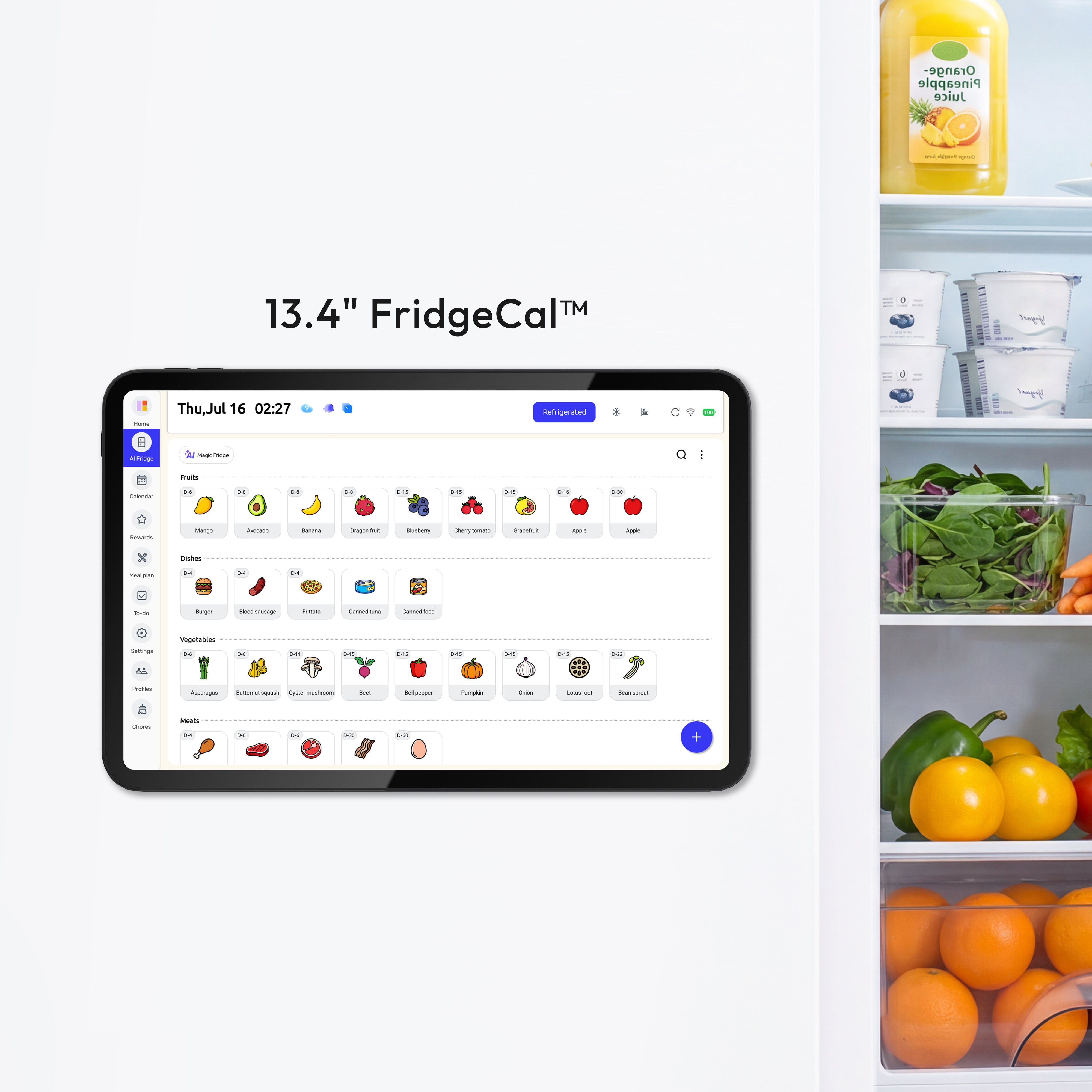
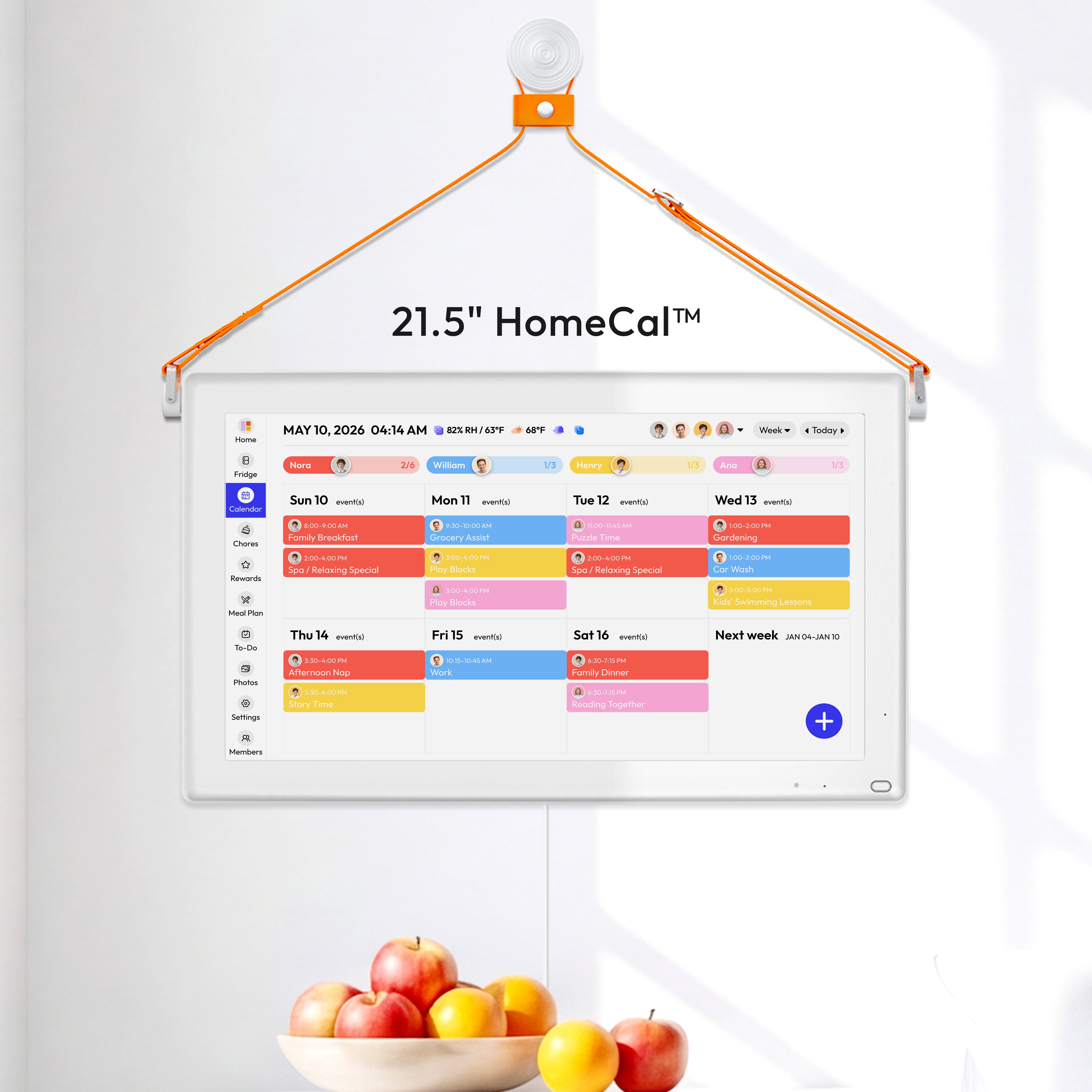
Add a pen, dry-erase markers, and a permanent color key for each person. If your family prefers a screen over a whiteboard, a wall-mounted digital calendar such as the Everblog 21.5" Digital Calendar can fill the same role by helping everyone view plans, tasks, chores, and events on one screen. That is usually enough structure to reduce confusion without turning the wall into another clutter zone.

Keep only active information there
The command center should hold near-term papers only. A field trip form, an RSVP, a bill due this week, or tomorrow’s library book belongs there. Old artwork, archive papers, and junk mail do not. If everything lands in the same spot forever, the system becomes a paper pile instead of a planning tool.
Put It Where People Already Pause
Choose traffic over aesthetics
A command center placed where the family already gathers gets used more than a prettier one in a back office. Good spots are near the kitchen, garage entry, mudroom, laundry area, or the path between the door and the fridge.
This is why many workable systems look ordinary. They are built around the family’s real path through the house, not around a perfect a platform wall. If everyone drops bags by the garage door, that is where the planning surface should start.
Make it readable in 10 seconds
Large writing and high contrast matter more than decor. Use broad-tip markers, keep enough empty space in each day box, and place the board at eye level for the adults and older kids who need to scan it fast.
Younger children usually do better with visual cues than dense writing. A soccer ball icon, a lunchbox note, or a colored magnet can do more than a paragraph of instructions. Keep one hook, basket, or shelf nearby for whatever needs to leave the house next.
Build a Weekly Rhythm That Survives Real Life
Use a 15-minute weekly reset
A 15-minute weekly family check-in is long enough to keep everyone aligned without turning Sunday into a meeting. A useful split is 3 minutes to review the week that just ended, 5 minutes to add fixed events, 3 minutes to assign chores, 3 minutes to sketch dinners, and 1 minute for reminders or concerns.

That reset works because it covers the handoffs families usually miss first: pickups, meals, school papers, and who owns which task. It also gives older kids one place to mention what is coming up before it becomes a same-day emergency.
Add two tiny daily checks
A Sunday family session works better when it feeds two small daily habits: a quick morning glance and a short evening reset. The morning check confirms timing, lunch, and rides. The evening check handles tomorrow’s paper, any grocery additions, and whether dinner needs to be shifted.
What usually breaks is not the plan itself. It is the update habit. If one adult is the only person who ever adds events or crosses off tasks, the system goes stale fast. Give each adult and older child one clear job, such as adding school events, updating the shopping list, or marking chores complete.
Make Meals and Chores Easier to Follow Through On
Repeat chores before you rotate them
One-week chore rotations are easier to remember than daily switching. In one practical family setup, three children rotate three core chores for a full week, and the family uses about 10 minutes before school and 10 minutes after dinner to keep those jobs moving.
Repetition reduces arguing because the task is clear and familiar. It also makes it easier for adults to notice when a child still needs help. Flex still matters: chores can be swapped by agreement, and adults should step in during illness, heavy homework weeks, or schedule pileups.
Keep dinner in the same planning system
Meal planners tied to shared calendars and shopping lists remove one of the biggest evening bottlenecks. When dinners, grocery needs, and to-dos live together, it is much easier to see that Wednesday needs a slow-cooker meal, Thursday needs leftovers, and Friday is the night to order pizza after a late game.

A weekly dinner strip does not need to be fancy. Theme nights like tacos, pasta, soup, breakfast-for-dinner, and leftovers are often enough. Keep one backup meal on purpose for the night the plan breaks. Eggs, grilled cheese, frozen dumplings, or a rotisserie chicken can save the whole week from unraveling.
Choose Paper, Digital, or a Hybrid Setup
Pick the format that creates the least friction
Digital family calendar options vary mostly on visibility, syncing, and cost. A platform can be free, another platform has a free plan, and wall displays add stronger visibility but push the setup into hardware and subscription territory.
Setup |
Best for |
Strengths |
Watch-outs |
Paper wall calendar |
Families who want instant visibility |
Easy to see, cheap, kid-friendly |
Manual updates, no automatic reminders |
Shared app |
Families often on the go |
Real-time updates, reminders, shared lists |
Kids may not see it unless an adult shows them |
Families who want one shared screen |
High visibility, synced calendars, chores in one place |
Higher cost, another device to manage |
|
Hybrid |
Most busy households |
Visibility at home plus synced updates on phones |
Requires a simple rule for what goes where |
A platform’s shared calendar, reminders, shopping lists, and recipe box show why apps are useful for working adults. Updates happen in real time, agenda emails can help adults stay aligned, and the same system can hold meals and lists. The weak spot is visibility for kids and partners who do not check the app unless prompted.
A hybrid setup is often the easiest to keep. Let the app handle syncing and reminders, then post the week’s meals, rides, and chores on a fridge board or command center. That gives adults flexibility without making the household depend on everyone opening the same screen at the right moment.
FAQ
Q: Does every family member need to use the same app?
A: No. Adults usually need the full tool. Kids often just need a visible board, a color, and one simple way to check what is next.
Q: How detailed should a chore system be?
A: Detailed enough to stop confusion, but not so detailed that no one updates it. Start with 3 to 5 repeating jobs and add more only after the basic rhythm works for two weeks.
Q: What if one person never checks the system?
A: That usually means the system is in the wrong place or tied to the wrong moment. Move it to a daily path, pair it with breakfast or after-dinner reset time, and give that person one job that requires checking it.
Practical Next Steps
Start with the smallest version that could help your next seven days. The goal is not a perfect household dashboard. The goal is fewer missed handoffs and less planning work living in one person’s head.
- Pick one visible home location your family already passes every day.
- Add four pieces only: calendar, meal strip, shopping list, and one paper pocket.
- Choose one color per person and pre-fill recurring events like school, practices, trash day, and bill due dates.
- Hold one 15-minute weekly reset on Sunday night or another reliable time.
- Use one-week chore assignments instead of daily renegotiation.
- Add one backup dinner and one pickup backup plan every week.
- Review the setup after seven days and remove anything nobody used.


